
Synchronize your computer and/or smartphone with your Twake account
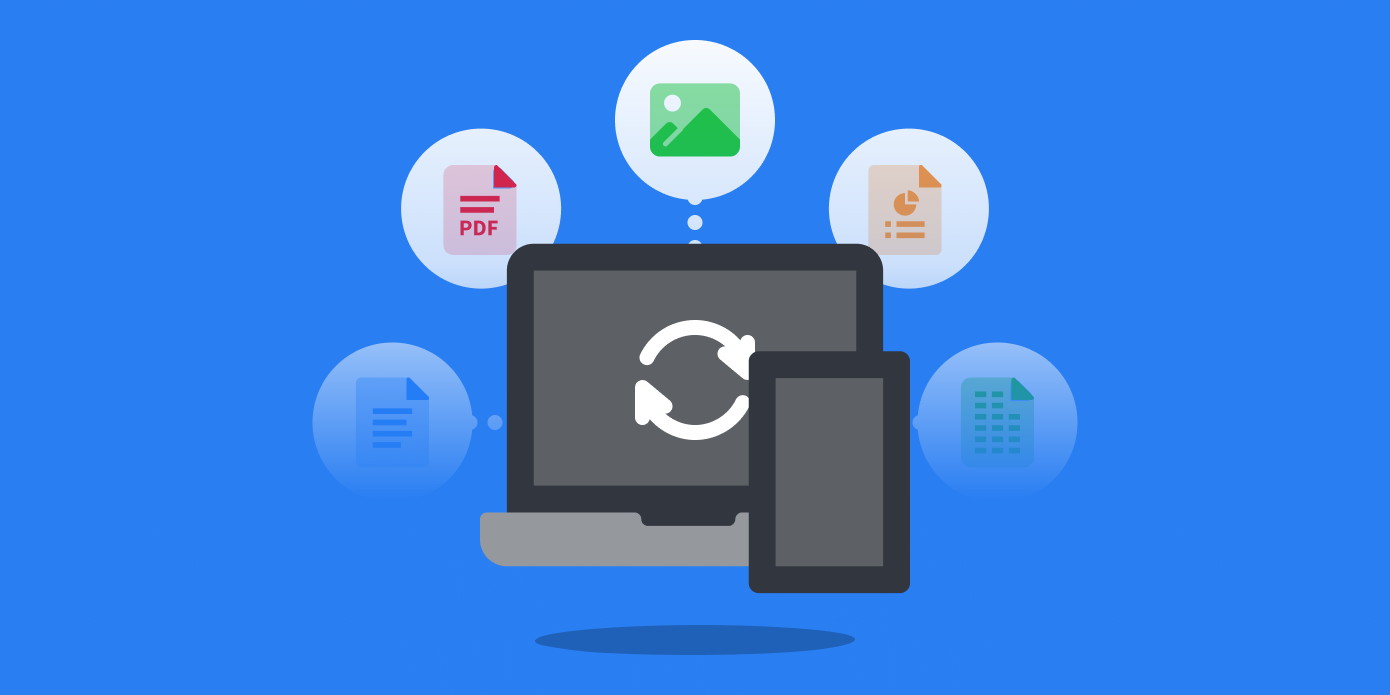
To synchronize your computer with your Twake, you have two options:
On the cozy.io website 👉 https://twake.app/download/
In your Twake:
- Click the Twake Drive icon on your homepage
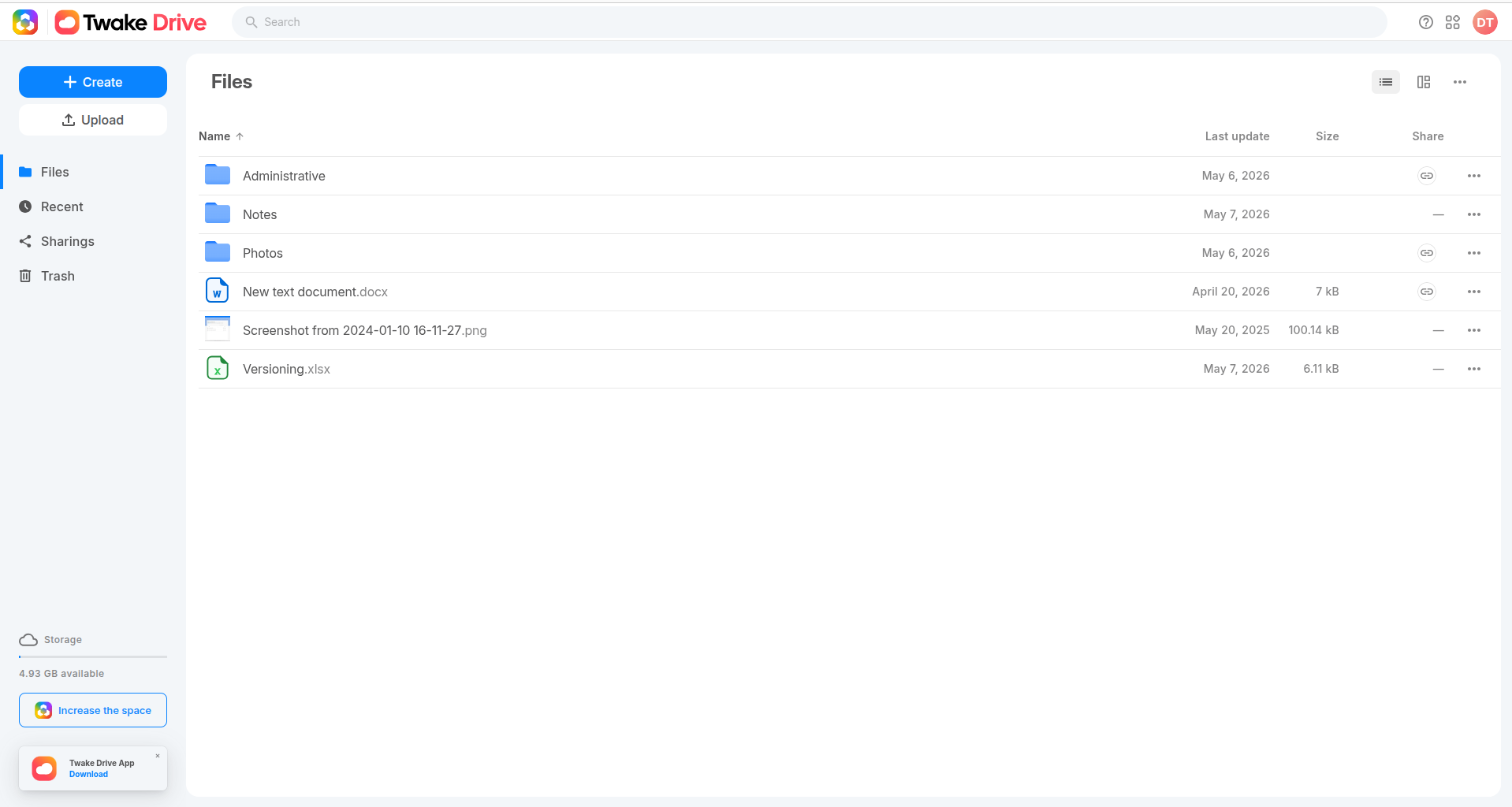
- Click on the Download button at the bottom of your screen
Precision for installation under GNU/Linux
Our developers have written a walkthrough on our documentation site: https://docs.cozy.io/en/howTos/sync/linux/ and you can refer to this dedicated article .