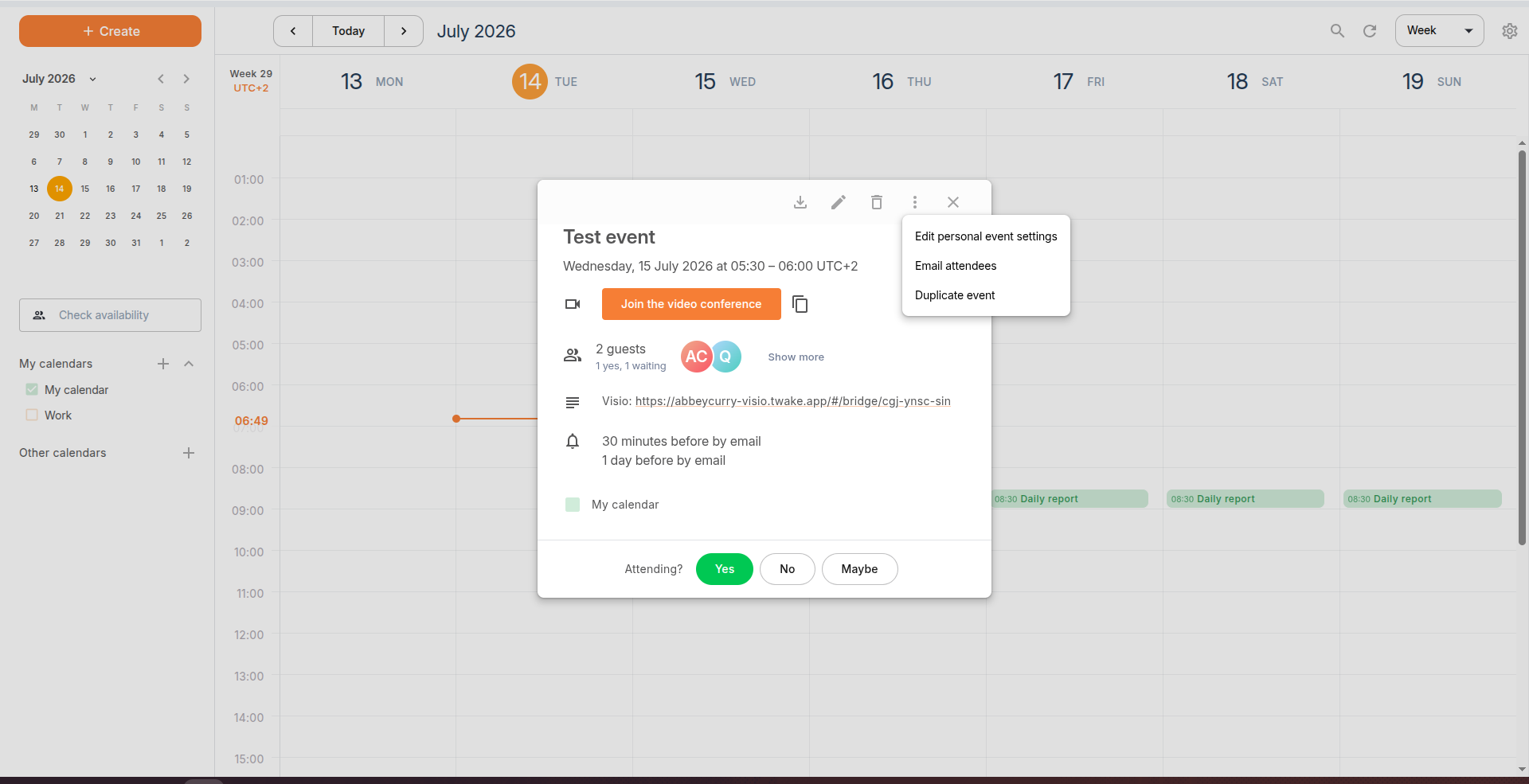
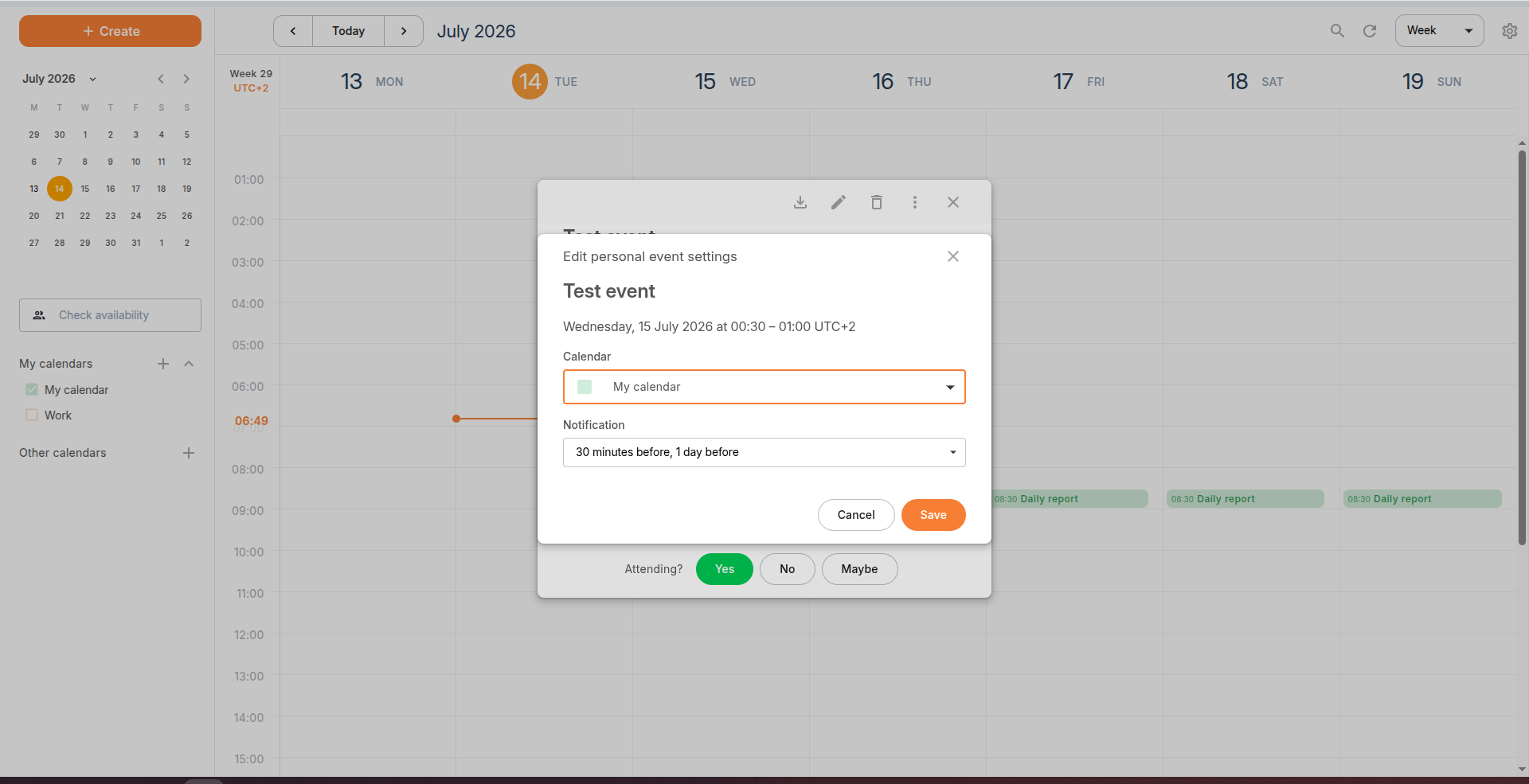
Edit personal event settings
Personal event settings let you customize how an event appears in your own calendar without changing the event details for other participants.
To edit your personal event settings:
- Open the event.
- Click the More actions (⋮) icon.
- Select Edit personal event settings.
- Update one or both of the following settings:
- Calendar – Choose which of your calendars the event belongs to.
- Notification – Select when you want to receive a reminder, or choose No notification to disable reminders.
- Click Save to apply your changes.