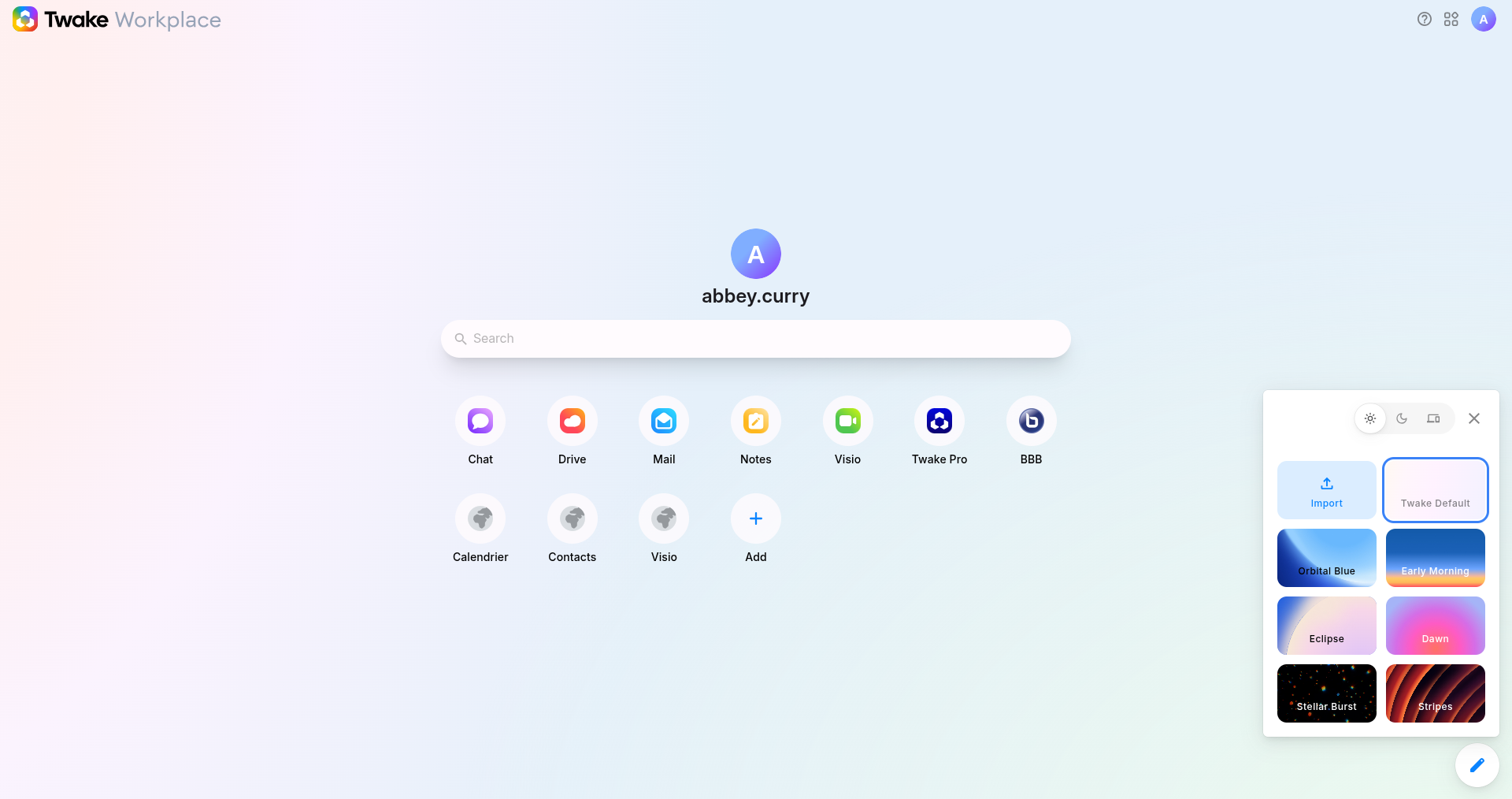
How to change the appearance/homepage wallpaper ?
You can customize the appearance of your interface at any time. Two methods are available.
Method 1: From the homepage (quick access)
- Go to your Homepage
- Click the edit (✏️) button in the bottom-right corner
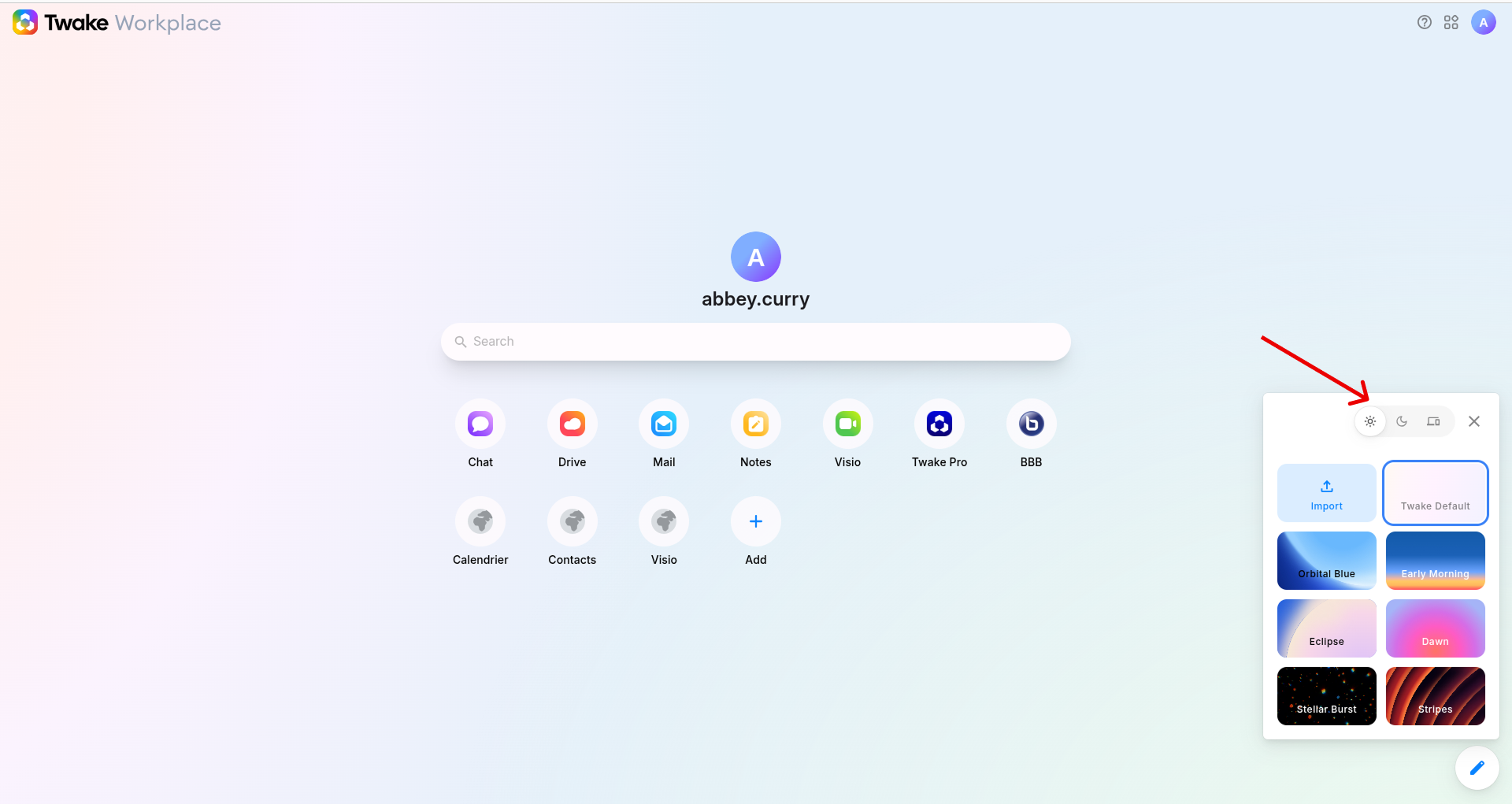
- In the panel, select:
- Light mode → Activates the clear appearance
- Dark mode → Enables the dark appearance
- Dynamic (device setting) → Automatically follows your system settings
👉 The change is applied instantly
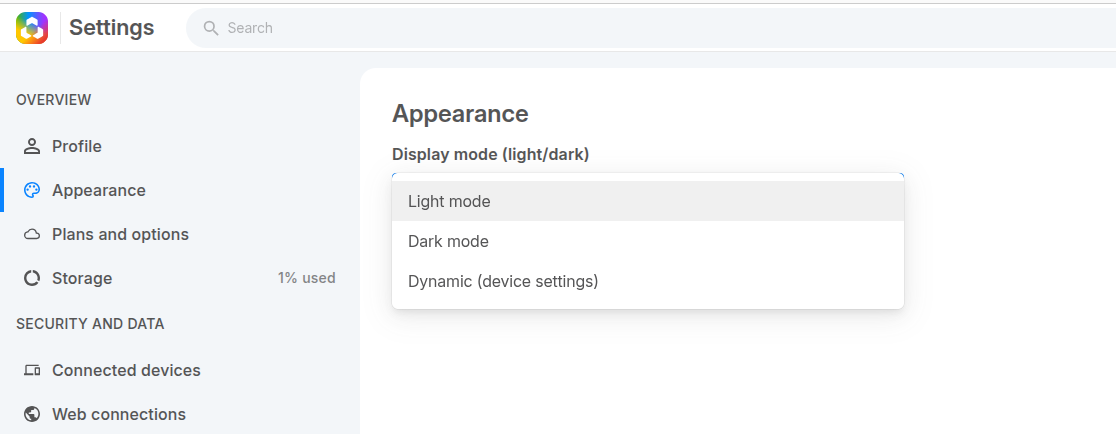
Method 2: From Settings
- Click your profile icon (top right), then select “Manage profile”
- Click Appearance
- Select your preferred option, the interface updates immediately
How to change the homepage wallpaper?
You can personalize your homepage by selecting a new background or importing your own.
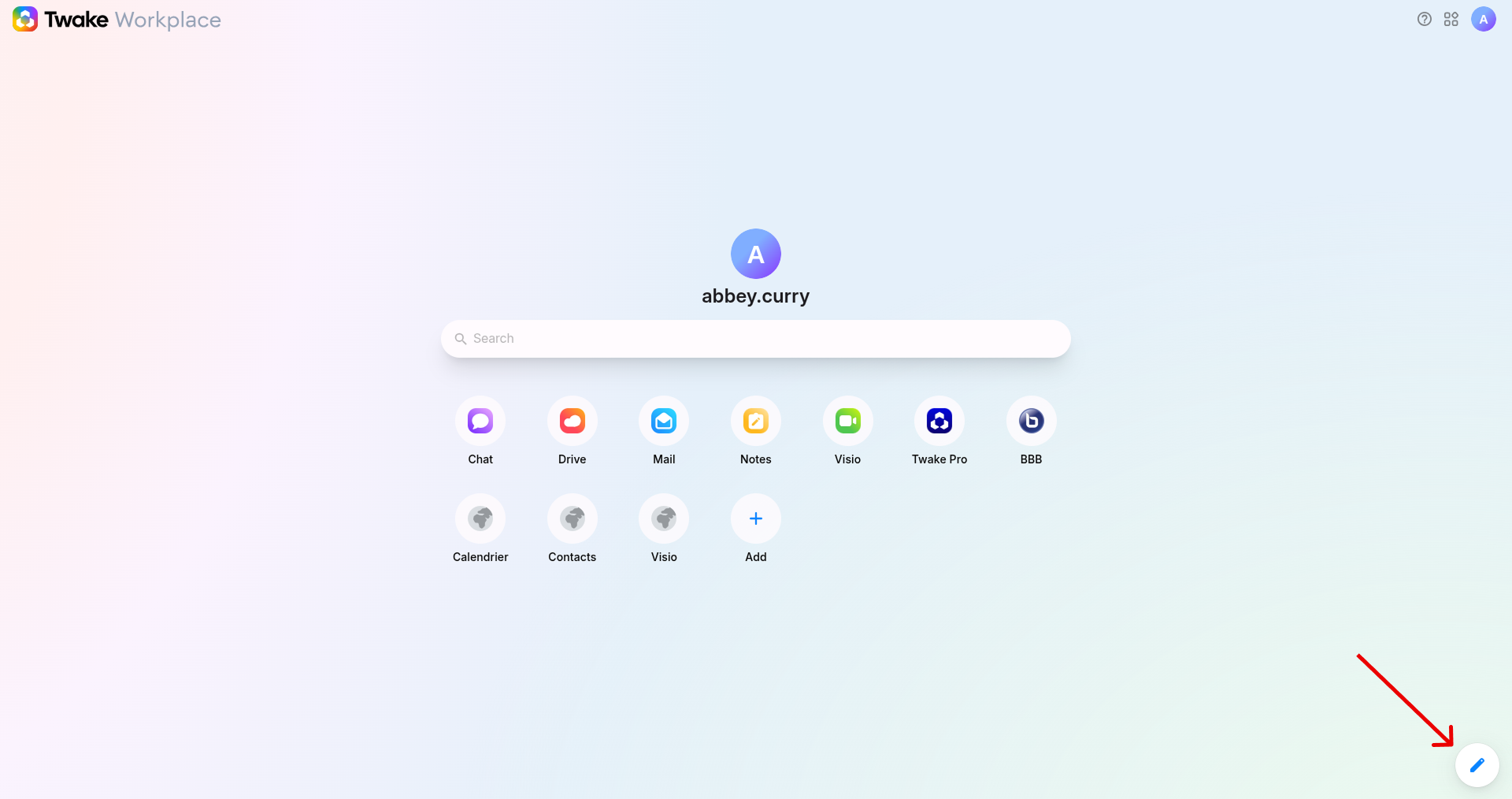
1. Open the wallpaper panel
- Go to your Homepage
- Click the edit button in the bottom-right corner
2. Choose a wallpaper
- The wallpaper panel opens on the right
- Select a wallpaper from the available options: Orbital Blue, Early Morning, Eclipse... Click any theme to apply it instantly
- Or you can click Import to select your own wallpaper from your device.