
Settings - Privacy and Security
The Privacy & Security settings let you control who can find you, manage blocked users, and access your encryption keys. These settings help protect your privacy while using Twake Chat
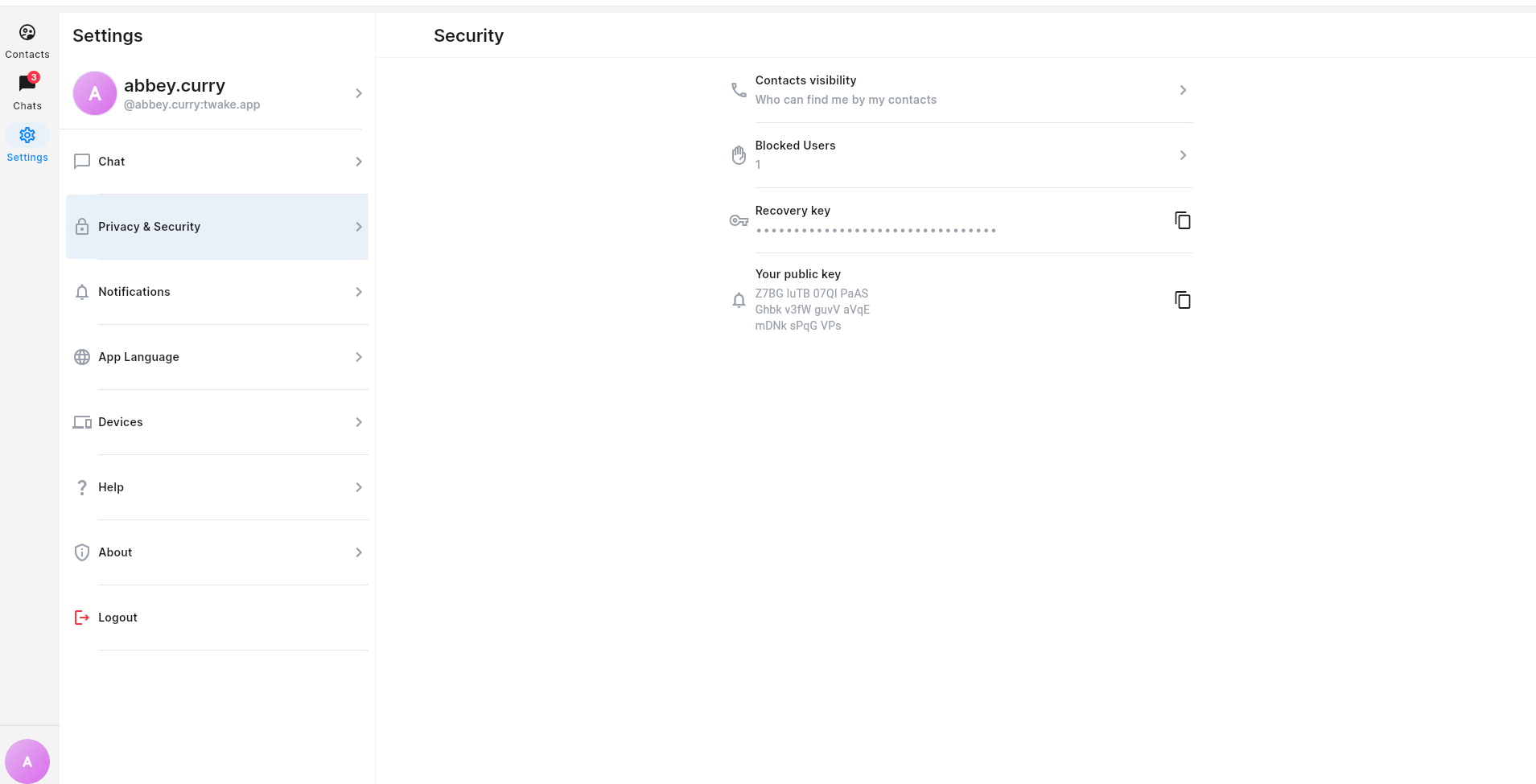
On mobile app:
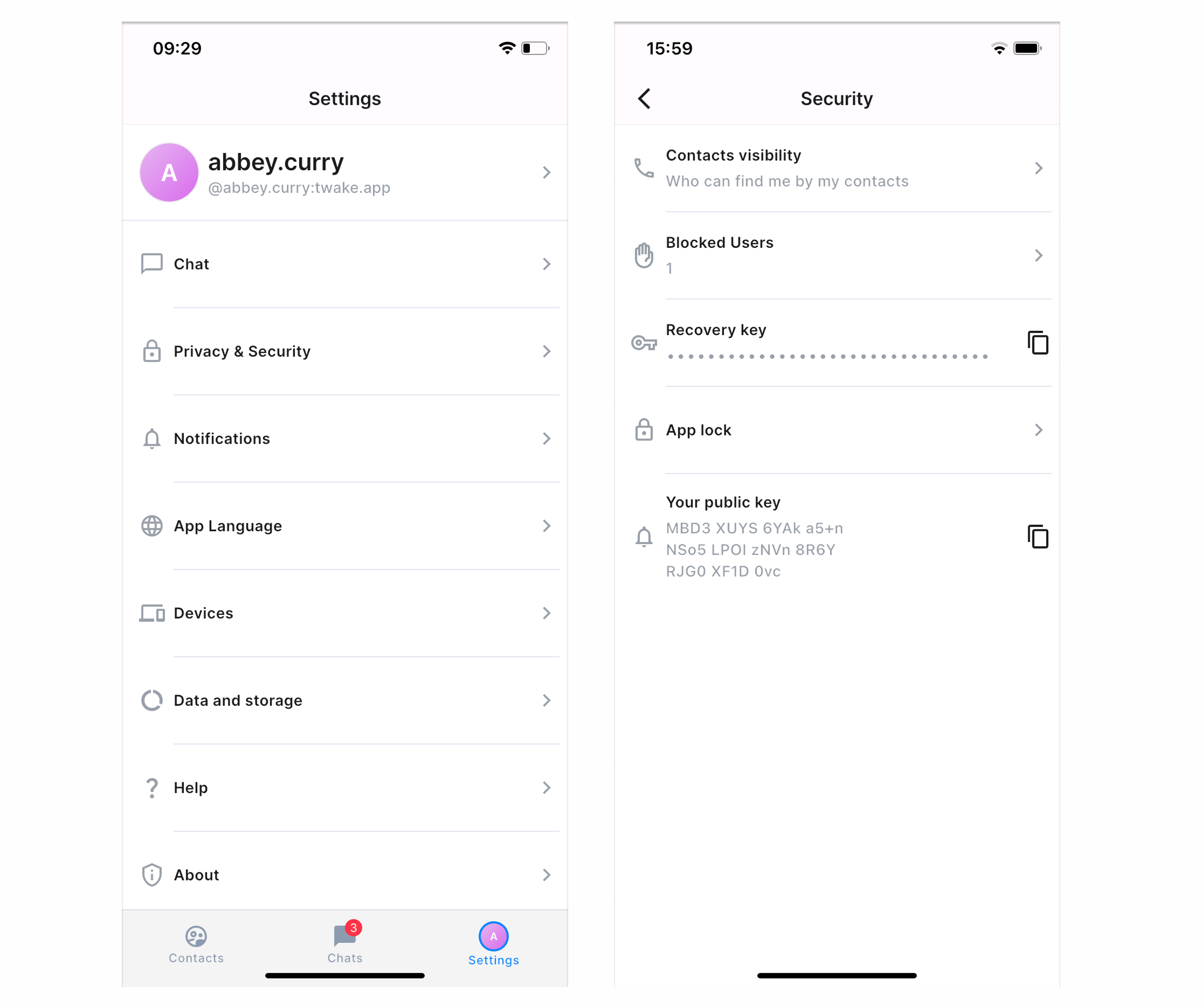
Manage Contact Visibility
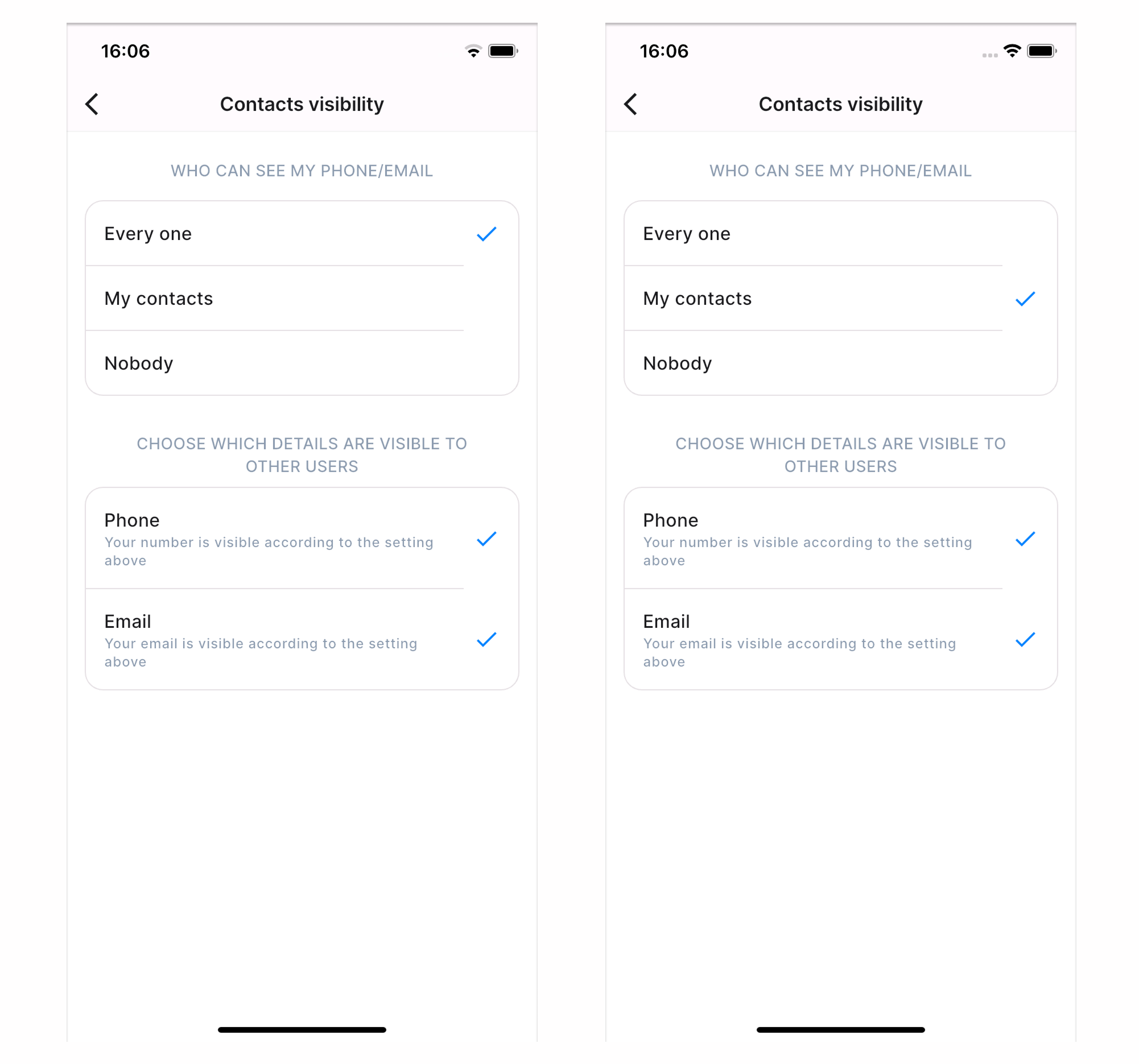
Control who can find you using your phone number or email address. You can choose one of the available options:
- Everyone – Anyone who knows your phone number or email can find you. You can also choose which details are visible for other users: Phone number/email
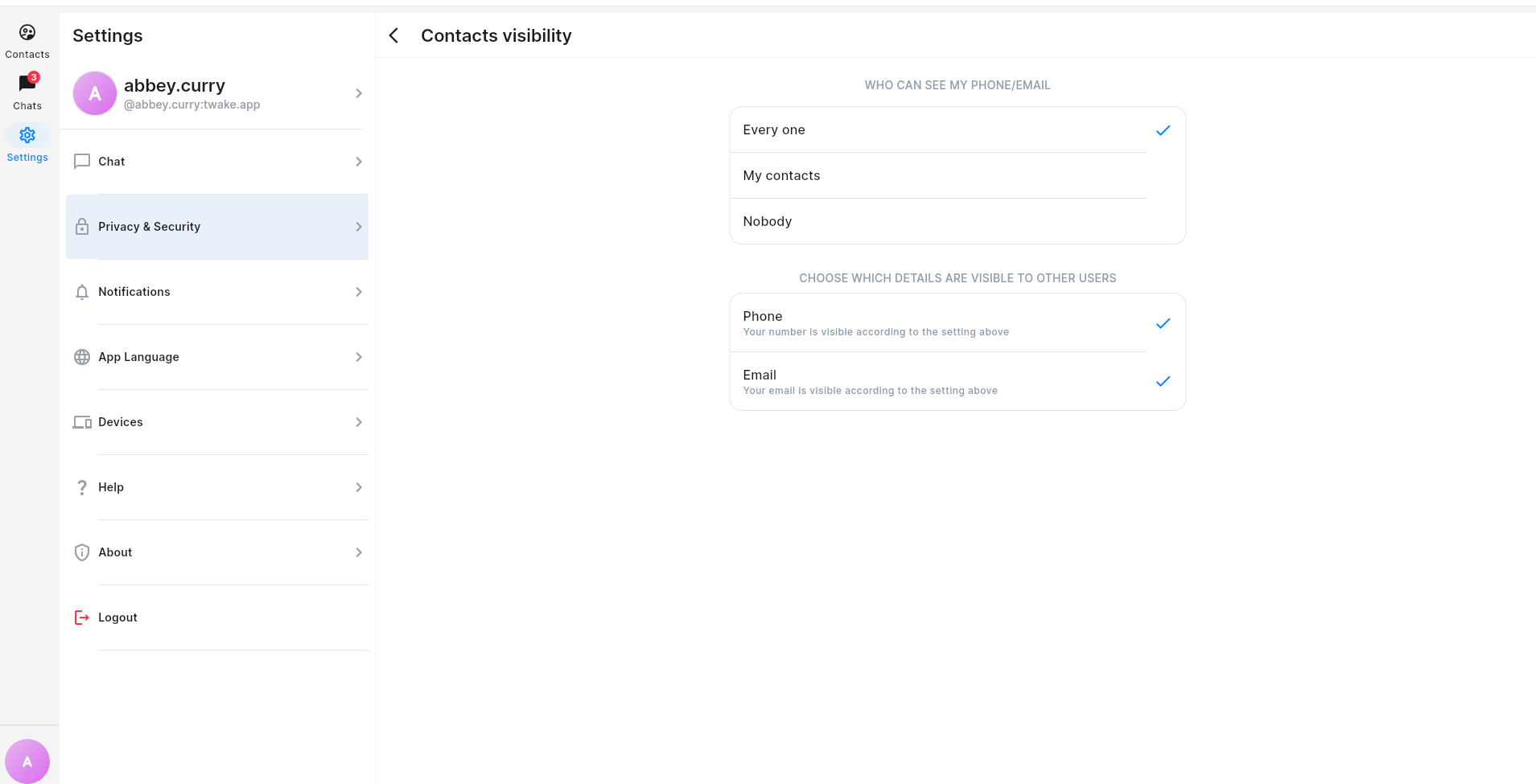
- My contacts – Only people saved in your contacts can find you. You can also choose which details are visible for other users: Phone number/email
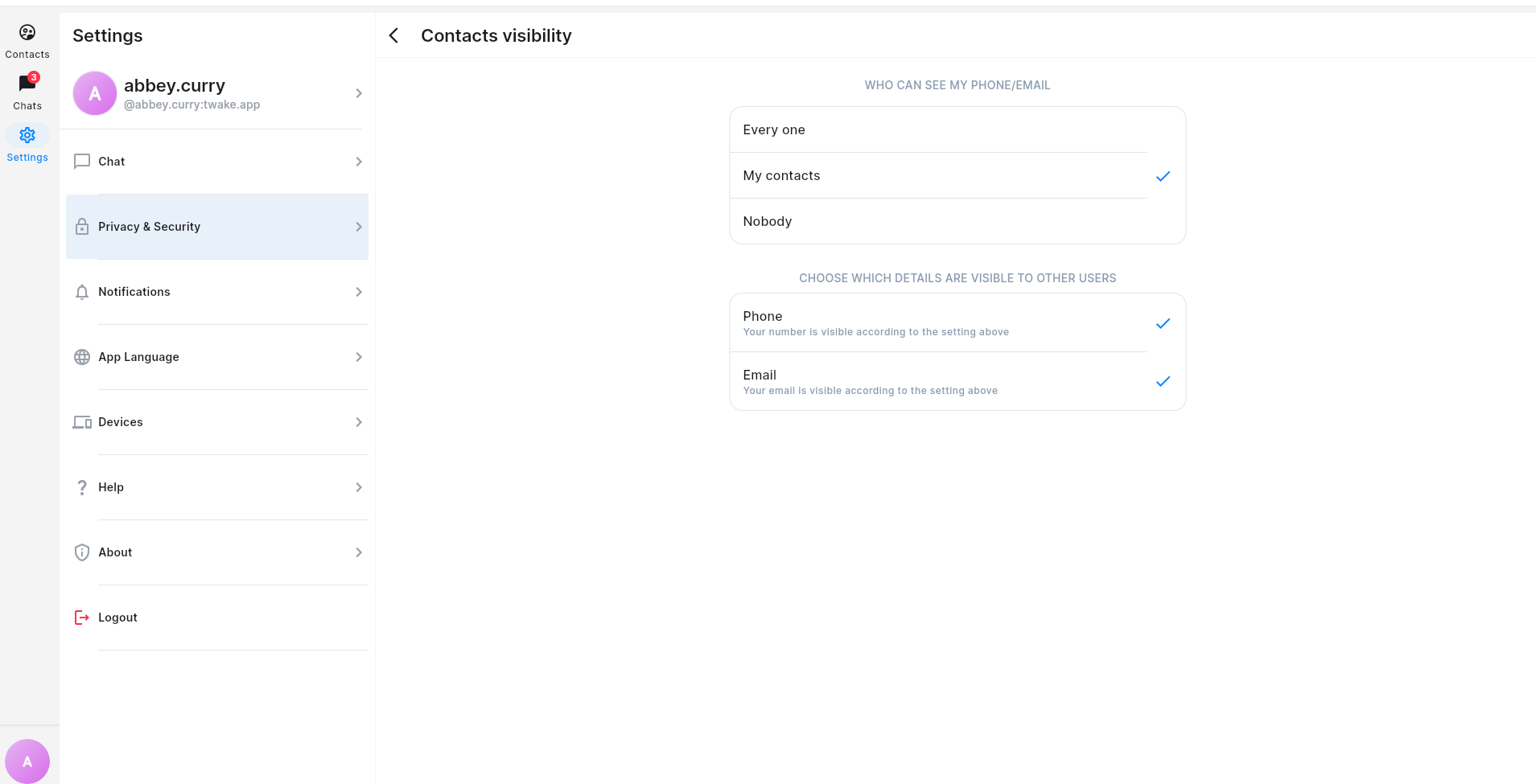
- Nobody – No one can find you using your phone number or email.
Your selection is saved automatically.
Blocked Users
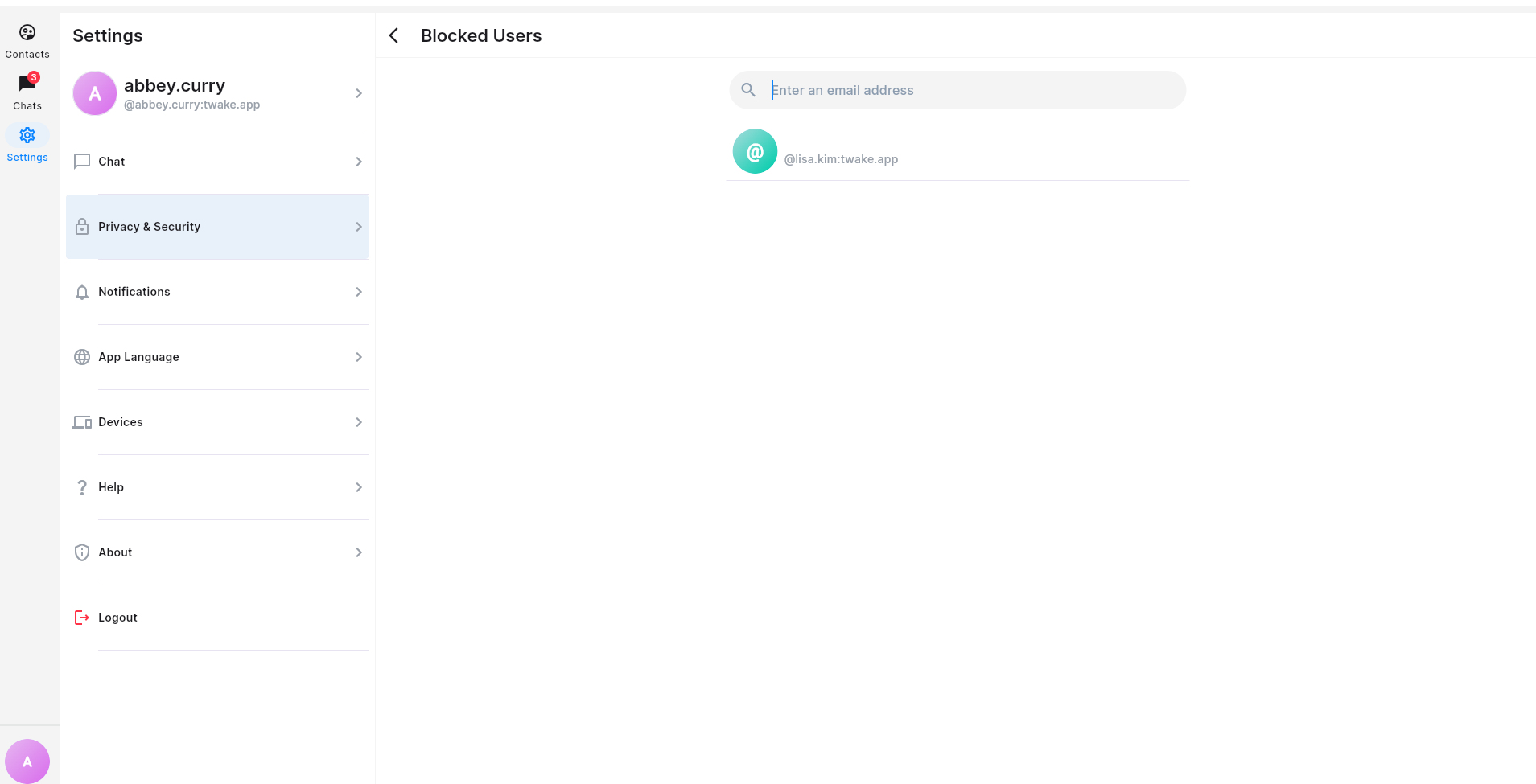
Here you can see all contacts you have blocked:
On mobile app:
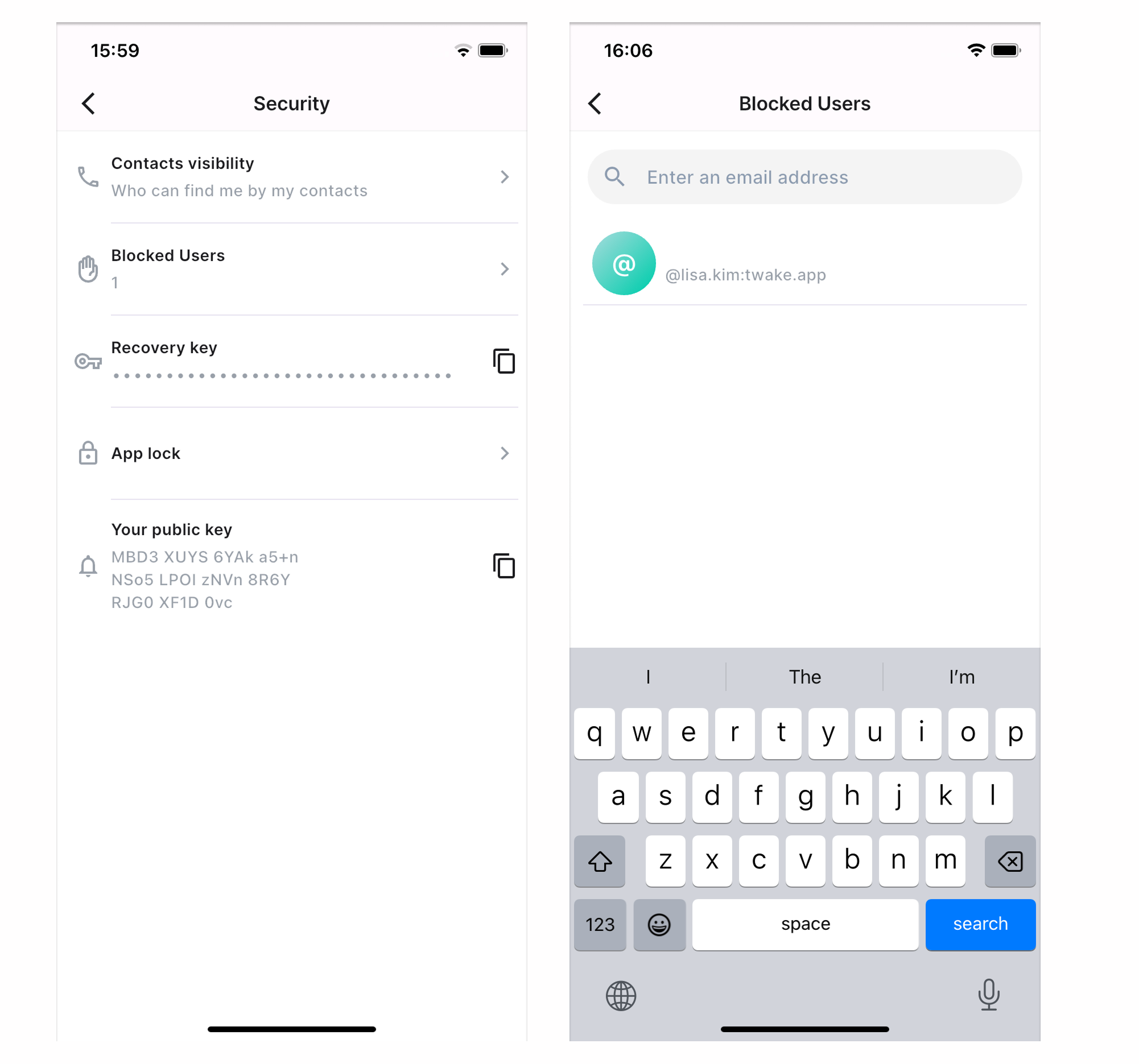
Use the search box at the top of the page to quickly find a blocked user by their email address. Click on the blocked contact to see the conversation with them
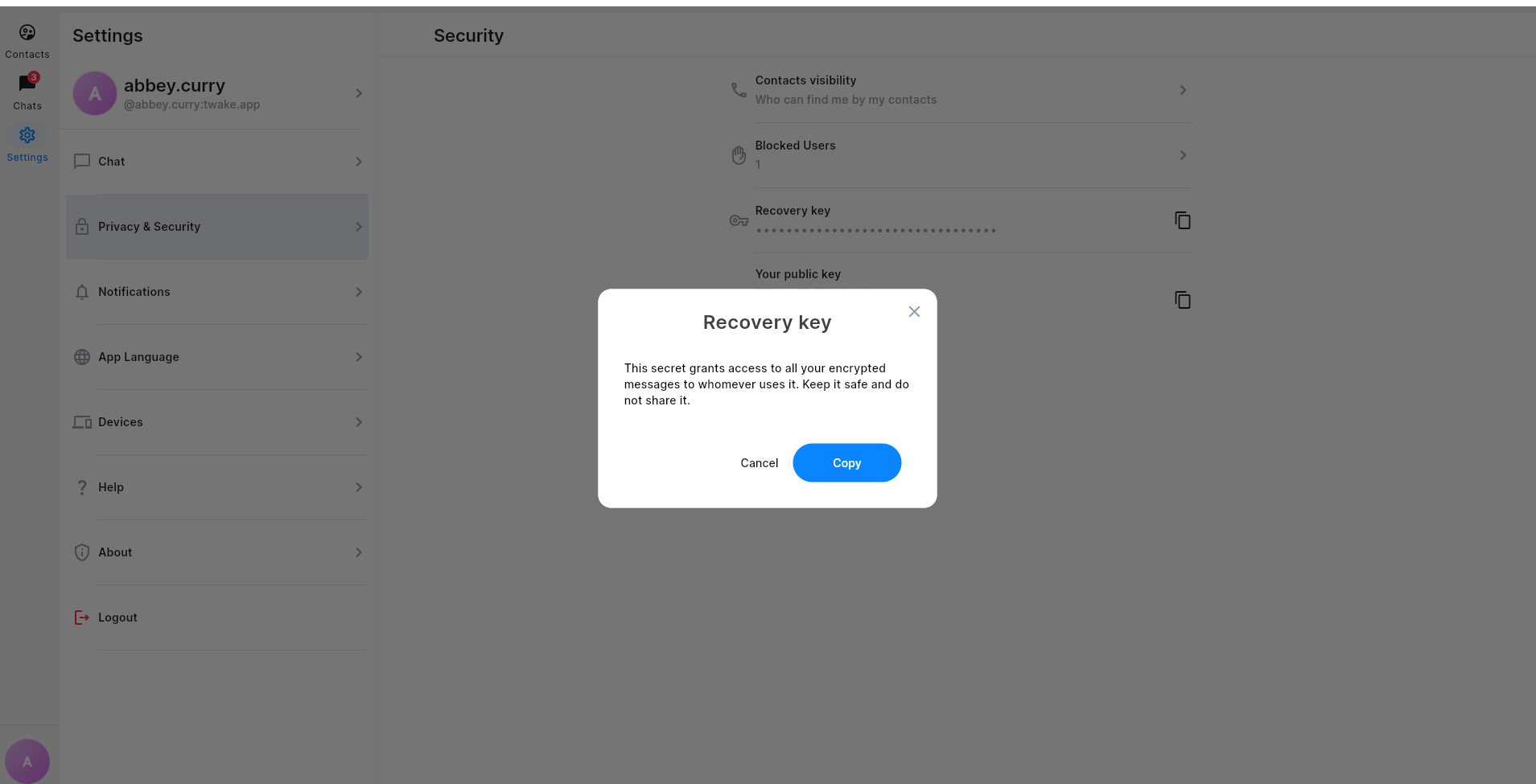
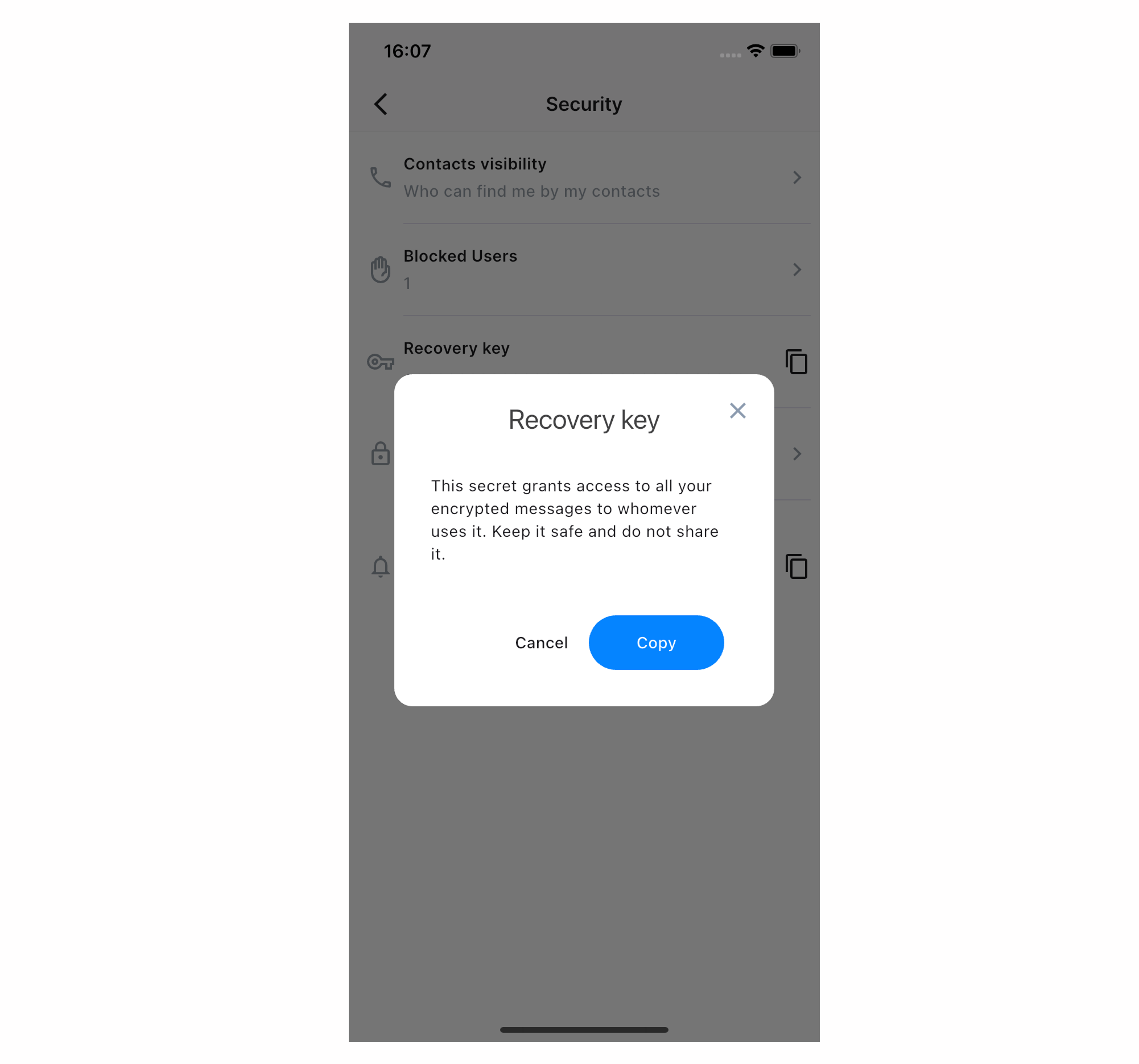
Copy Your Recovery Key
Your Recovery Key is used to restore access to your encrypted messages if you sign in on a new device or lose access to your existing one.
Keep this key in a safe place. Anyone with this key may be able to access your encrypted message history.
On mobile app:
Copy Your Public Key
Your Public Key is a unique identifier used to verify your encrypted identity. It is safe to share and is mainly used when verifying secure conversations or troubleshooting encryption issues. Most users do not need to use it during everyday chatting.
Besides, on the mobile app, you can protect Twake Chat with a 4-digit PIN to prevent unauthorized access. See: Lock/Unlock your Twake Chat app