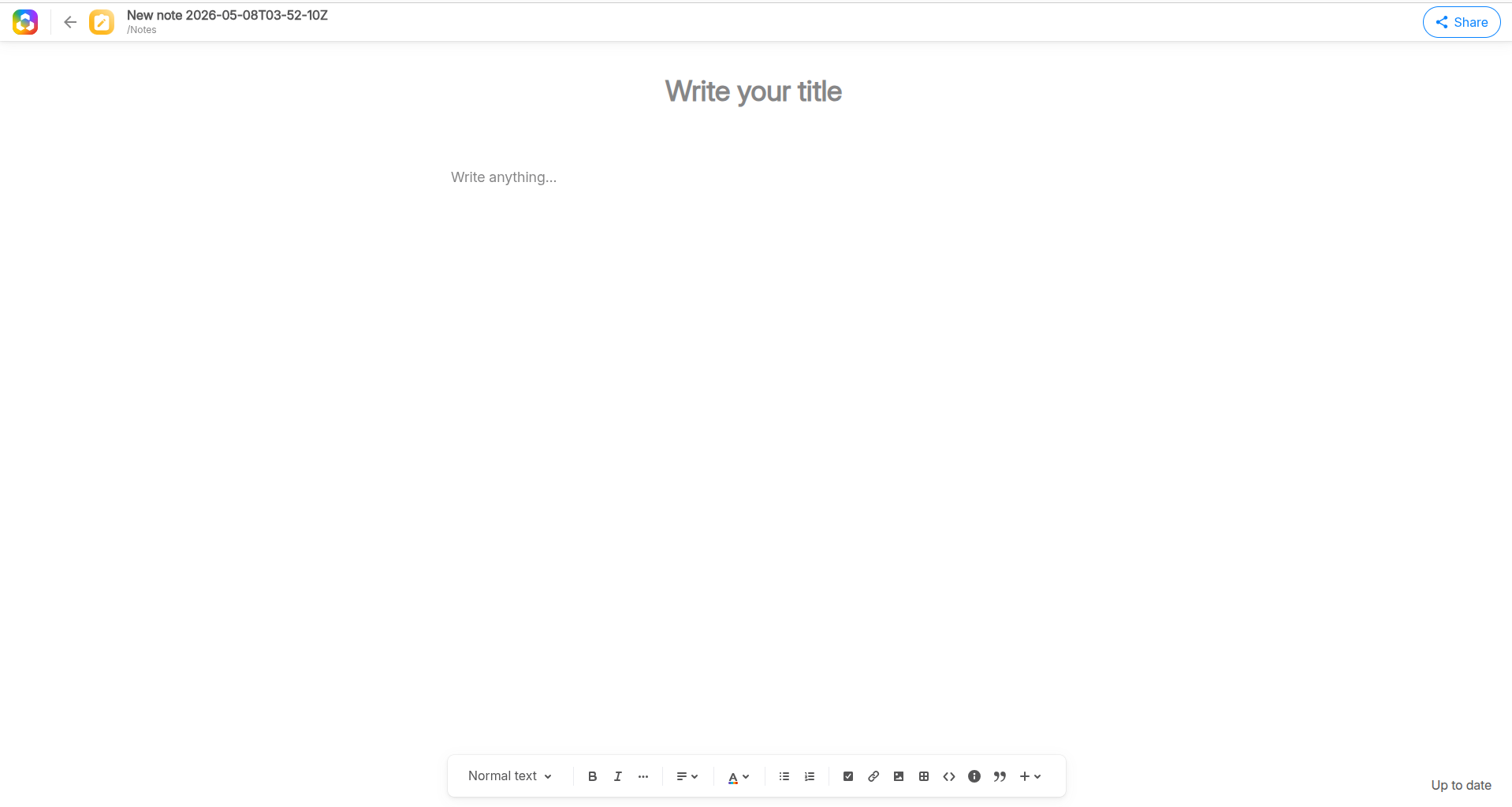
Create a note
- Sign up to https://twake.app/ or connect to your Twake
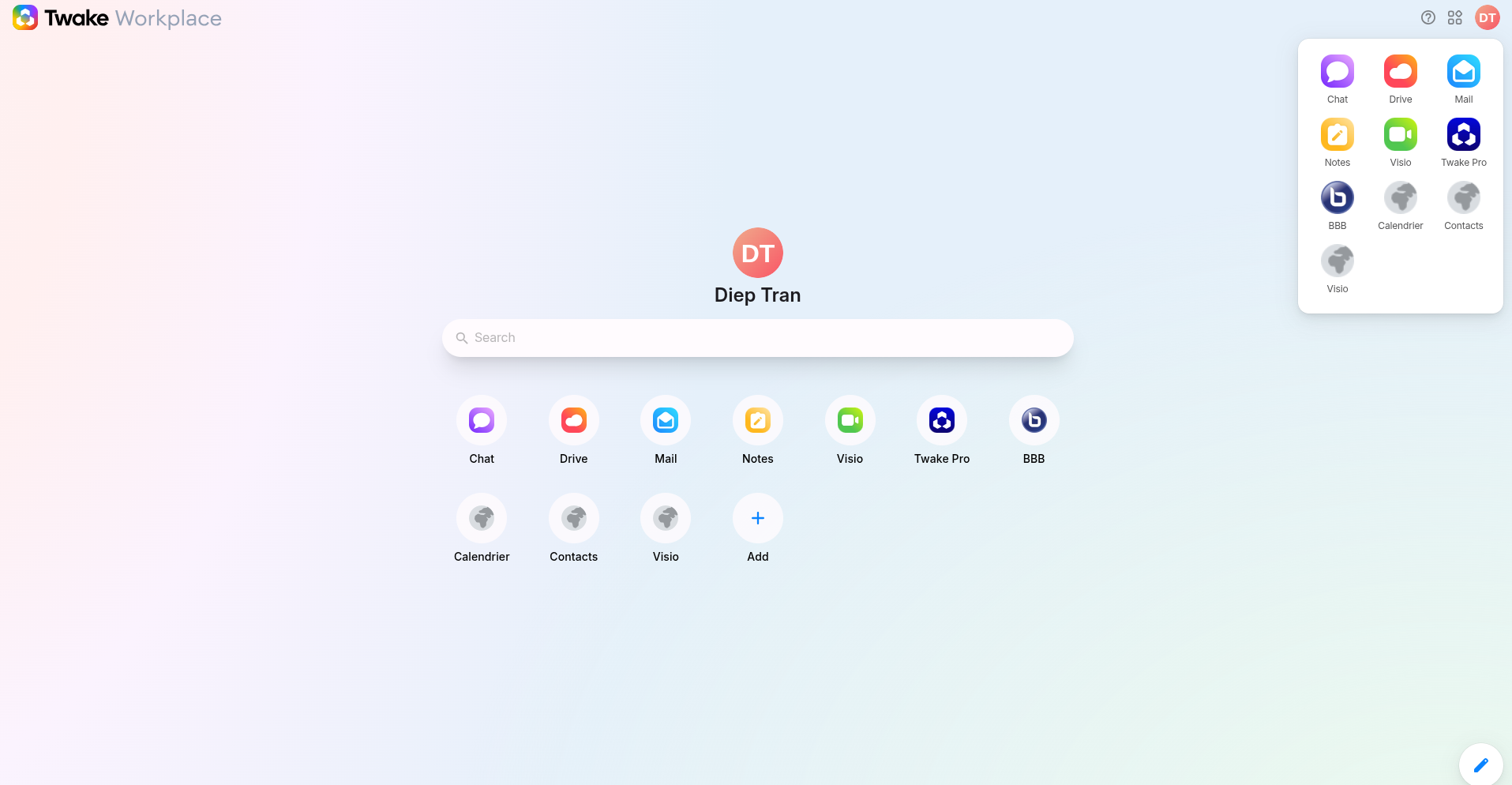
- Click Notes on the Twake home page or from the app grid on the left, your Twake Notes is opened:
- Click Add a note in the left side

- A new page is opened, now you can start writing. All updates will be saved automatically