Disable a share link
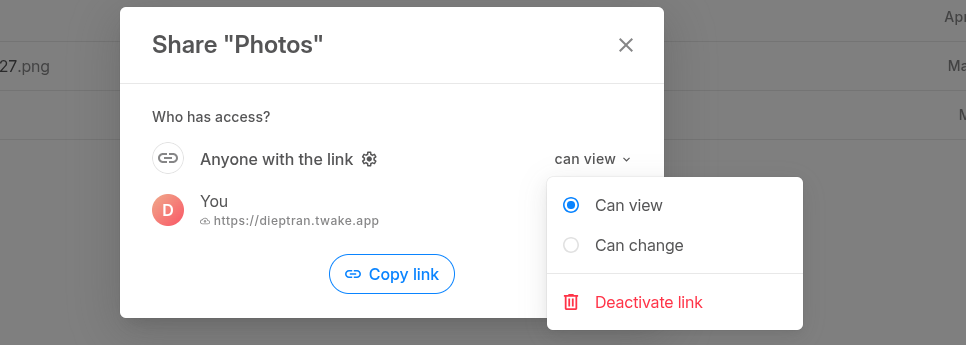
To disable a share link, you must click the Share icon button on your document, and then click on the Deactivate link button.

To disable a share link, you must click the Share icon button on your document, and then click on the Deactivate link button.