Add/Update your recovery email
Overview
Your recovery email is used to receive two-factor authentication (2FA) codes
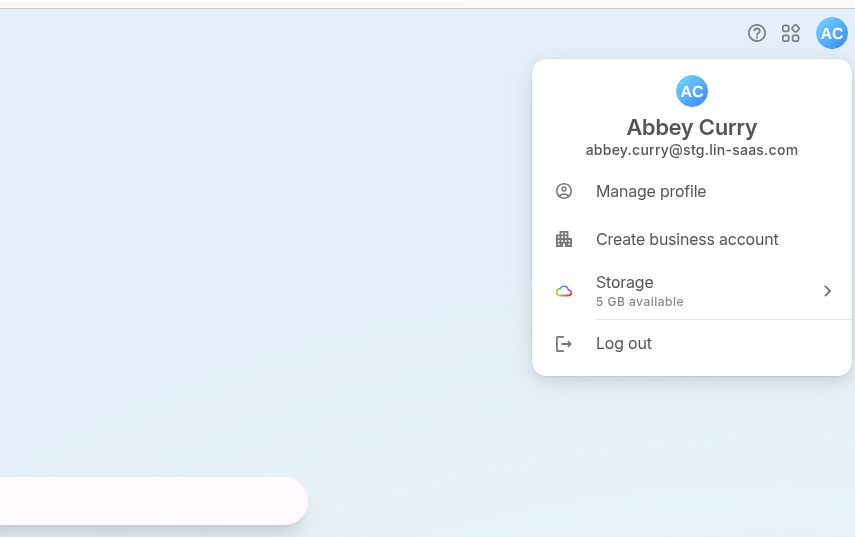
Step 1: Open Profile Settings
- Click your profile icon (top right)
- Select “Manage profile”
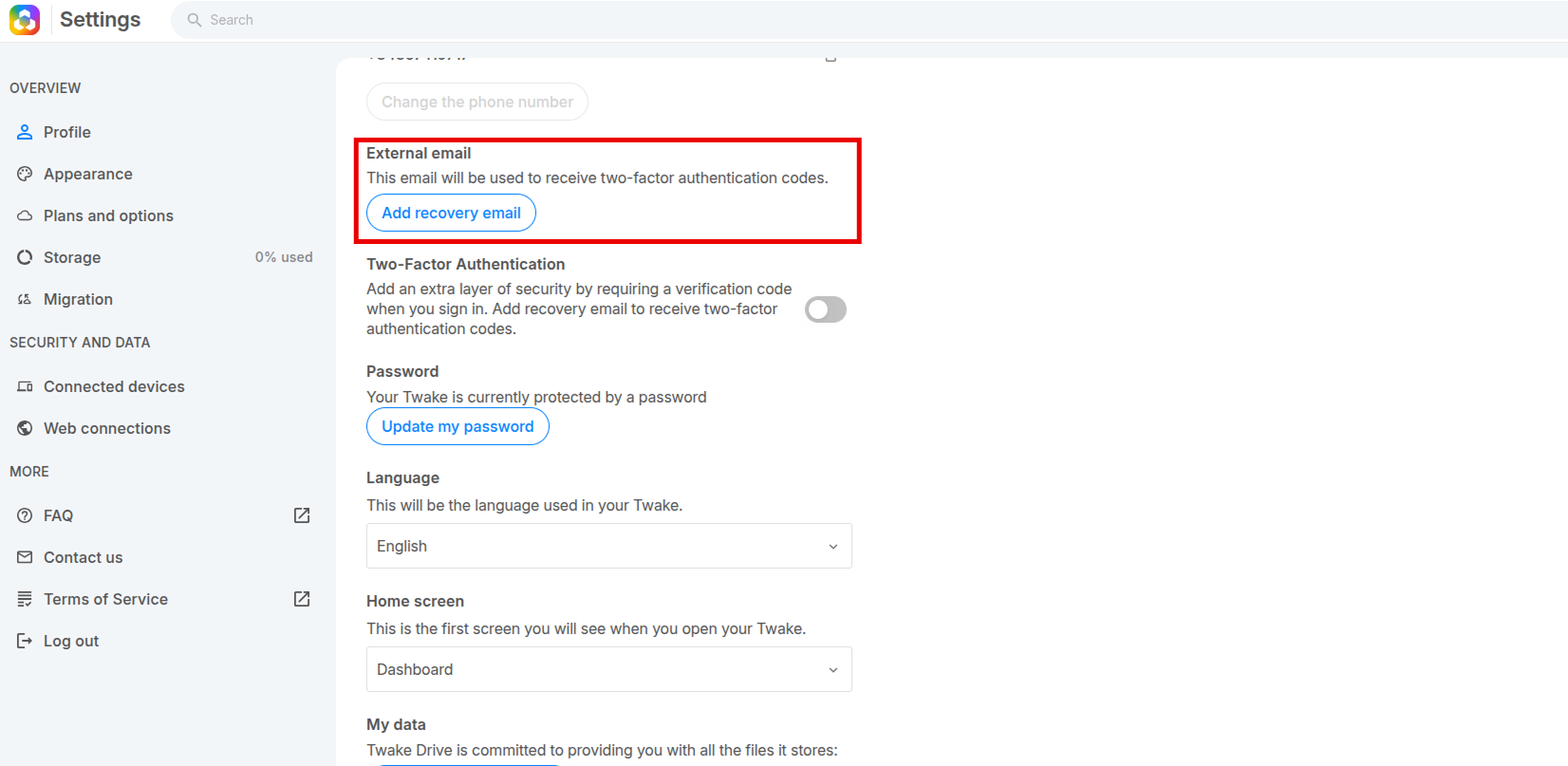
Step 2: Go to Recovery Email Section
- In the External email section: Click “Add recovery email”
(or “Change recovery email” if one already exists)
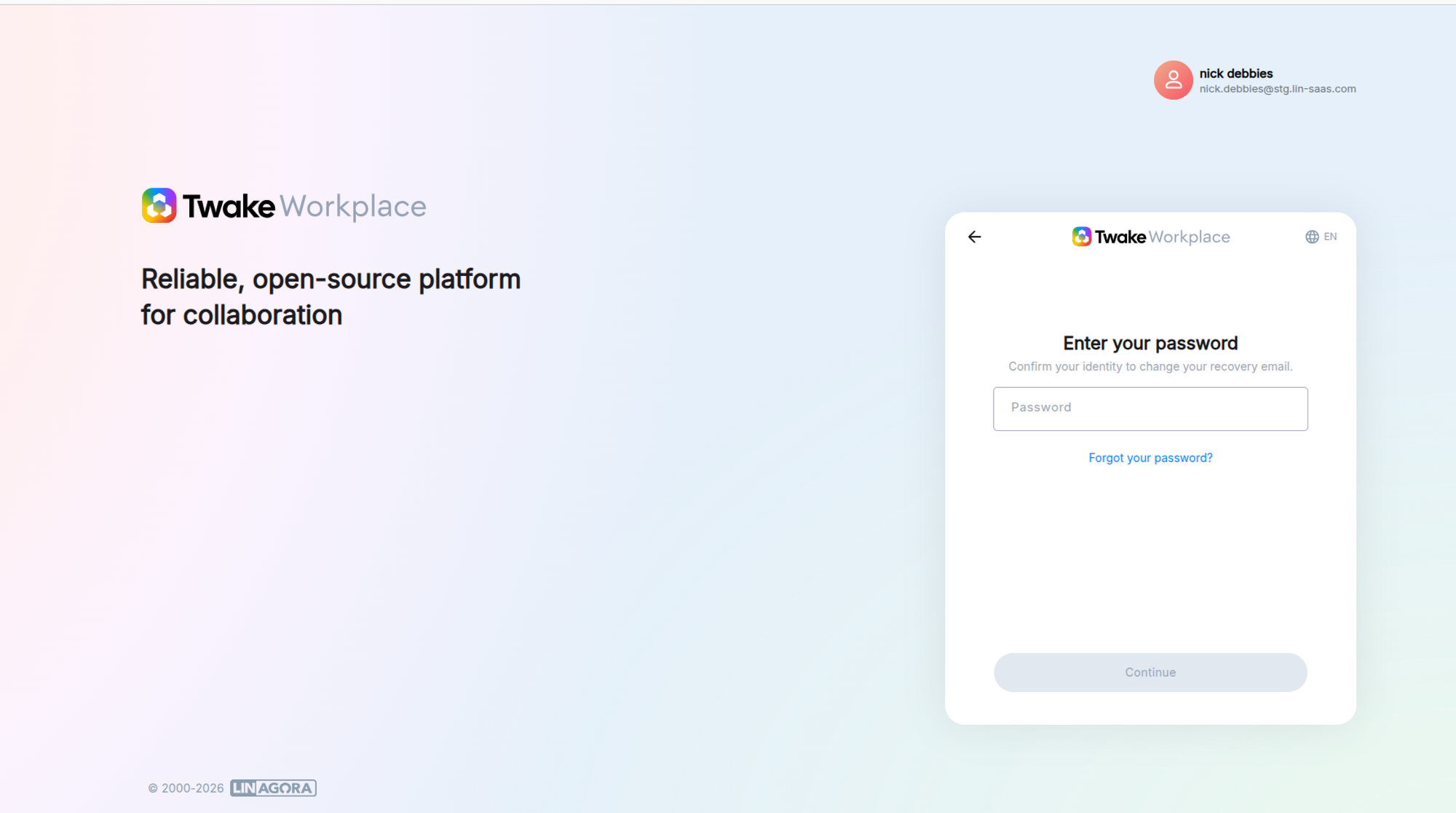
Step 3: Enter Your Password then click "Continue"
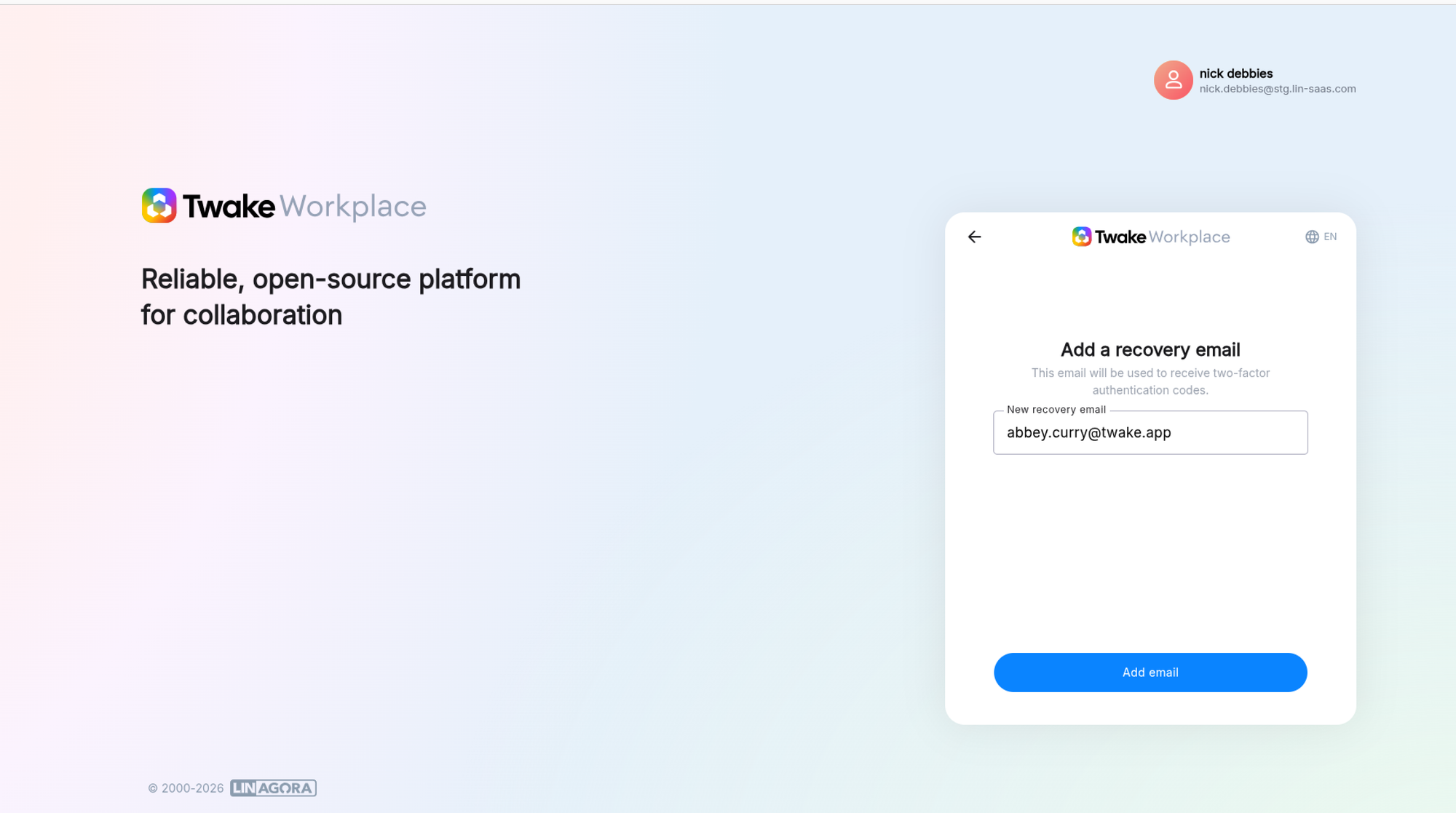
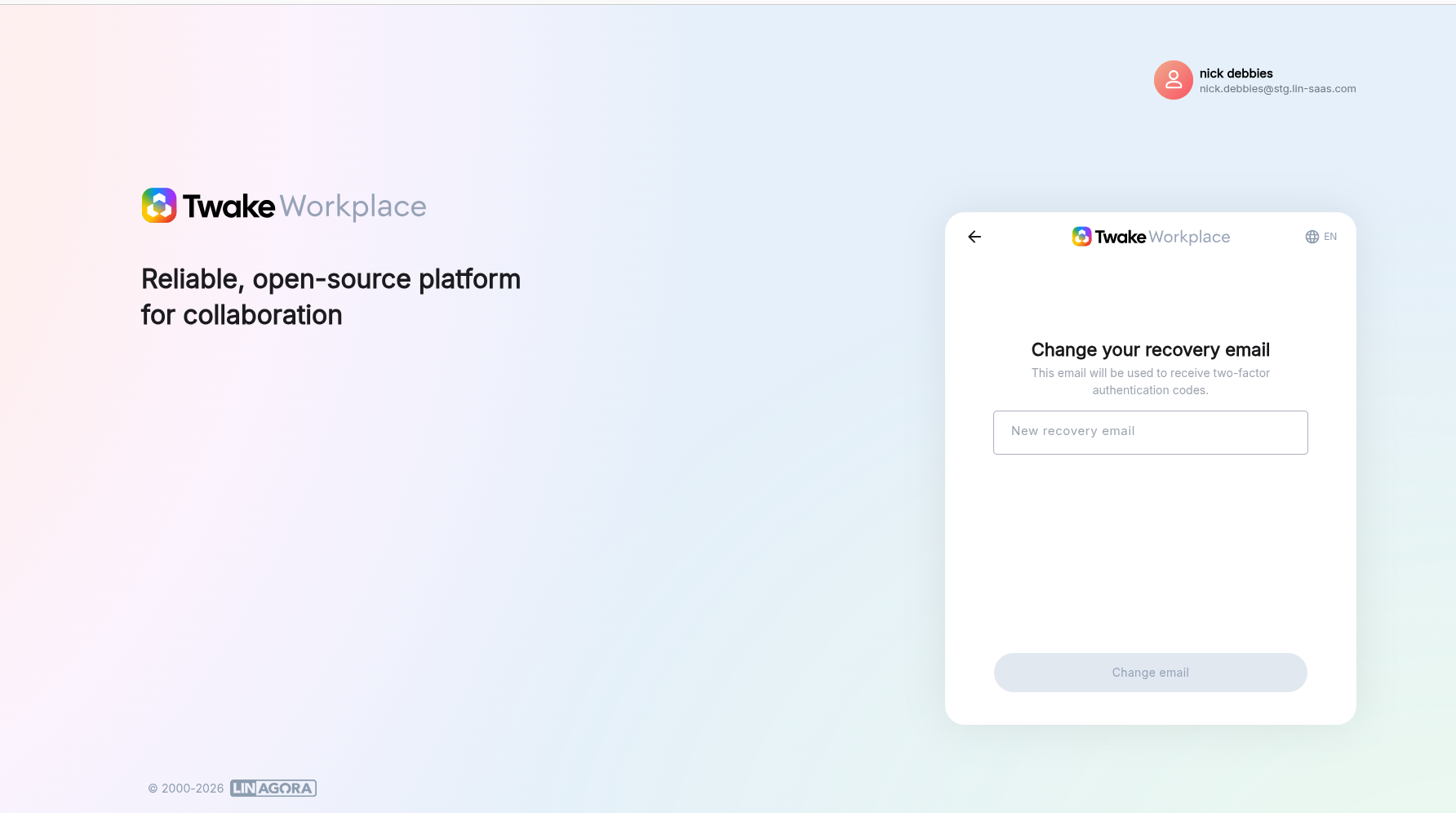
Step 4: Enter Recovery Email
- Enter your new recovery email address
- Click “Add email” (or "Change email" if you are changing recovery email)
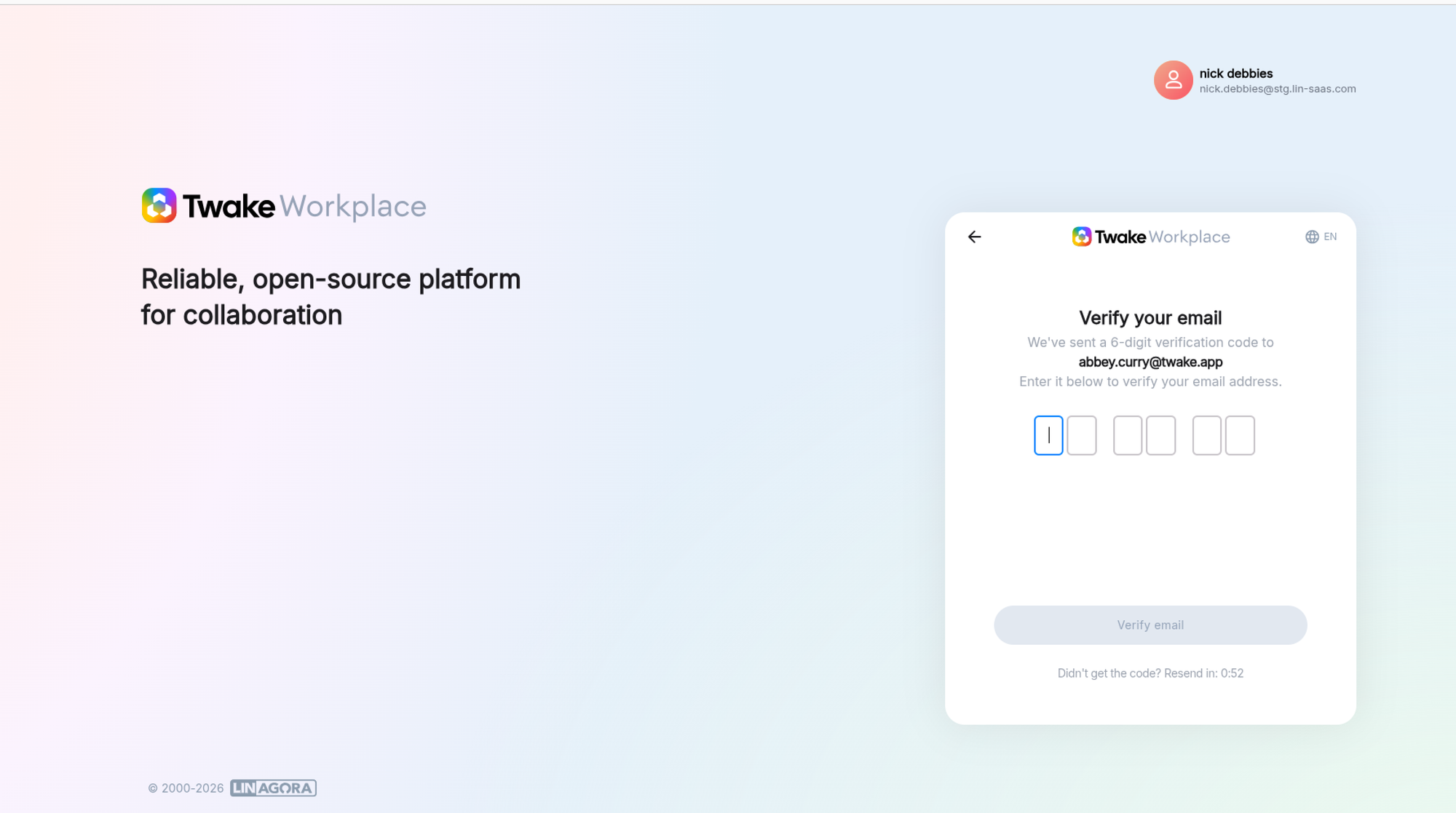
Step 5: Verify Your Email
- Check your email inbox
- Enter the 6-digit verification code
- Click “Verify email”
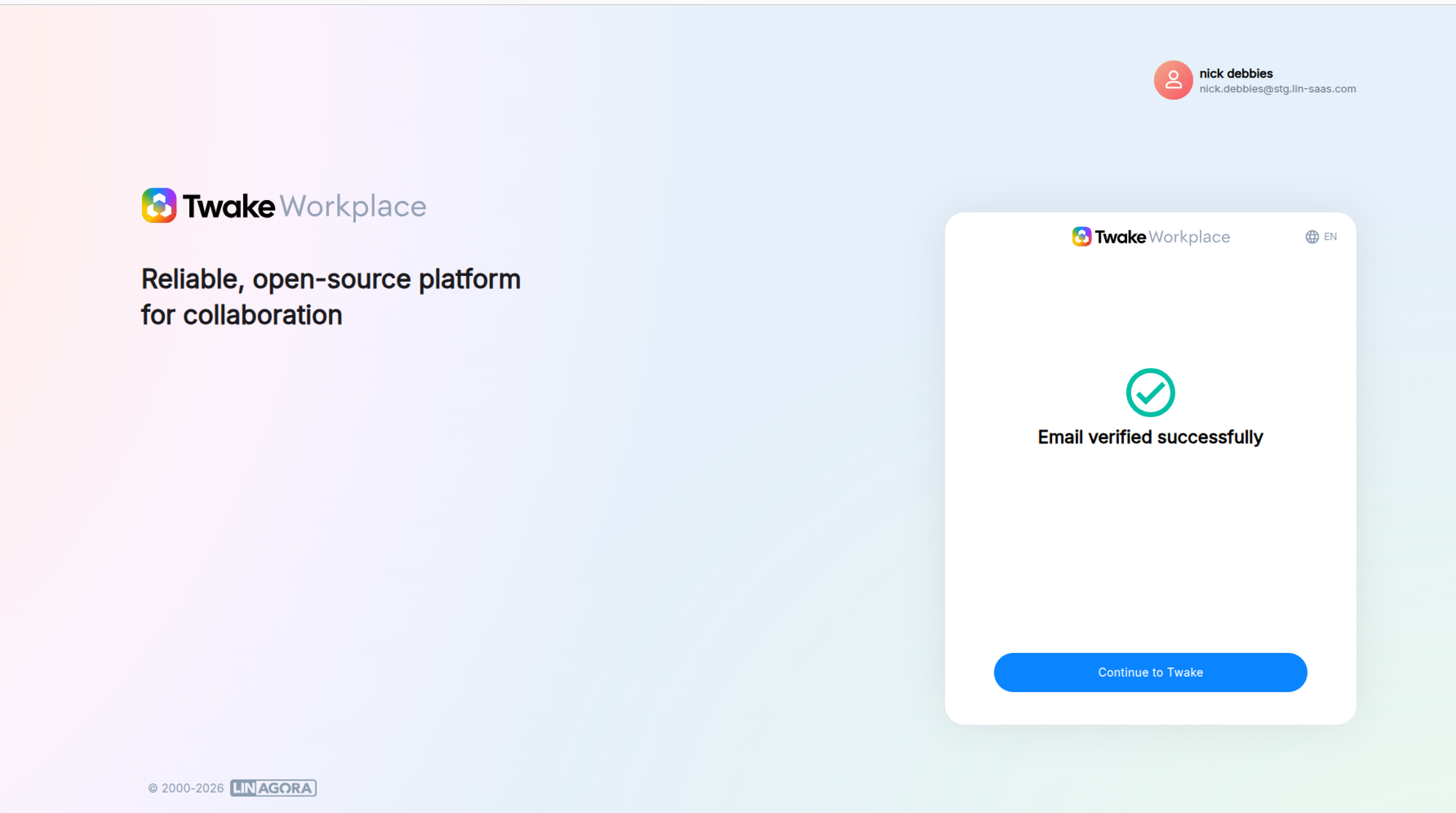
You will see a confirmation message: “Email verified successfully”: