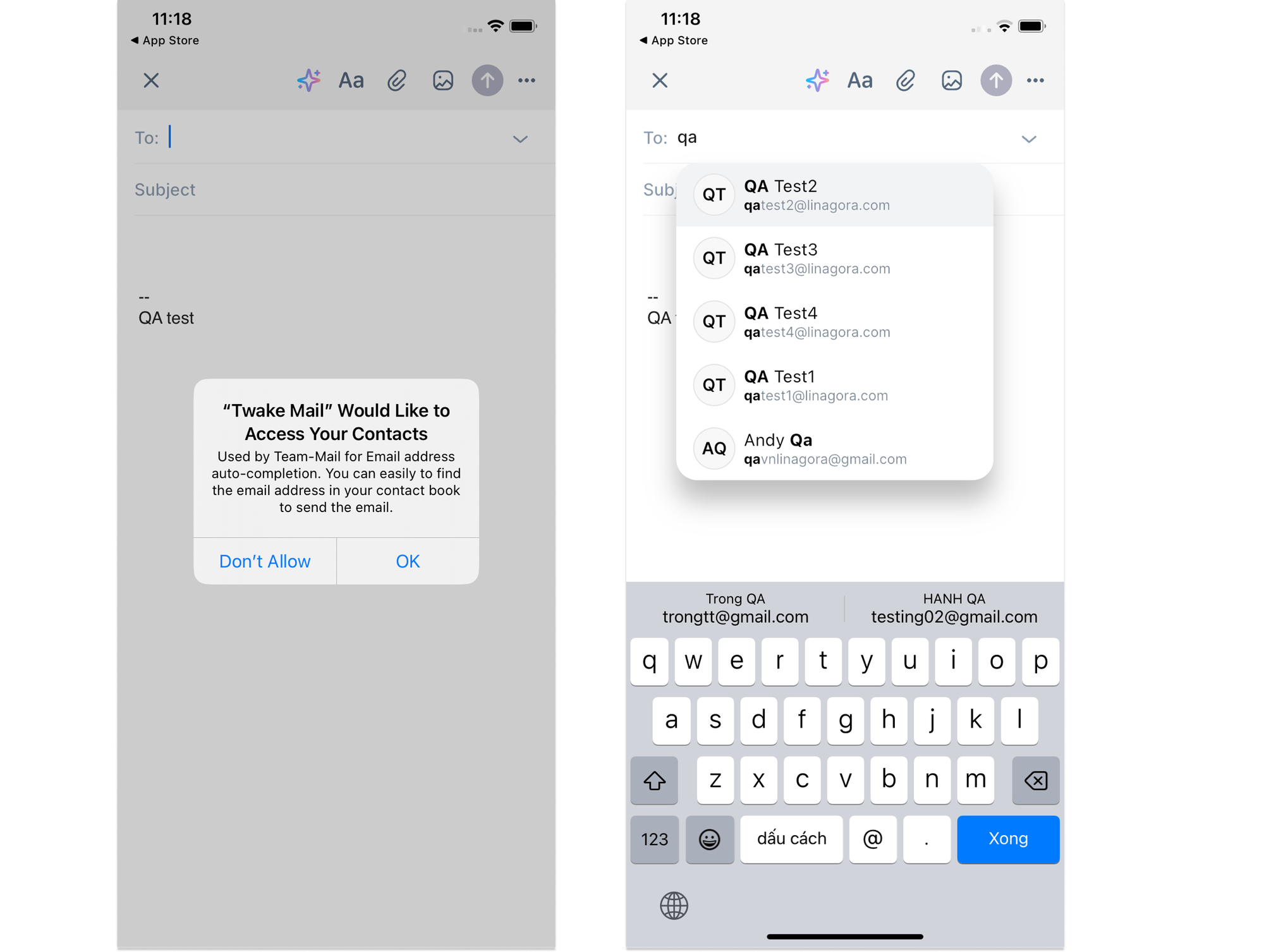
Auto-complete when composing an email
Auto-complete helps you address emails faster by suggesting contacts as you type.
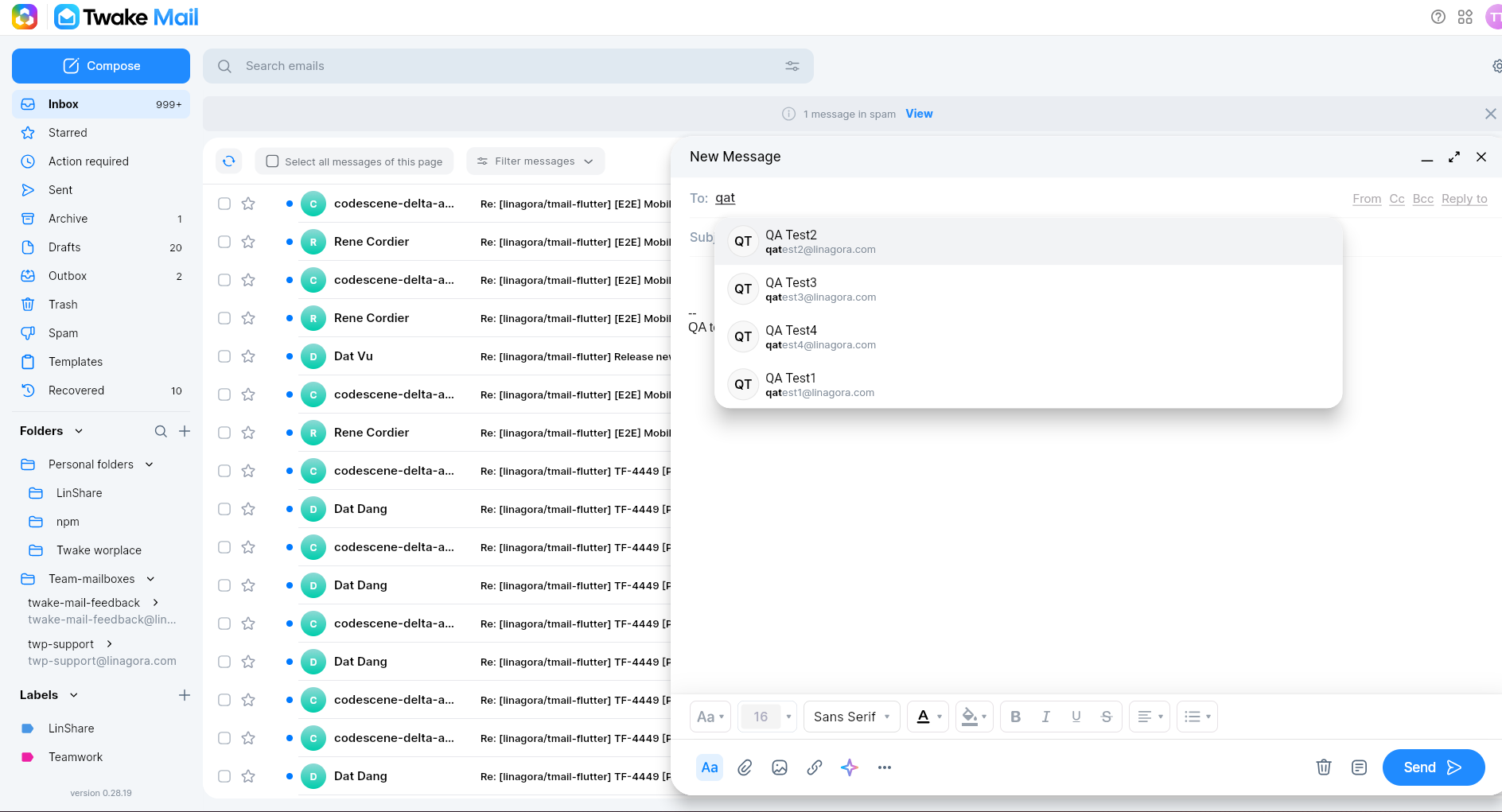
The feature is available in the To, Cc, and Bcc fields when composing an email, as well as in the Search bar.
How It Works
Start typing a name or email address, and Twake Mail will automatically suggest matching contacts.
Select a suggestion to fill in the email address without typing it completely.
Where Contact Suggestions Come From
By default, auto-complete uses your organization's directory, allowing you to quickly find and contact colleagues within your company.
Mobile Application
When you open the Twake Mail mobile application for the first time, you will be asked to allow access to your device's contacts.
- If you allow access, auto-complete suggestions will include both:
- Company contacts
- Contacts saved on your device
- If you deny access, auto-complete will only use your company contacts.
You can change this permission later from your device settings if needed.