
Chat - Encrypted message
End-to-end encryption protects your group conversations so that only group members can read the messages. Twake cannot access the content of encrypted messages.
Important: End-to-end encryption is currently available only for group chats.
Create an encrypted group chat
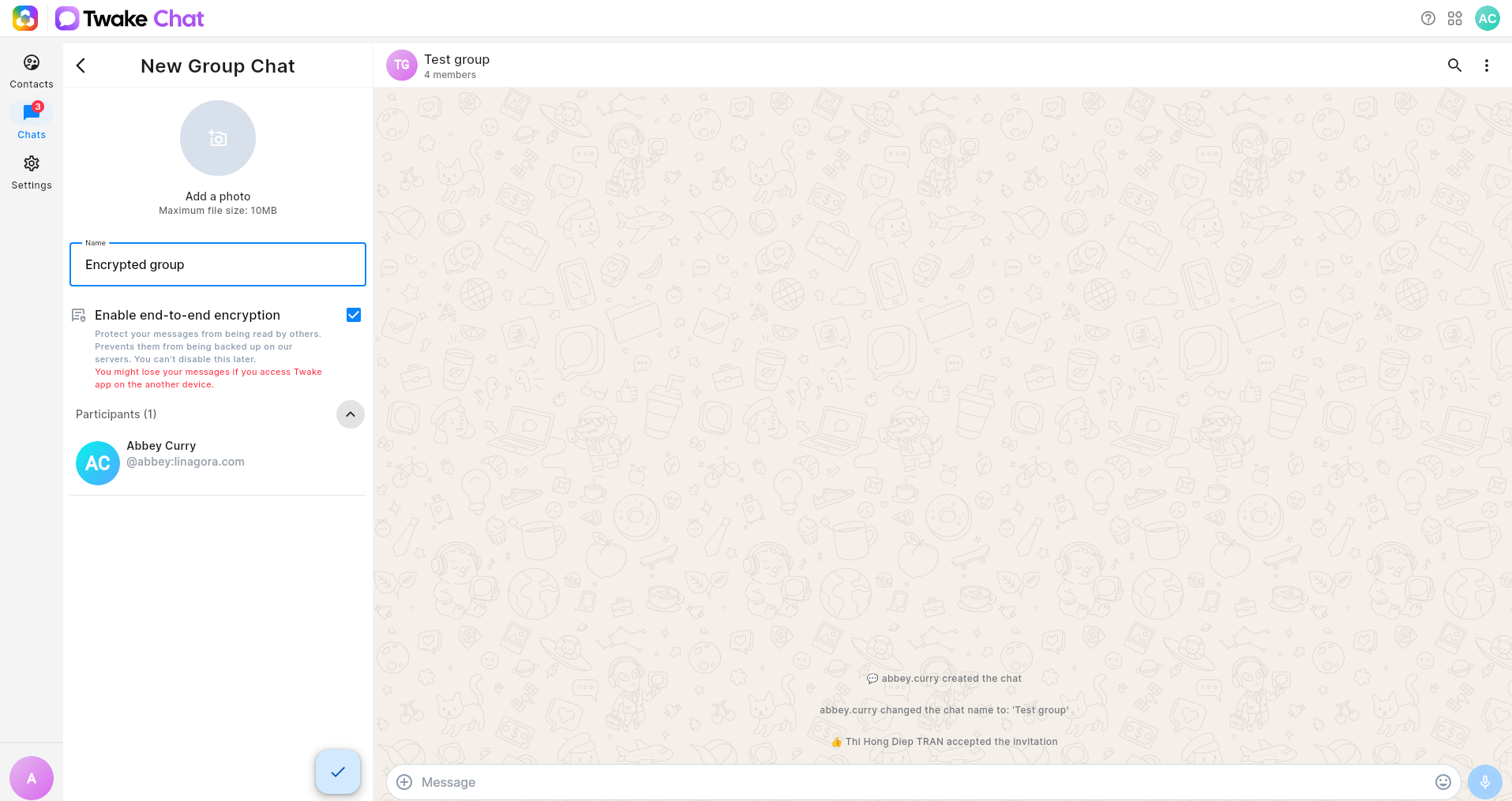
- Go to Chats.
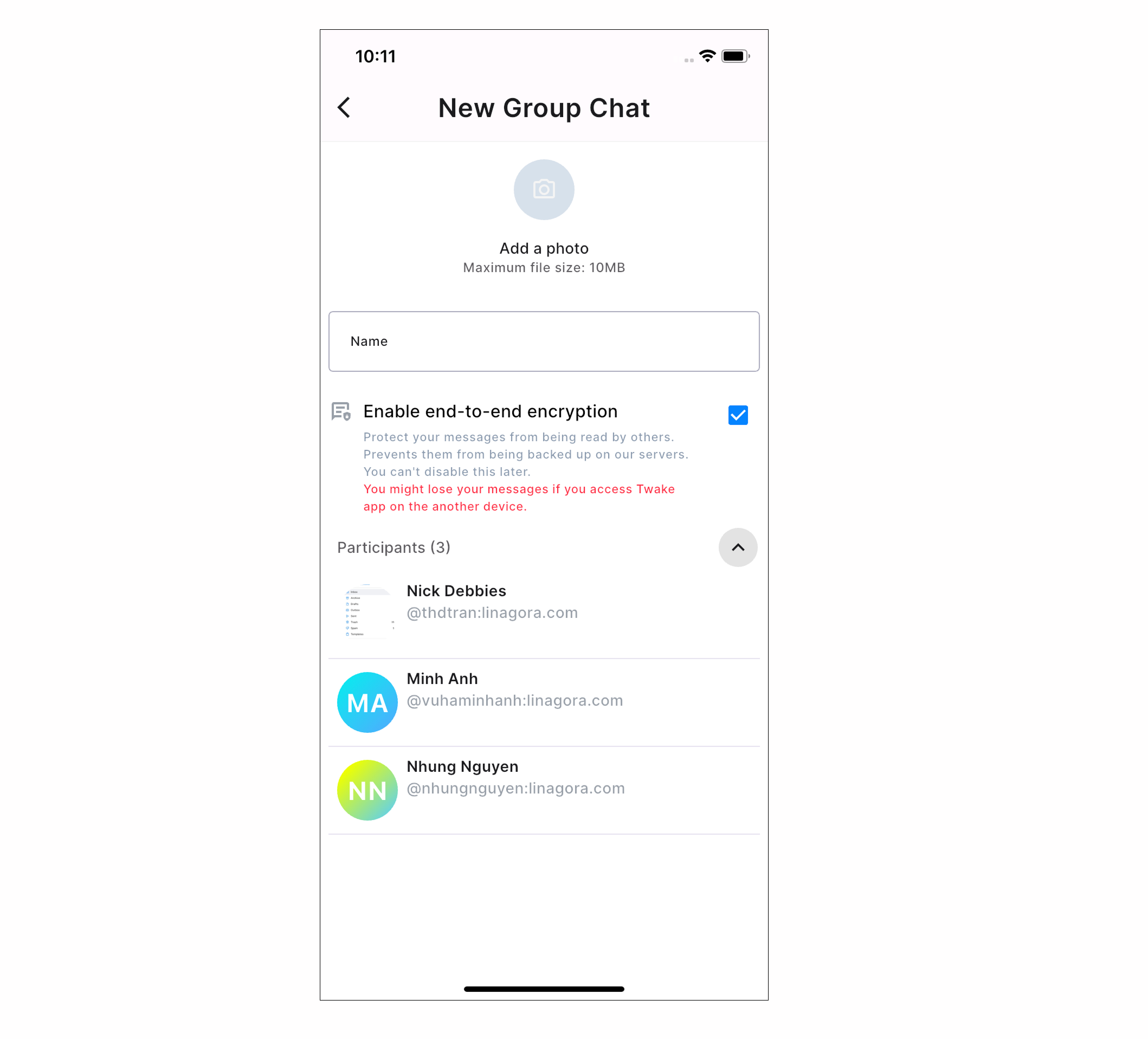
- Click New Group Chat.
- Add one or more participants.
- (Optional) Add a group name and photo.
- Enable End-to-end encryption.
- Click Create.
The encrypted group chat is created, and invitations are sent to the selected participants. There is a shield icon in group's name to indicate that the group chat is encrypted
Note: Once encryption is enabled, it cannot be turned off for that group.
Join an encrypted group chat
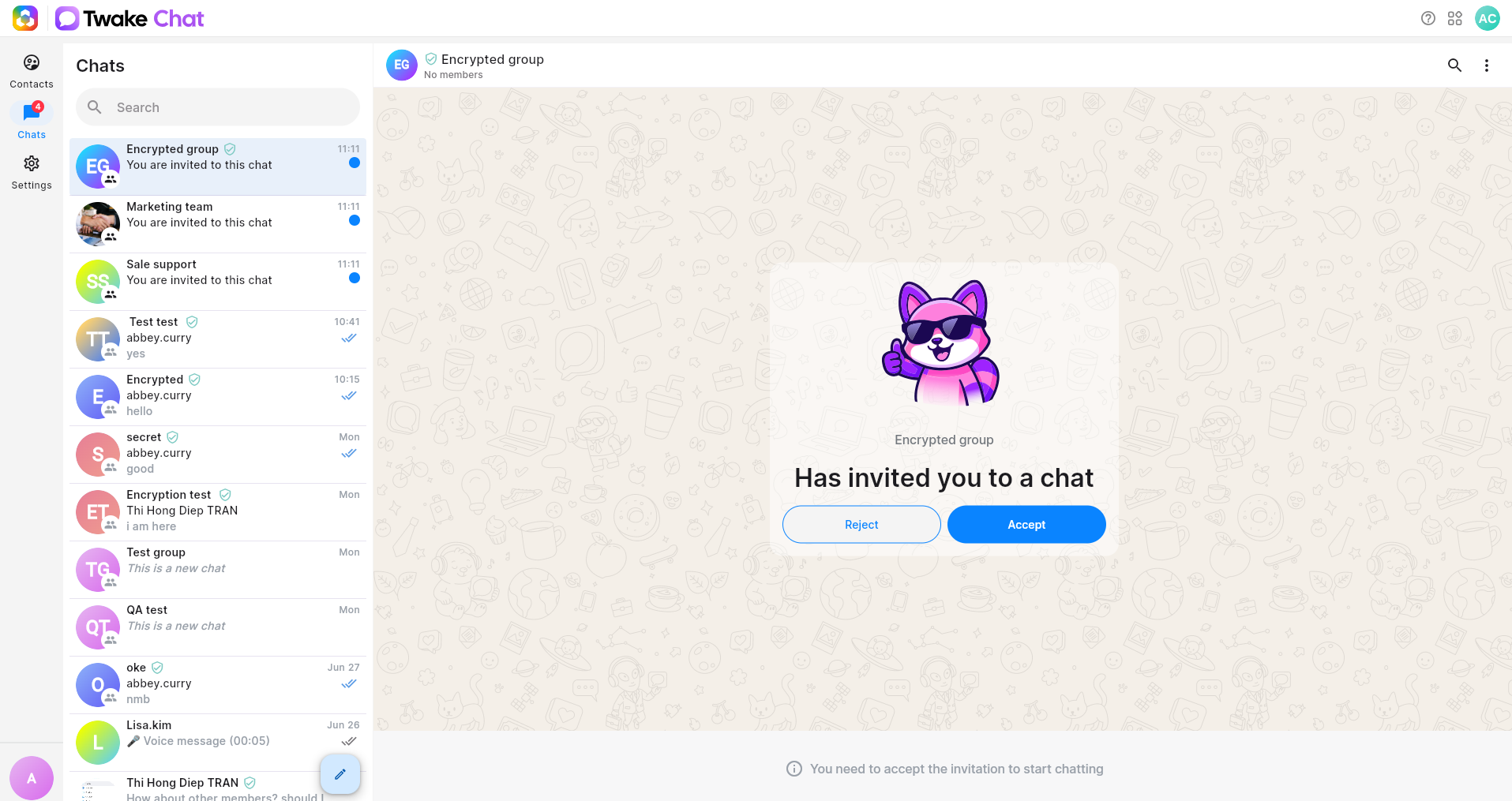
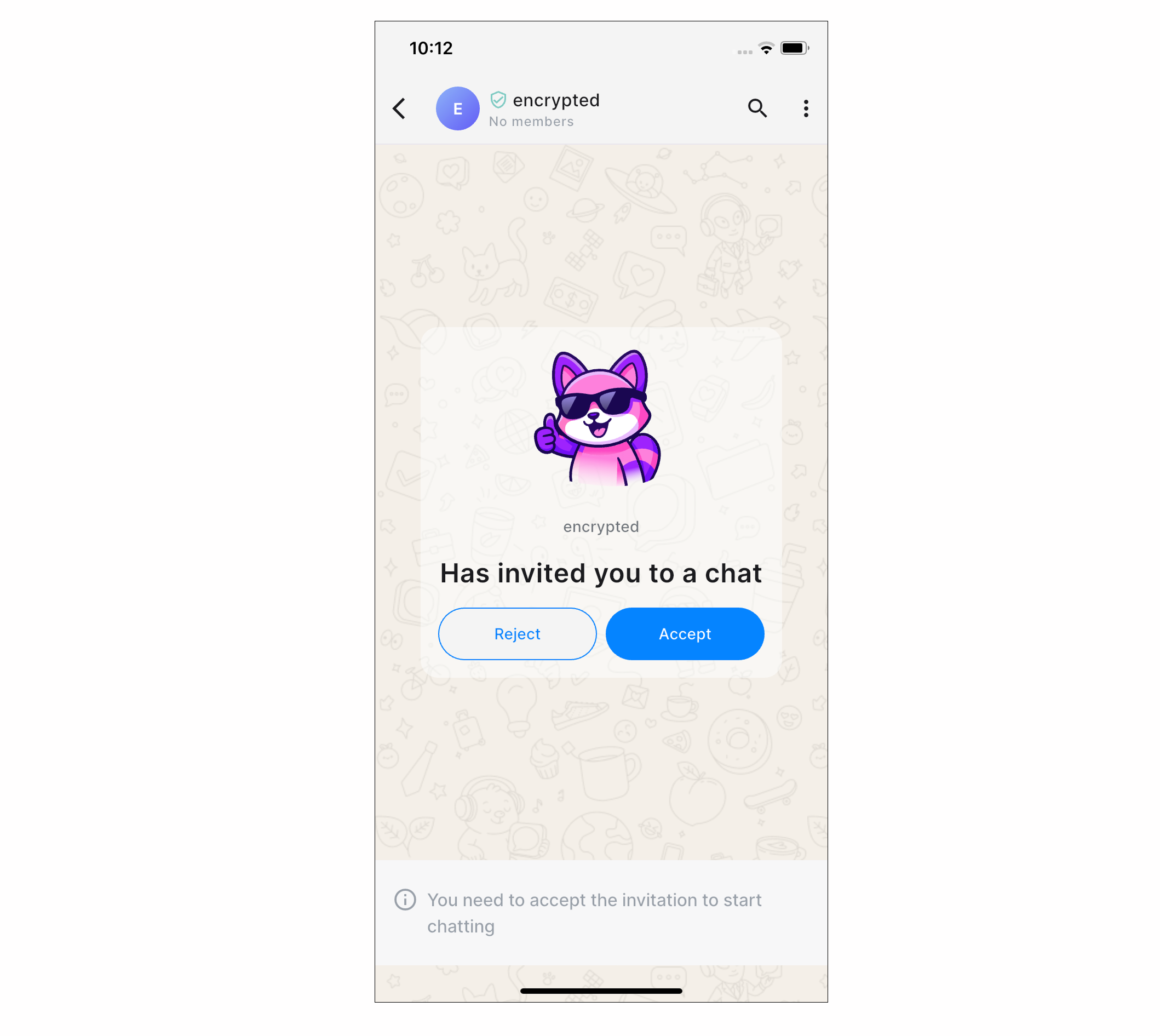
When you're invited to an encrypted group:
- Open the invitation.
- Click Accept.
After joining:
- You can send and receive encrypted messages.
- Messages sent after you join are available to you..
Use Encrypted Chats on a New Device
You can access your encrypted group chats from multiple devices signed in to your Twake account.
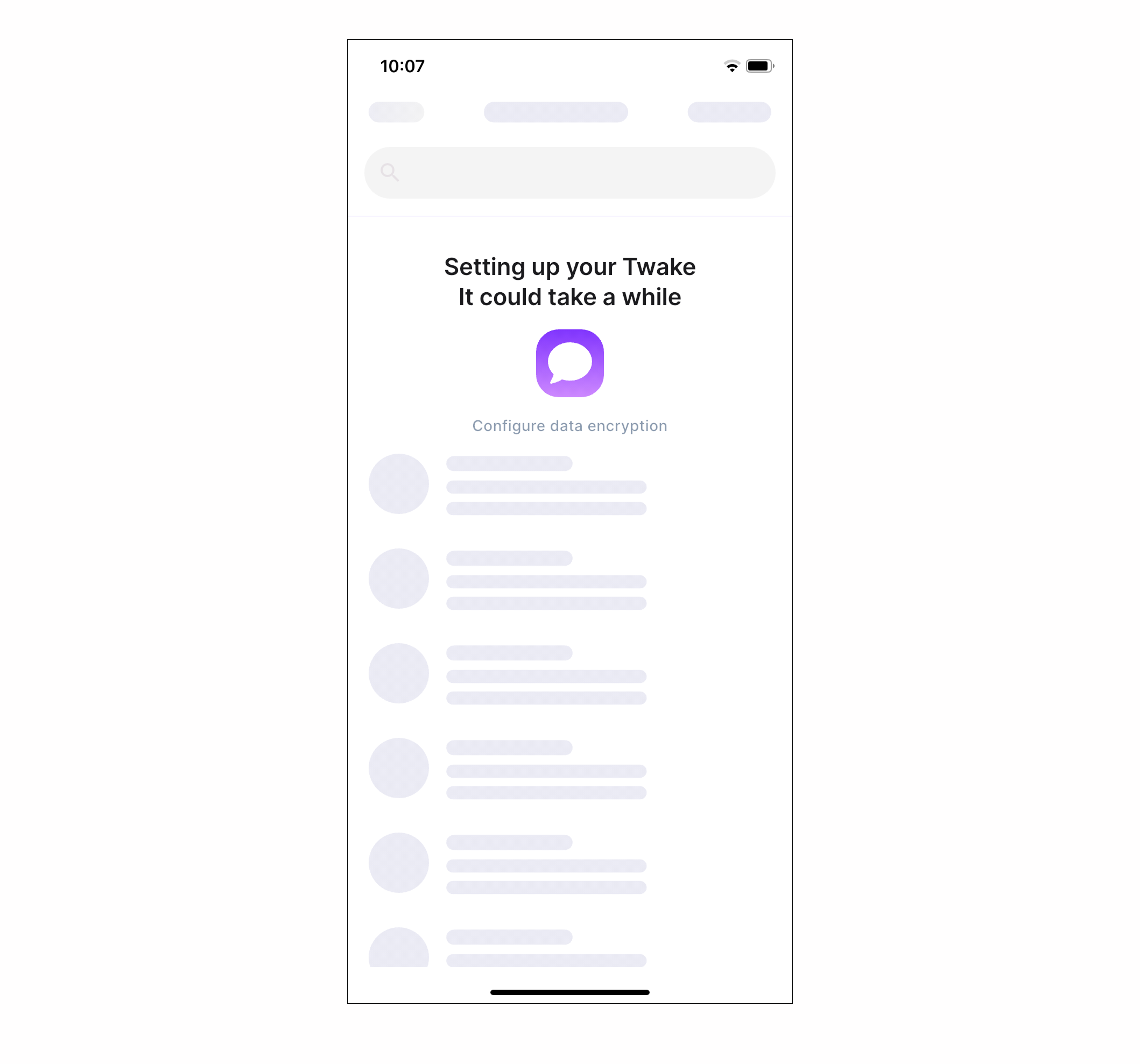
When you sign in on a new device, Twake automatically secures the device so you can continue using your encrypted conversations without additional setup.
Note: The first synchronization of encrypted conversations may take a few moments. Some encrypted messages may not be available if they were sent before the device completed synchronization
⚠️
For the best experience, we recommend using end-to-end encryption only for small chats. Long-term chats with many members may experience reduced reliability in terms of message decryption.