Configuration settings
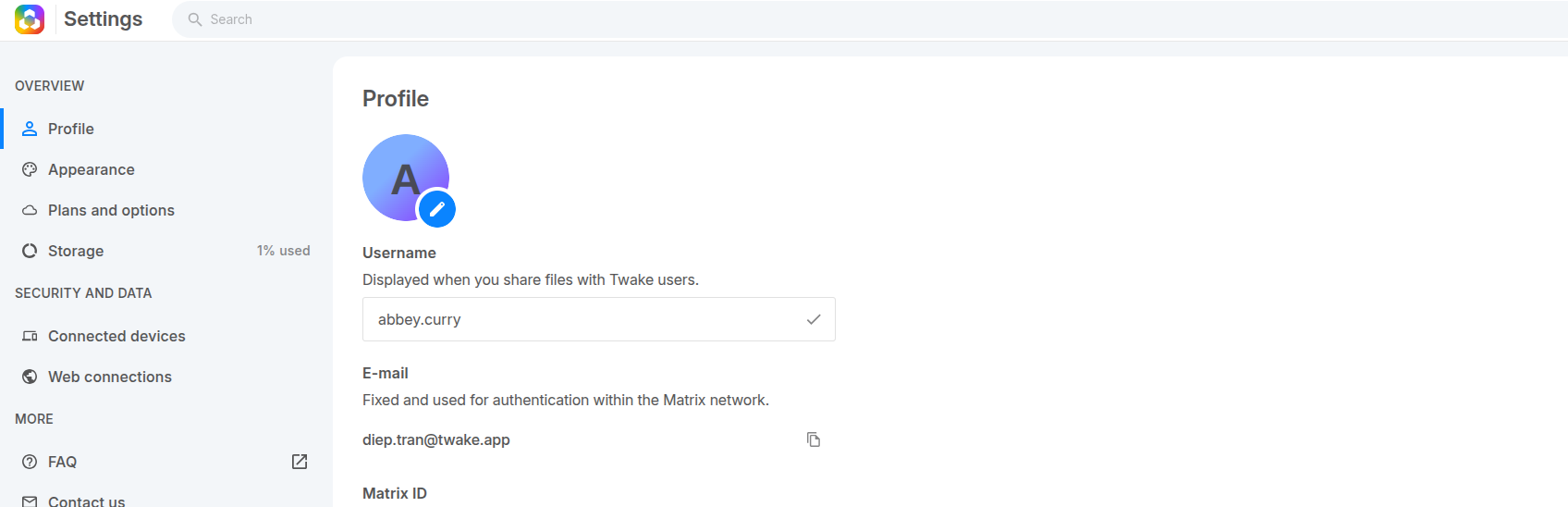
Change your Username
Your display name is shown when you share files or interact with other Twake users.
- Go to Settings.
- Open the Profile section.
- Find the Username field.
- Enter your new display name.
- Click outside the field.
Your display name is updated automatically.
Change language
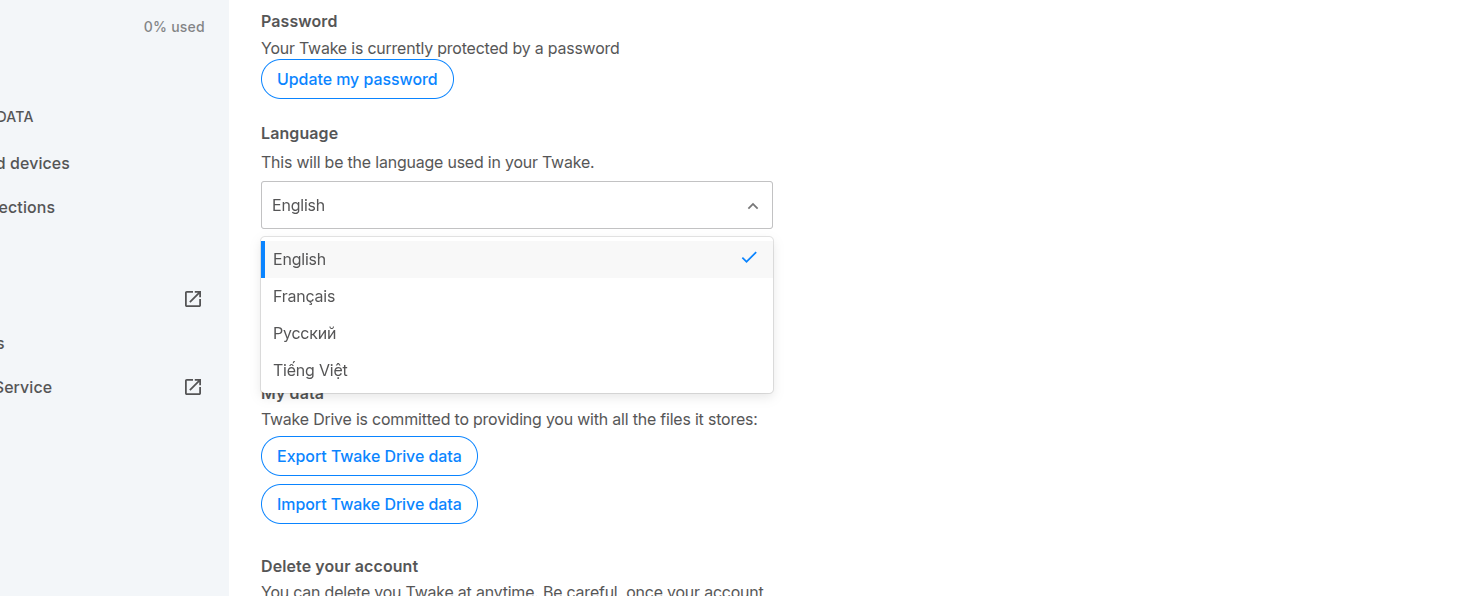
You can choose the language used in your Twake interface.
- Go to Settings.
- Scroll to the Language section.
- Click on the language dropdown.
- Select your preferred language from the list.
Your language is updated immediately.
Home screen
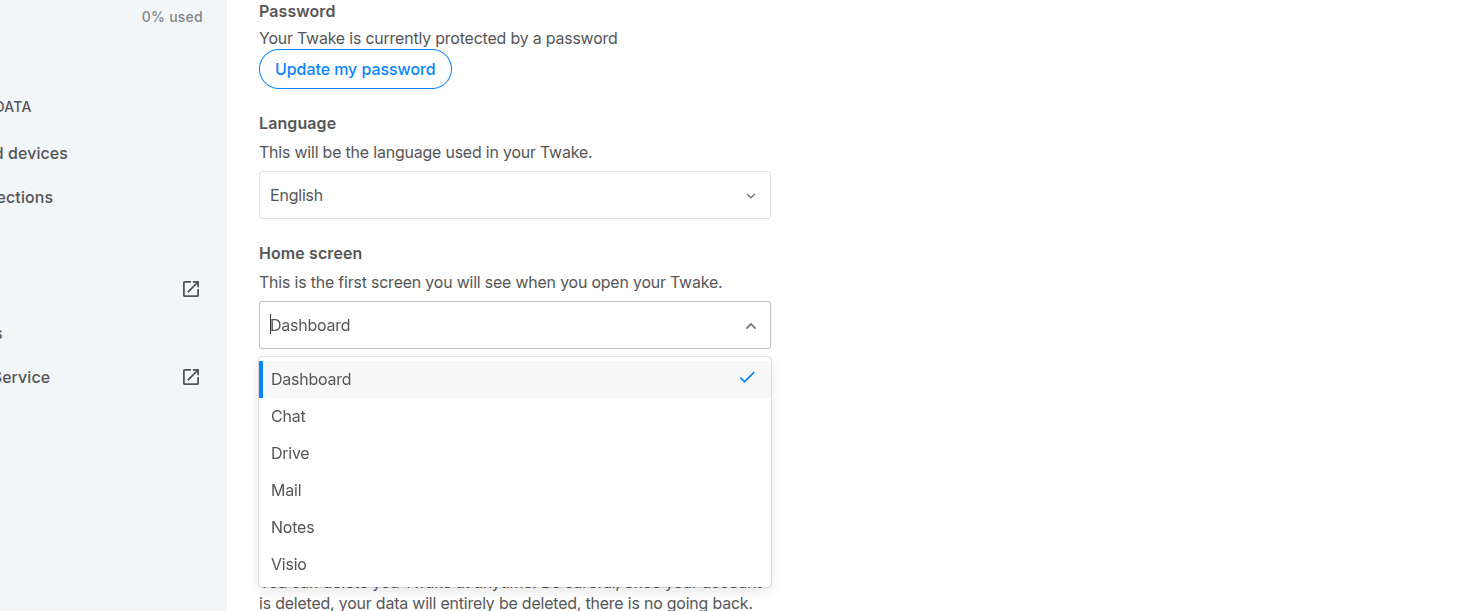
You can choose which page opens first when you launch Twake.
- Go to Settings.
- Scroll to the Home screen section.
- Click on the dropdown menu.
- Select the page you want to open by default (e.g. Dashboard, Chat, Drive, Mail, Notes, Visio).
Your selection is saved automatically.
Picture profile
To change your picture profile:
- Go to Settings → Profile.
- Click on your current profile picture (or the edit icon ✏️).
- Select Update.
- Choose an image file from your device.
- Click Select to upload.
Your new profile picture will be updated immediately.
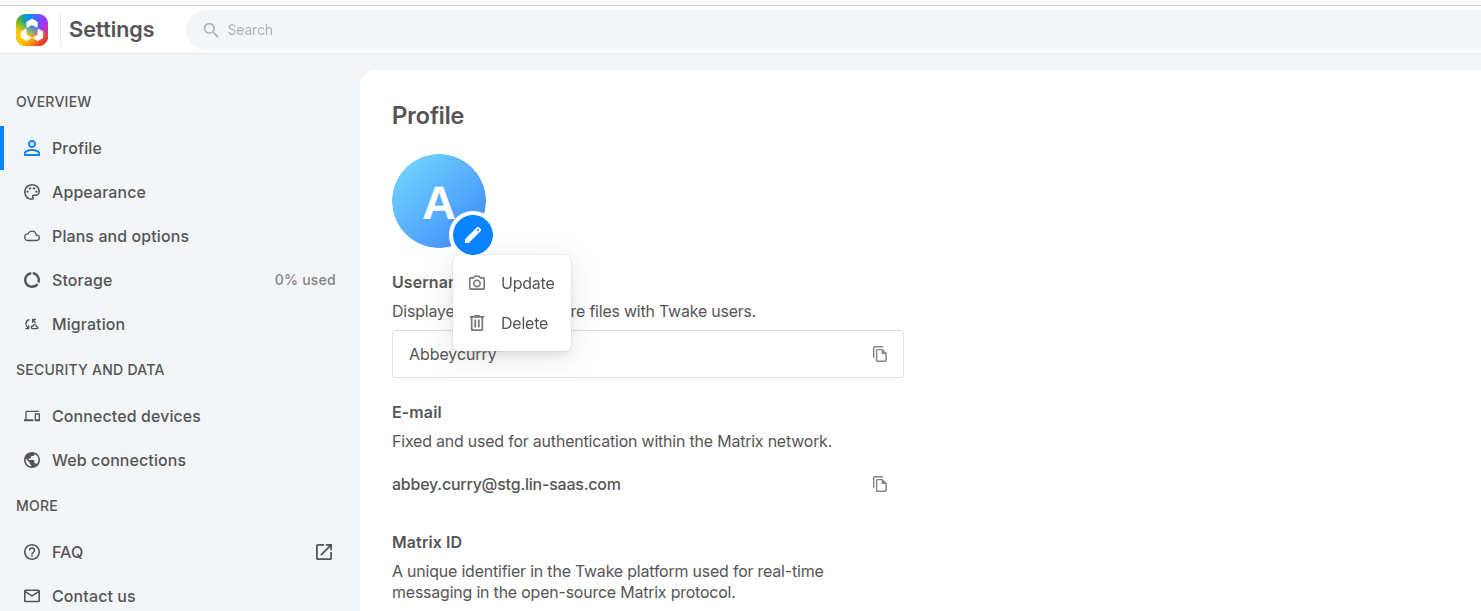
To delete your picture profile, select "Delete", your avatar will be removed and replaced with a default icon.
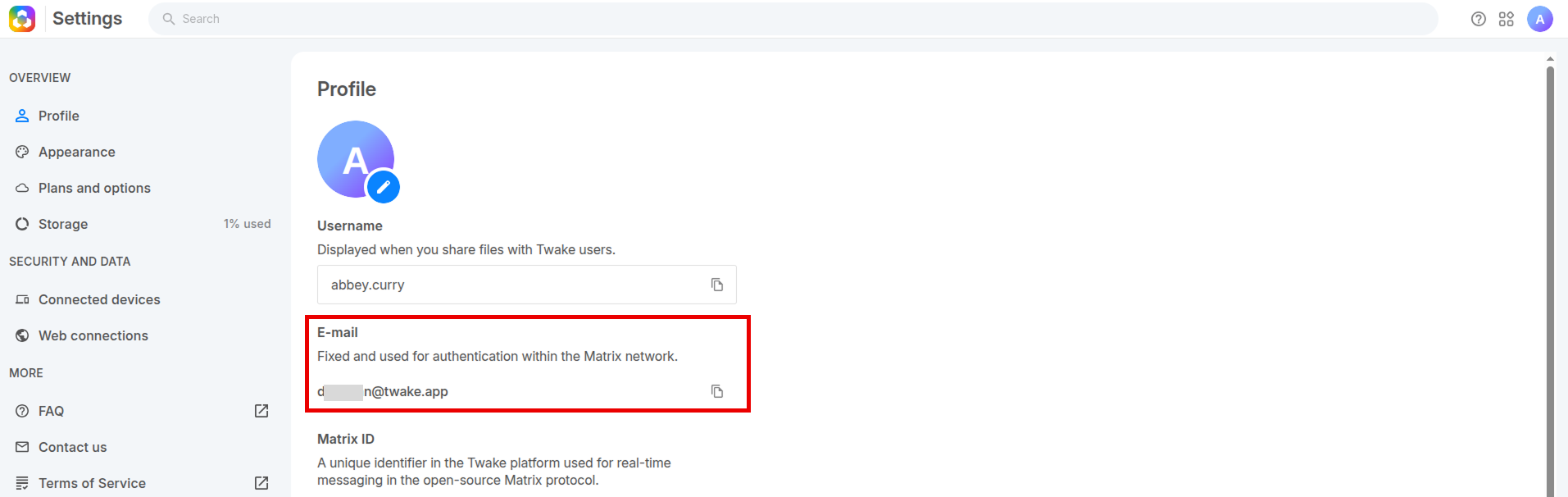
Can I change email address for my Twake account?
No. Your Twake account email address is fixed and used for authentication within the Matrix network so it cannot be changed.
To use a different email address, you must:
- Delete your current account
- Create a new account using the new email address