Import/Export Twake Drive data
Export Twake Drive data
Use this option to get a copy of all your Twake Drive data.
- Go to Settings → Profile.
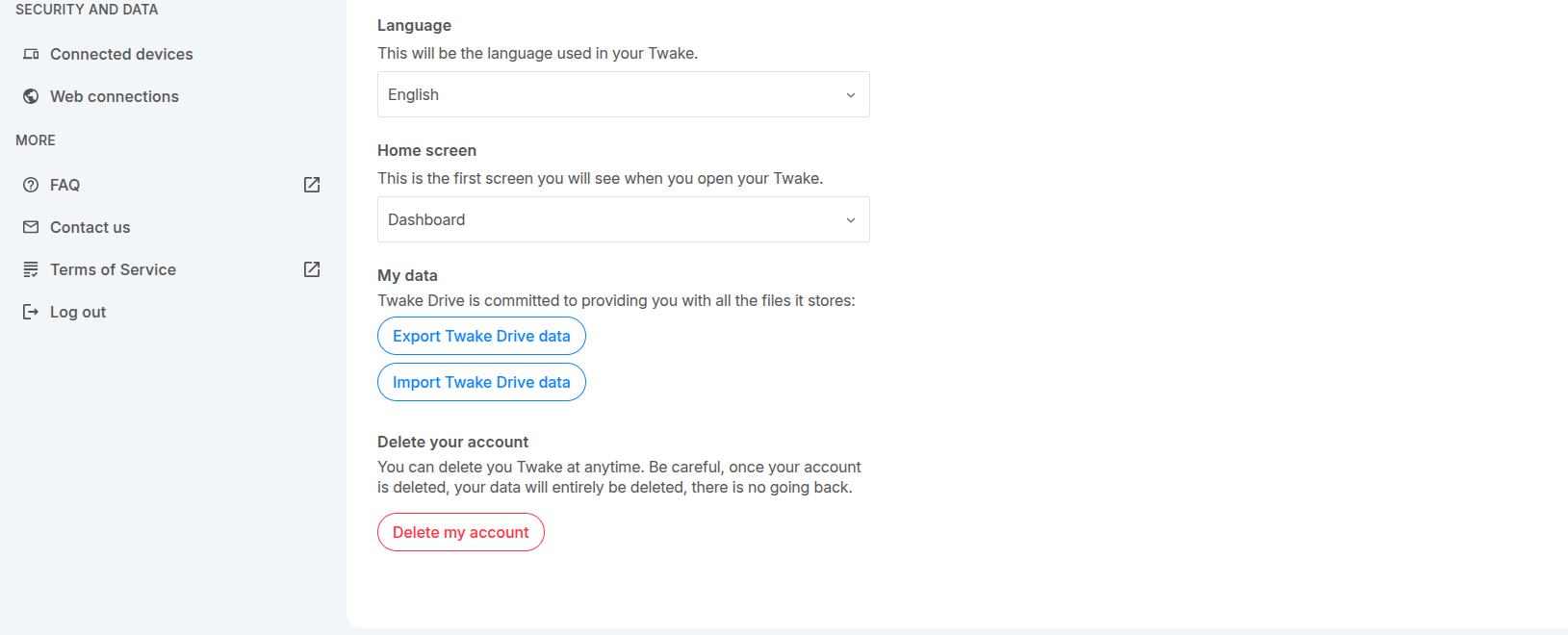
- Scroll down then click Export Twake Drive data.
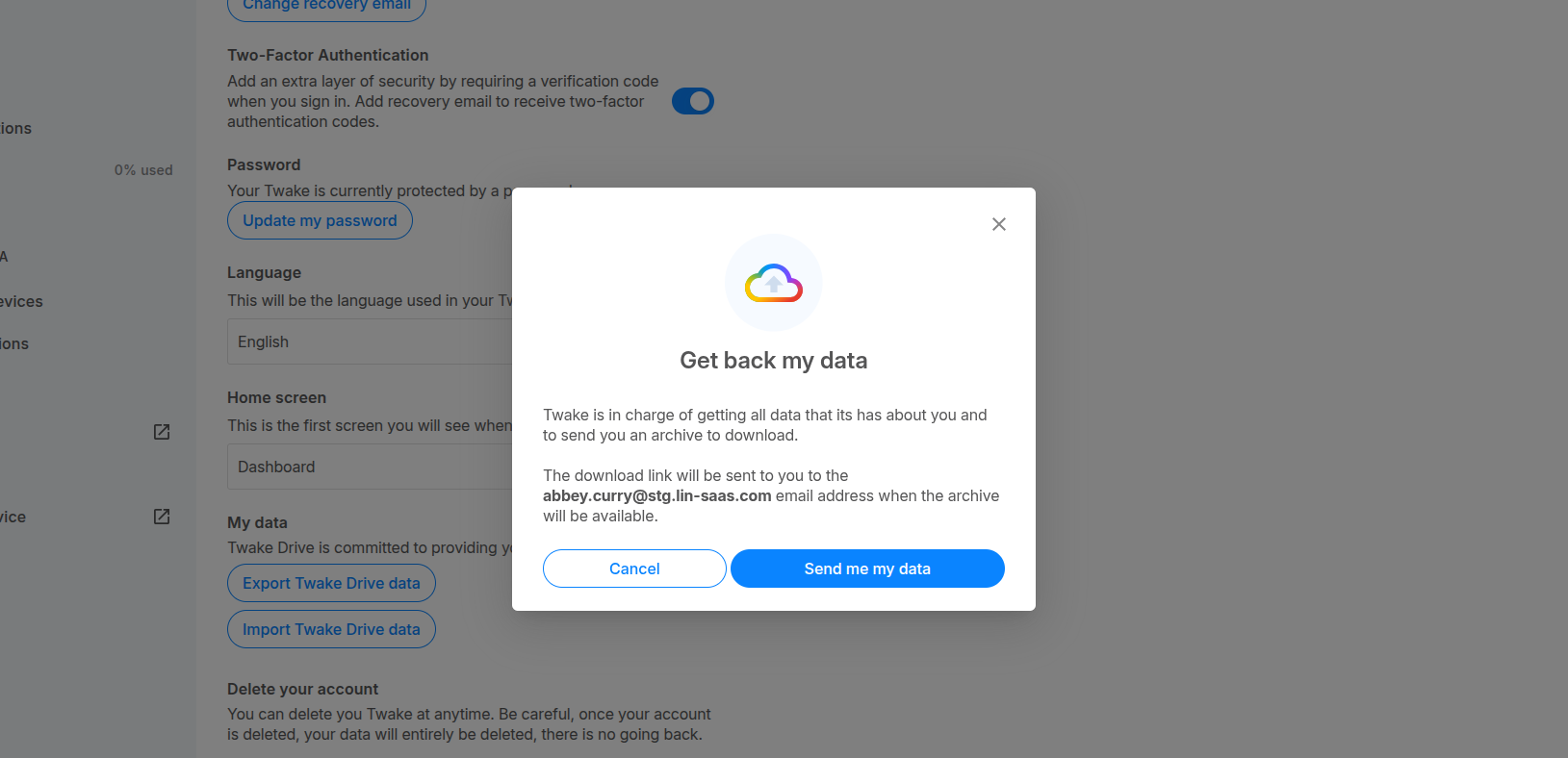
- In the pop-up, click Send me my data.
- You will see a confirmation message:"Your request has correctly be sent!"
Once your request is processed, you will receive an email with a download link.
- Open your Twake email then click "Download your data" button, or use the direct link provided in the email.
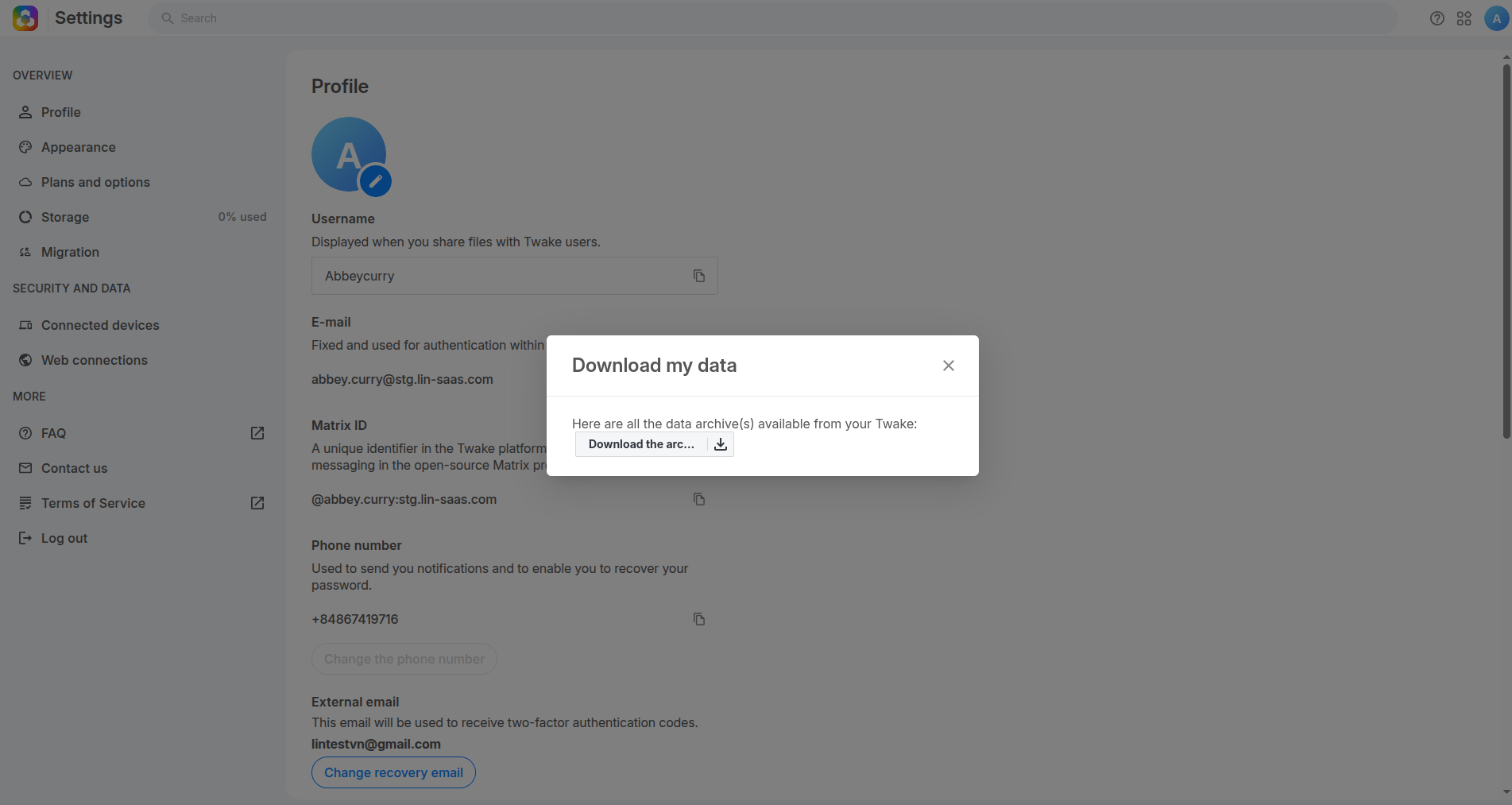
- A popup will be opened in your Twake, click "download the archive" button
Import Twake Drive data
Use this option to restore or import a Twake archive.
- Go to Settings → Profile.
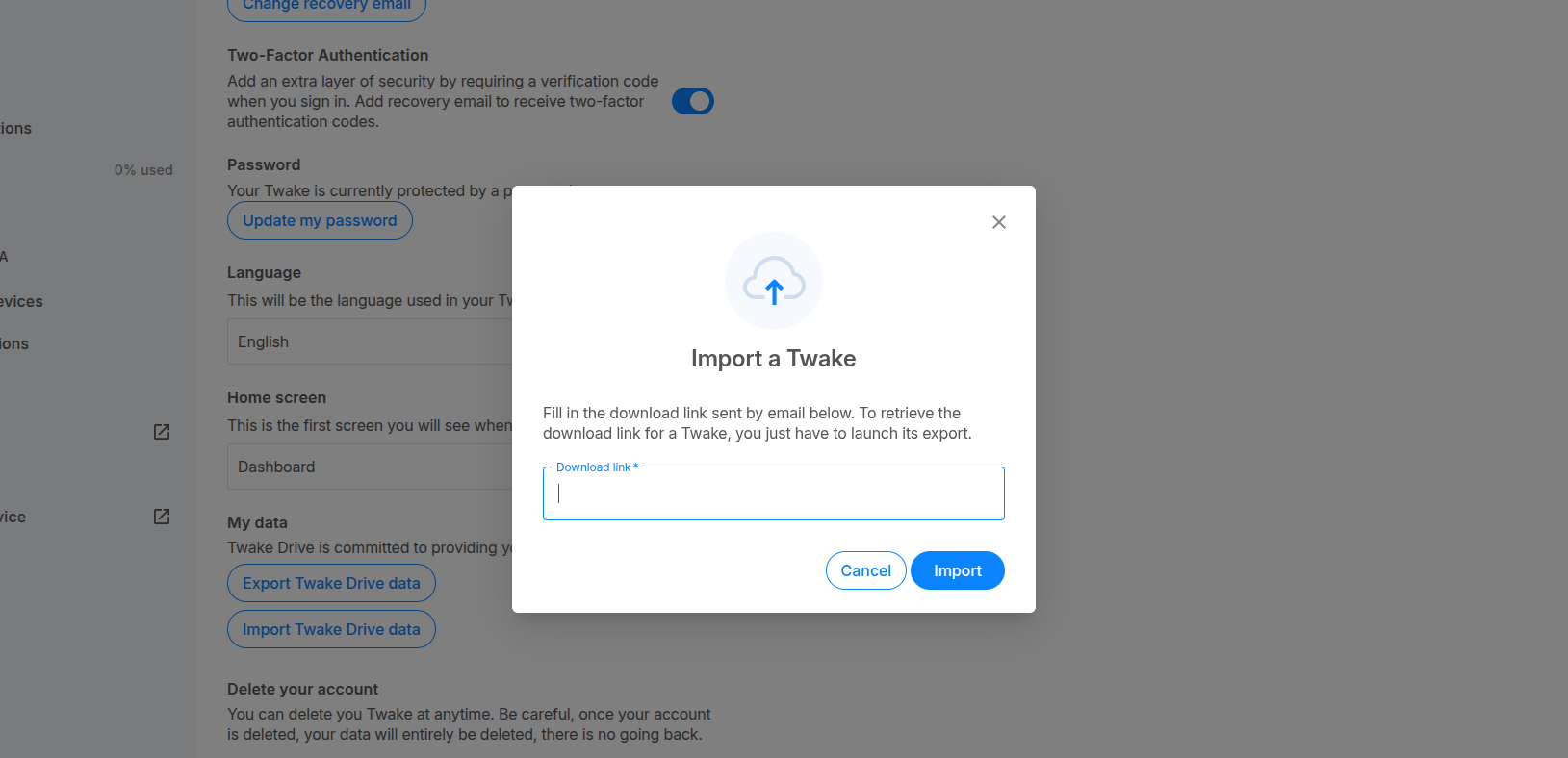
- Scroll down then click Import Twake Drive data.
- In the popup, paste the download link you received by email before when you export Twake Drive data
- Click Import.
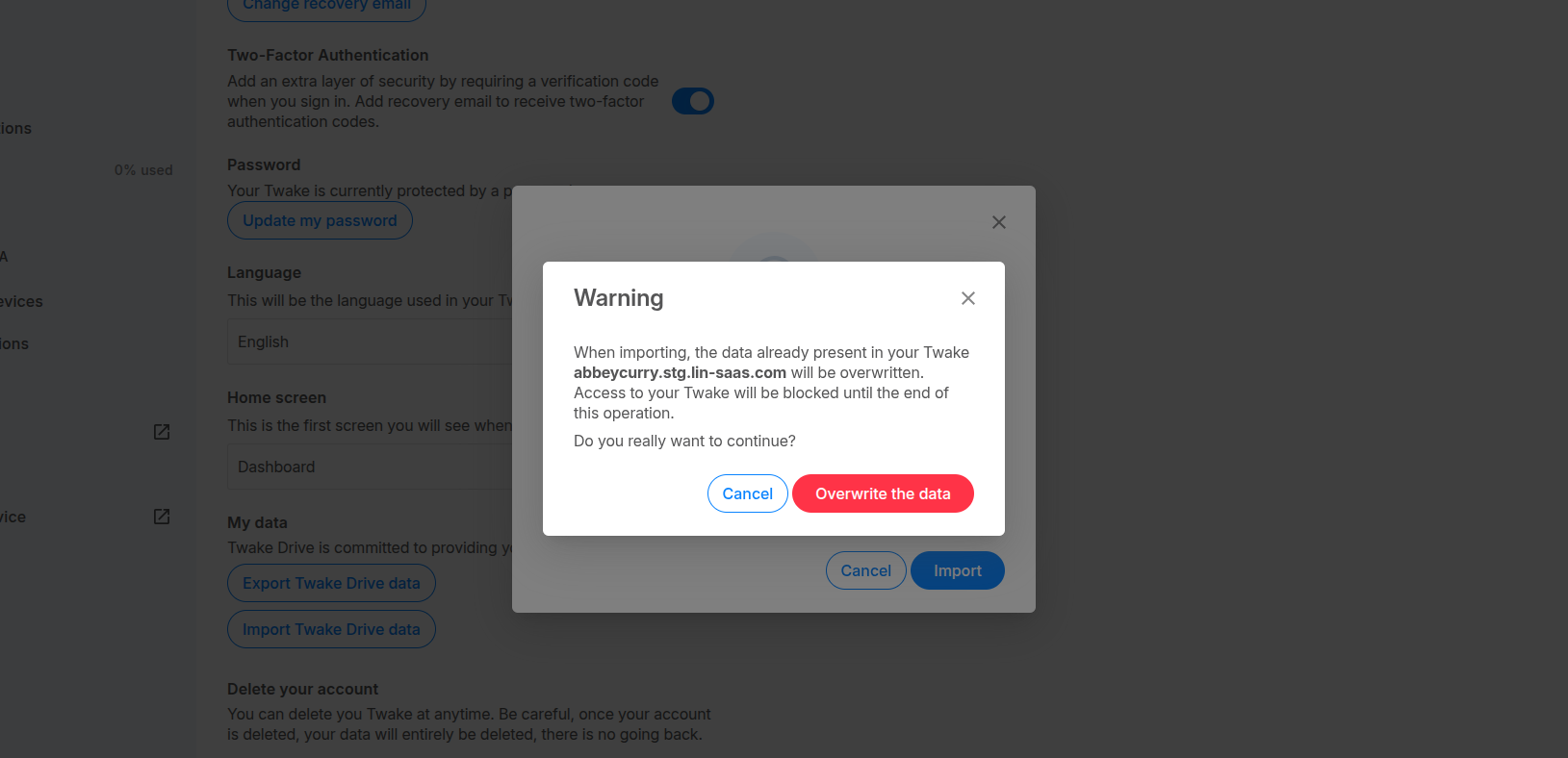
- Before starting the import, you will see a warning. Click Overwrite the data to continue. You will receive an email once the import is complete.