
Create a reusable meeting in Twake Visio
Create a reusable meeting when you want to prepare and share a meeting link in advance. The same link can be used multiple times, and participants do not need to sign in.
Create the meeting
- Open the Twake Visio home page.
- Select Create a meeting.
- Select Create a meeting for a later date.
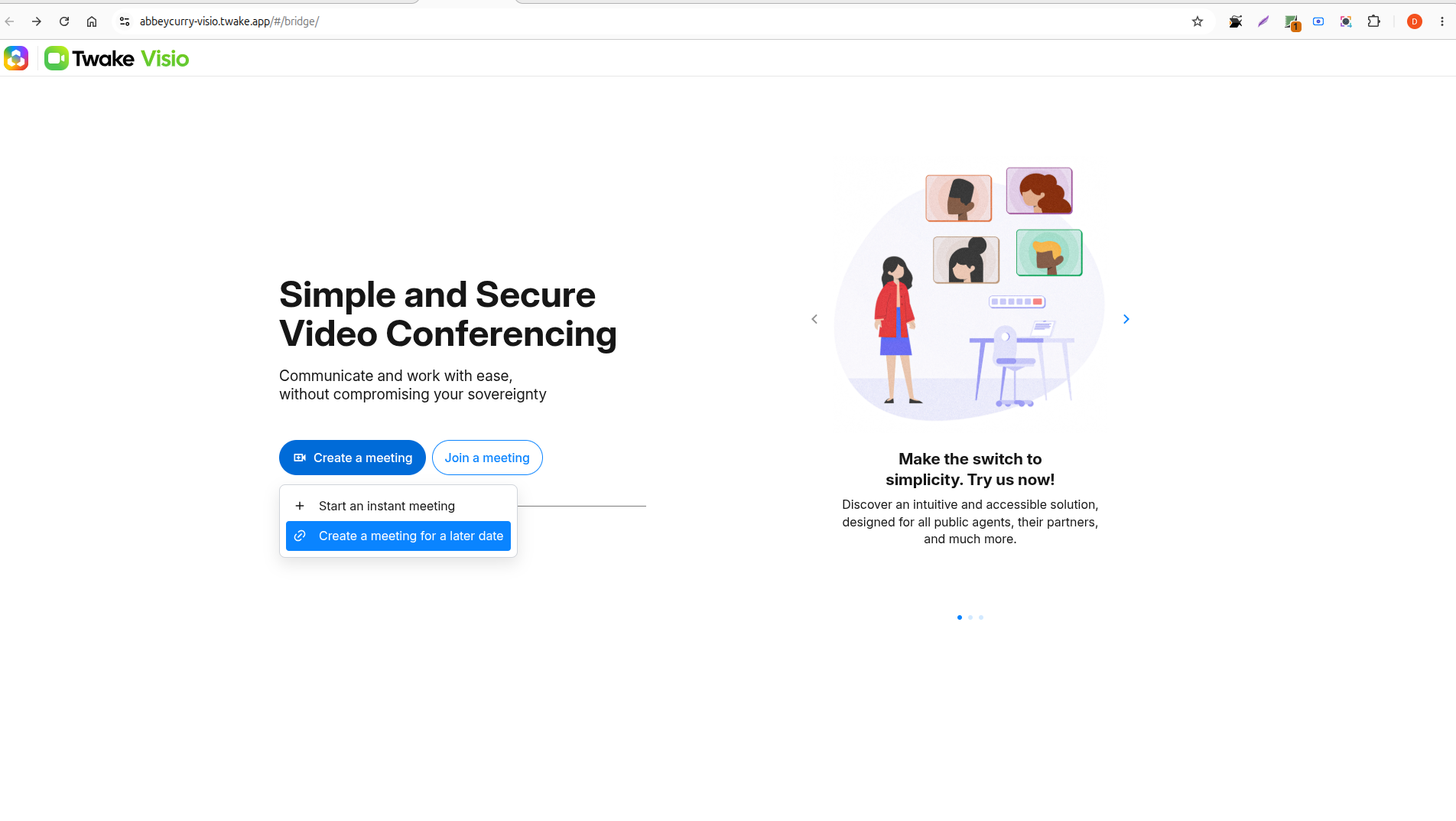
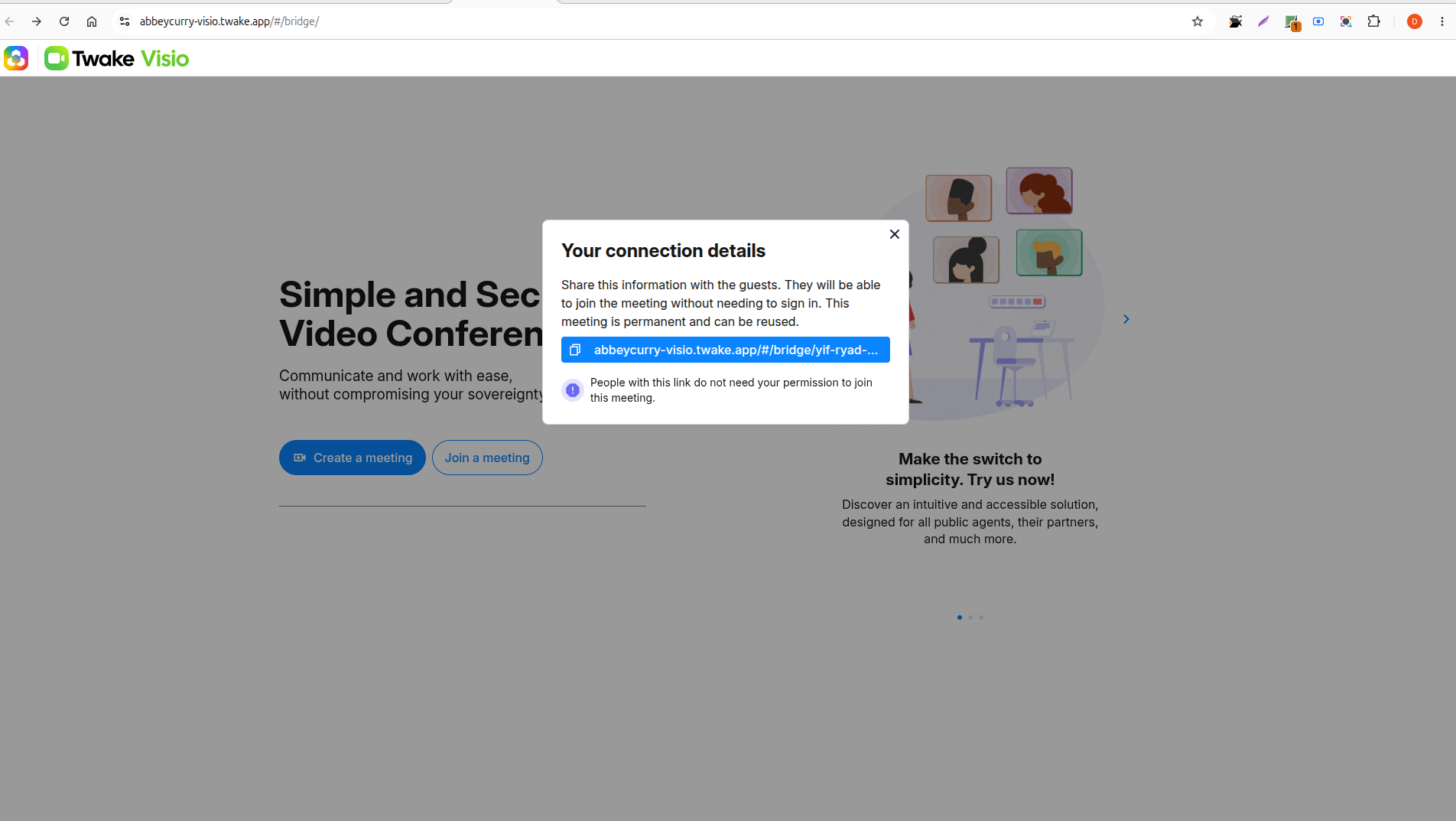
Twake Visio creates the meeting and displays the Your connection details window:
Copy and share the meeting link
- Select the meeting link in the Your connection details window to copy it.
- Share the copied link with the people you want to invite.
Participants can open the link in their browser to join the meeting without signing in.
The meeting is permanent, so you can use the same link for future sessions.
Keep the link somewhere secure and accessible, such as:
- A calendar event
- A private chat or email
- Your organization’s meeting documentation
Because the link remains active and guests can join without permission, avoid sharing it publicly.