Email attendees
Send an email to all participants of an event to share updates or additional information without editing the event itself.
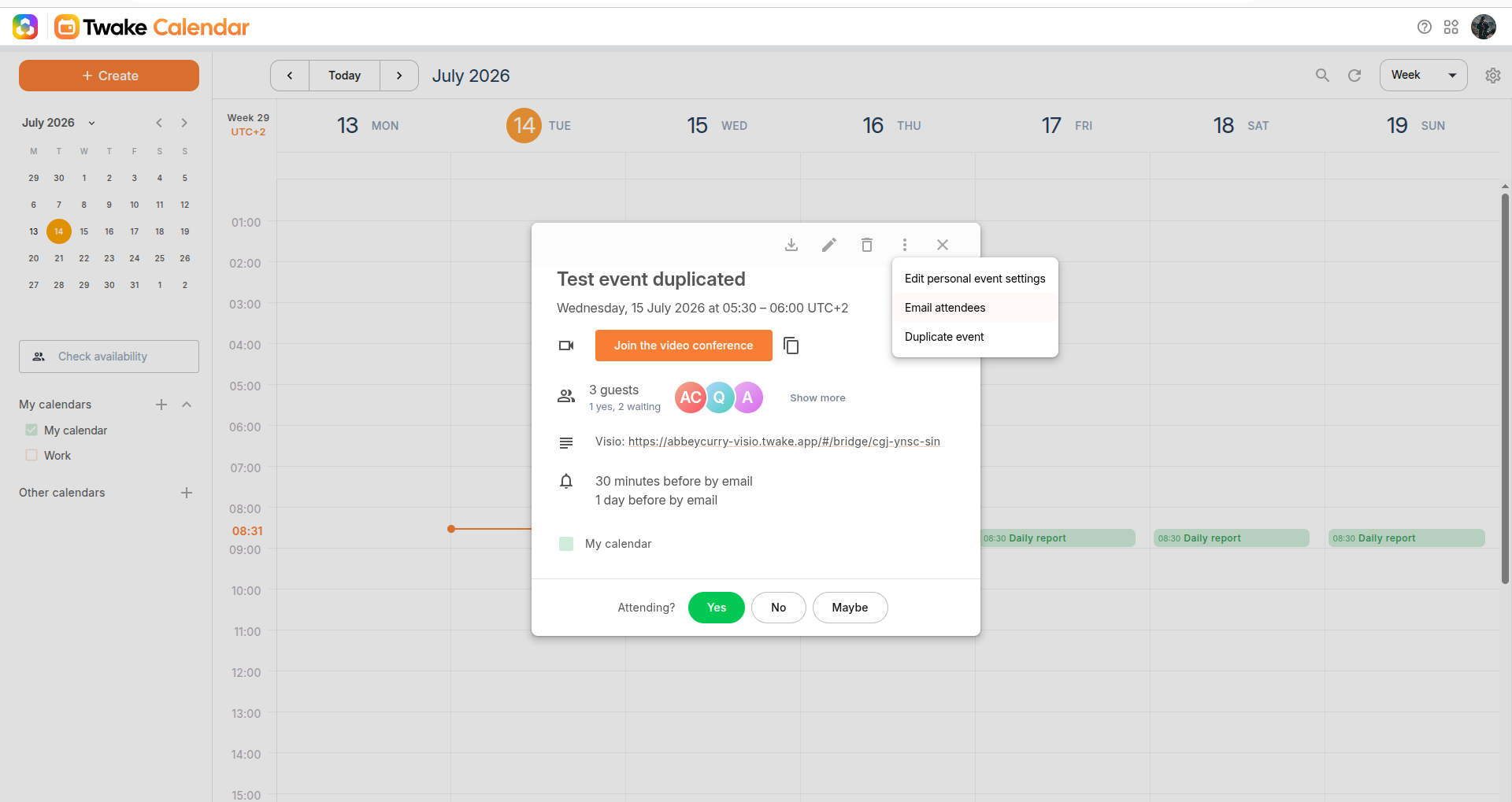
- Open the event.
- Click the More actions (︙) menu.
- Select Email attendees.
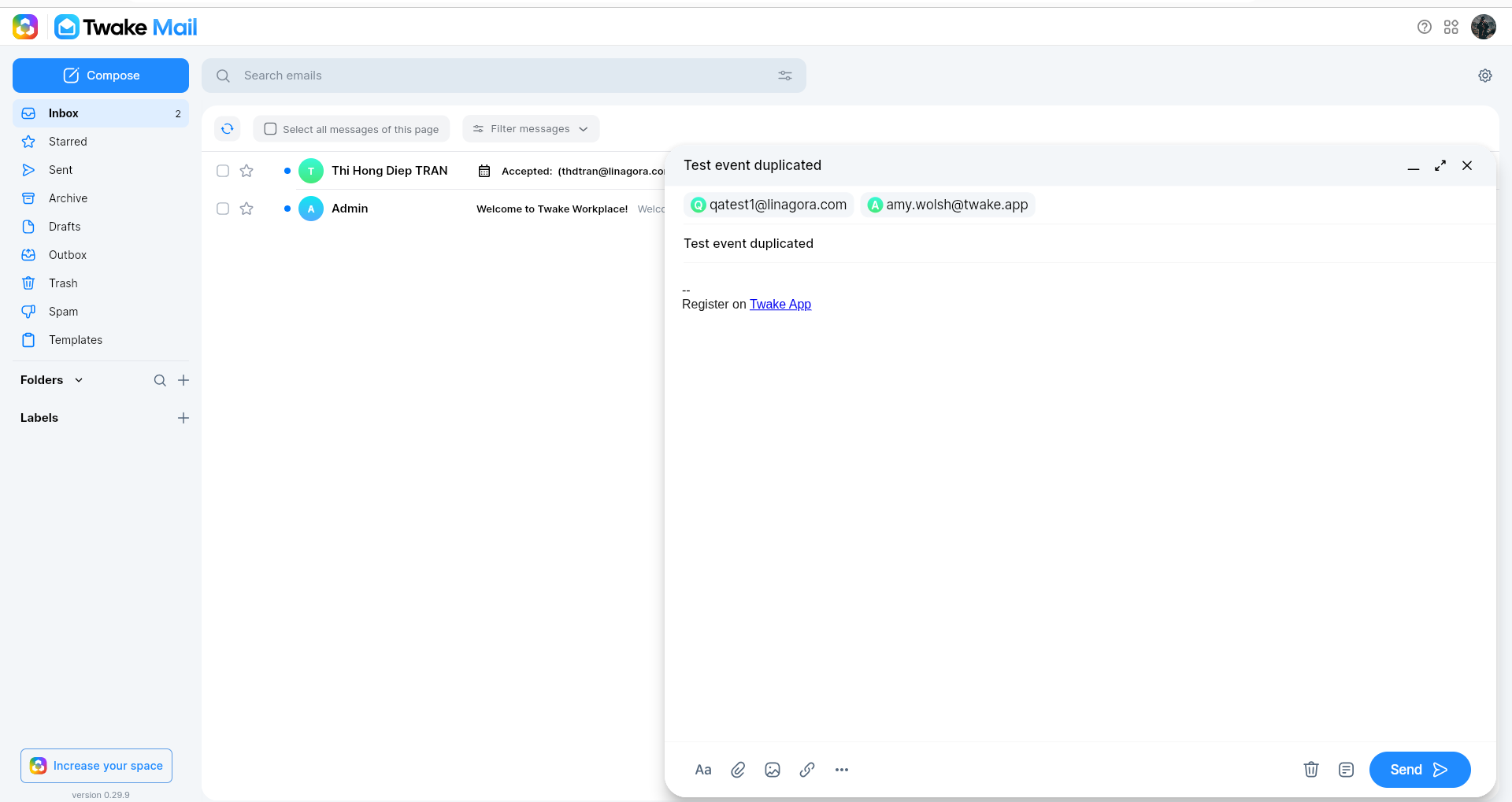
- A new email draft opens in Twake Mail with all event participants automatically added as recipients.
- Enter your message.
- Click Send.
The email is delivered to all selected event attendees.
Note: Emailing attendees does not update the event details. If you change the event's date, time, or other information, edit the event instead so attendees receive an updated invitation.