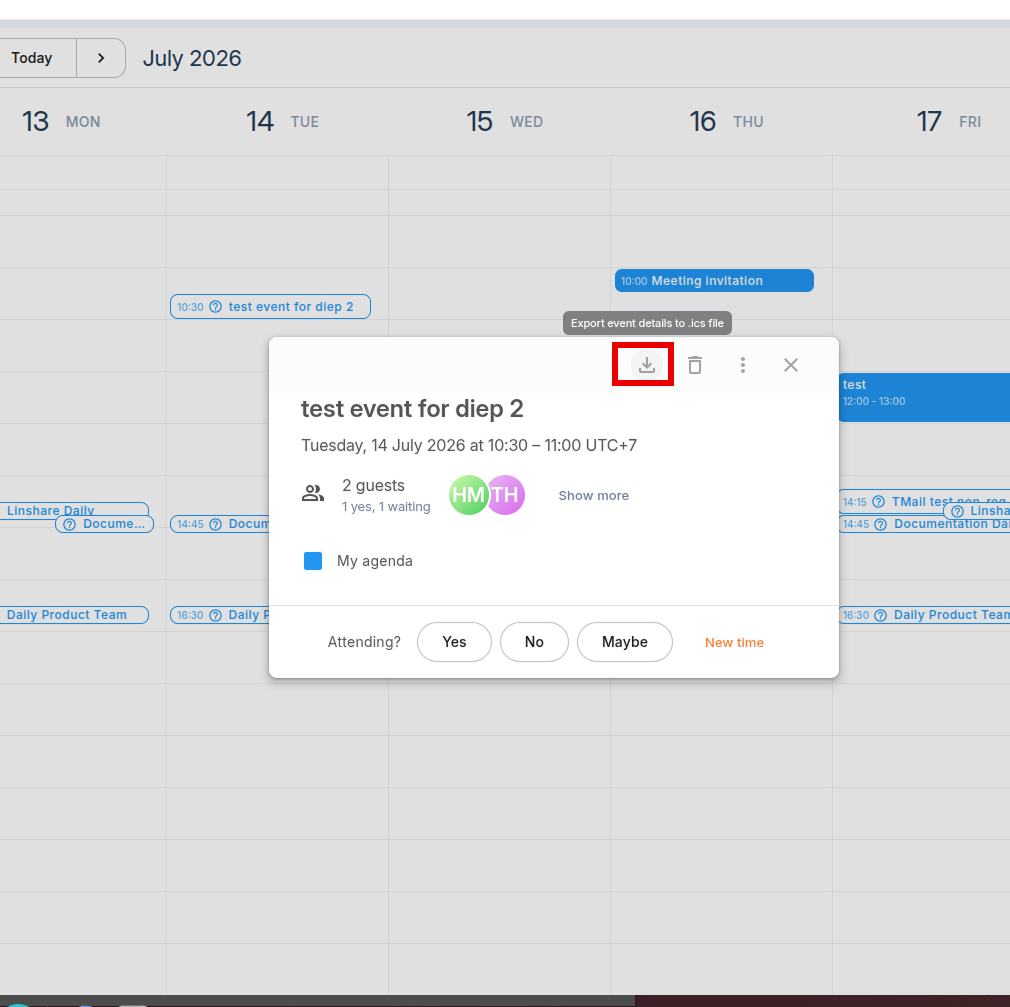
Export Event Details to an .ics File
Export an event as an .ics file to save it locally or share it with people who use other calendar applications. The exported file can be imported into most calendar services that support the iCalendar (.ics) format.
Export an event
- Open the event you want to export.
- Click the Export ![Export icon] button at the top of the event details.
- The event is downloaded as an .ics file to your device.
You can now attach the file to an email or import it into another calendar application.