
Grid view
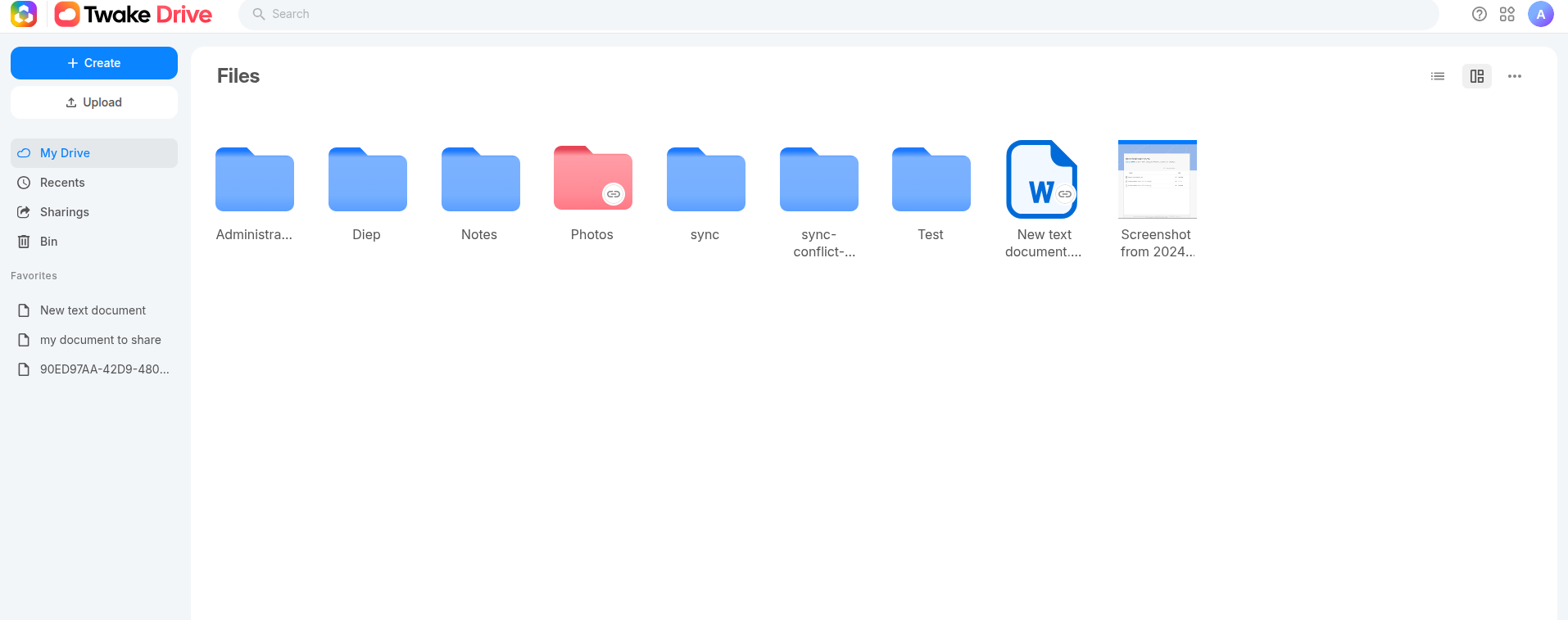
Grid View in Twake Drive allows you to display files and folders as large icons with previews, making it easier to browse visual content and quickly identify items.
Switch to Grid View
- Open Twake Drive.
- Select Grid view button on the top right of screen
- Files and folders will now appear in a grid layout instead of a list:
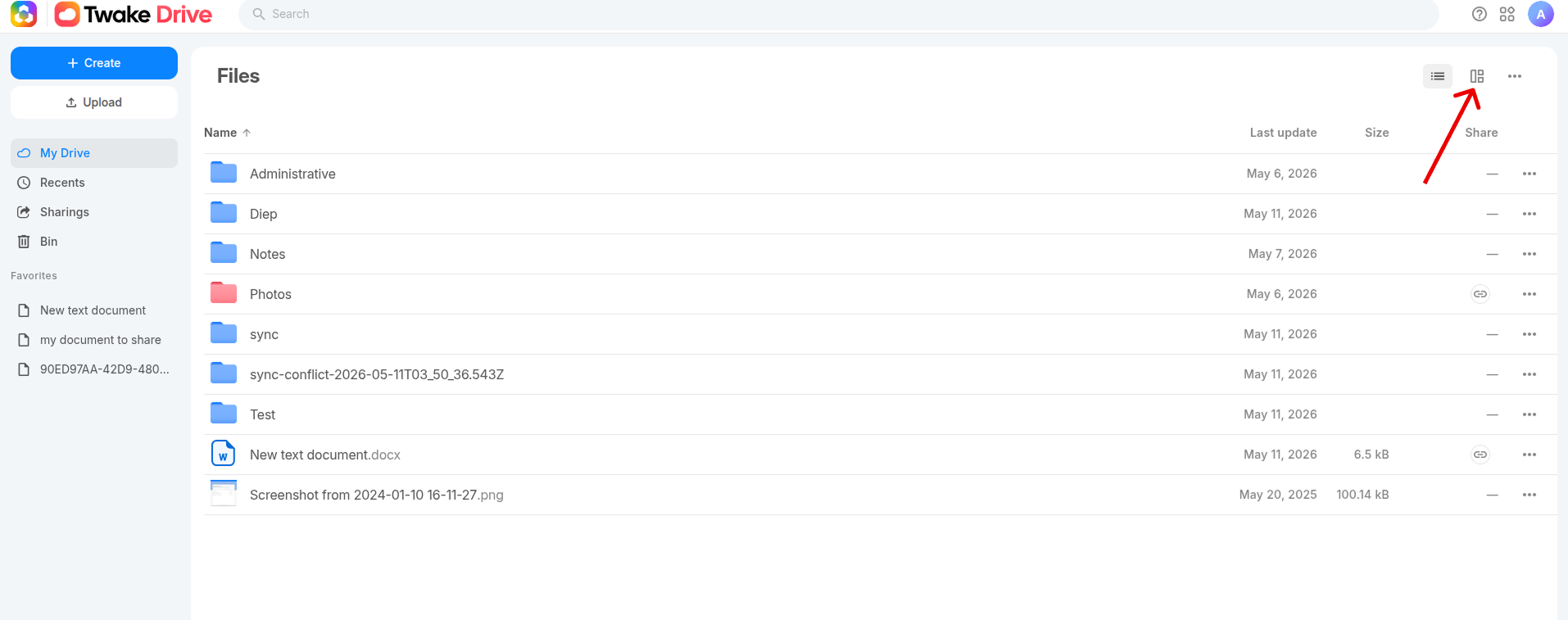
To Switch Back to List View, just Click the List View button again.