Help and Contact support
Twake Mail provides quick access to user documentation and support resources directly from the application.
Open the Help Center
If you need help using Twake Mail, you can access Help Center from anywhere in the application.
Steps
- Click the Help (?) icon in the top-right corner of Twake Mail.
- The Twake Workplace Help Center opens in a new browser tab.
- Use the search bar to find articles related to your question.
The Help Center contains step-by-step instructions, feature explanations, and troubleshooting information.
Contact Support
If you cannot find an answer in the documentation, you can contact the support team directly.
Steps
- Click your profile avatar in the top-right corner.
- Select Manage account.
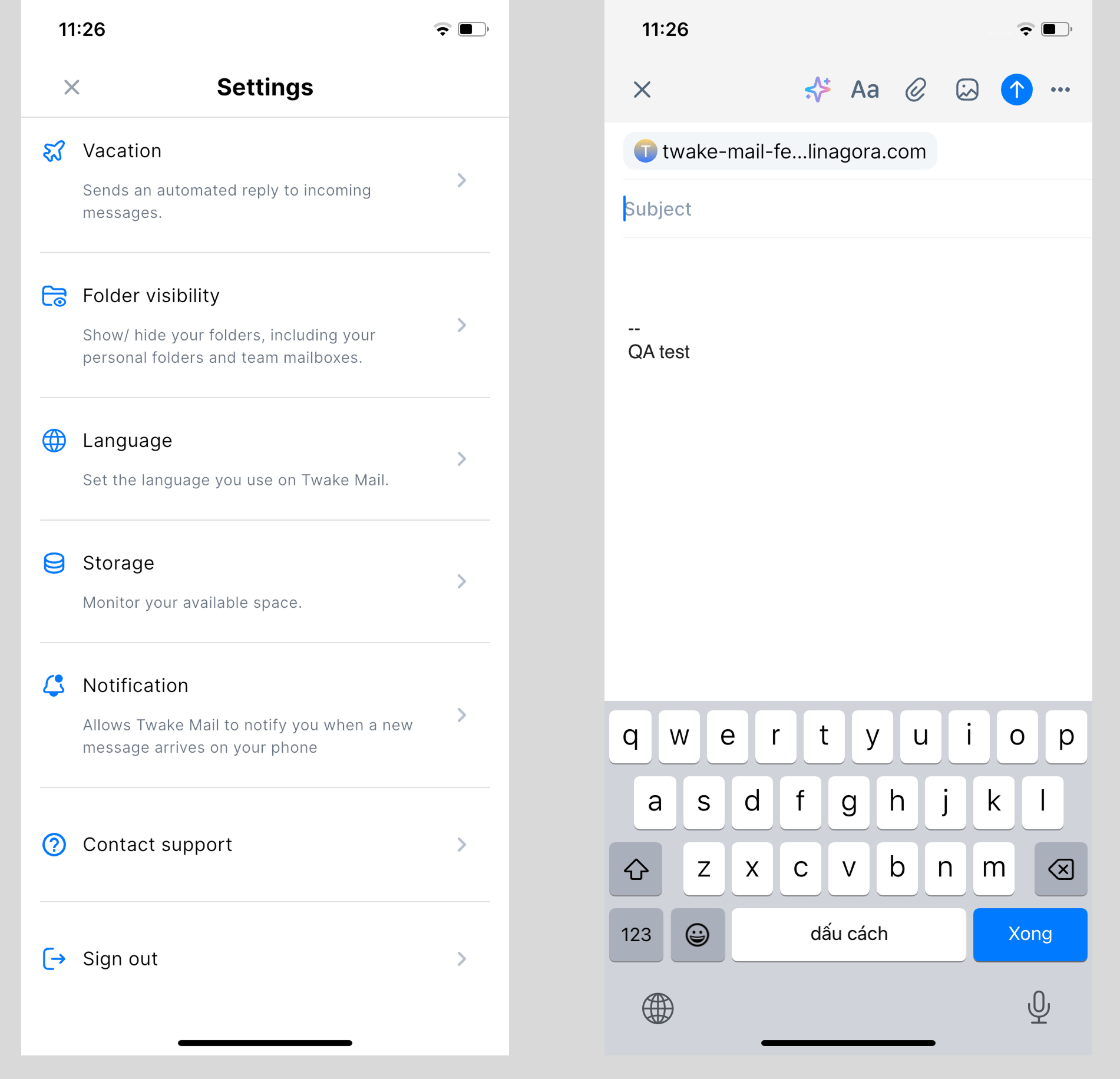
- Click Contact support from the left menu.
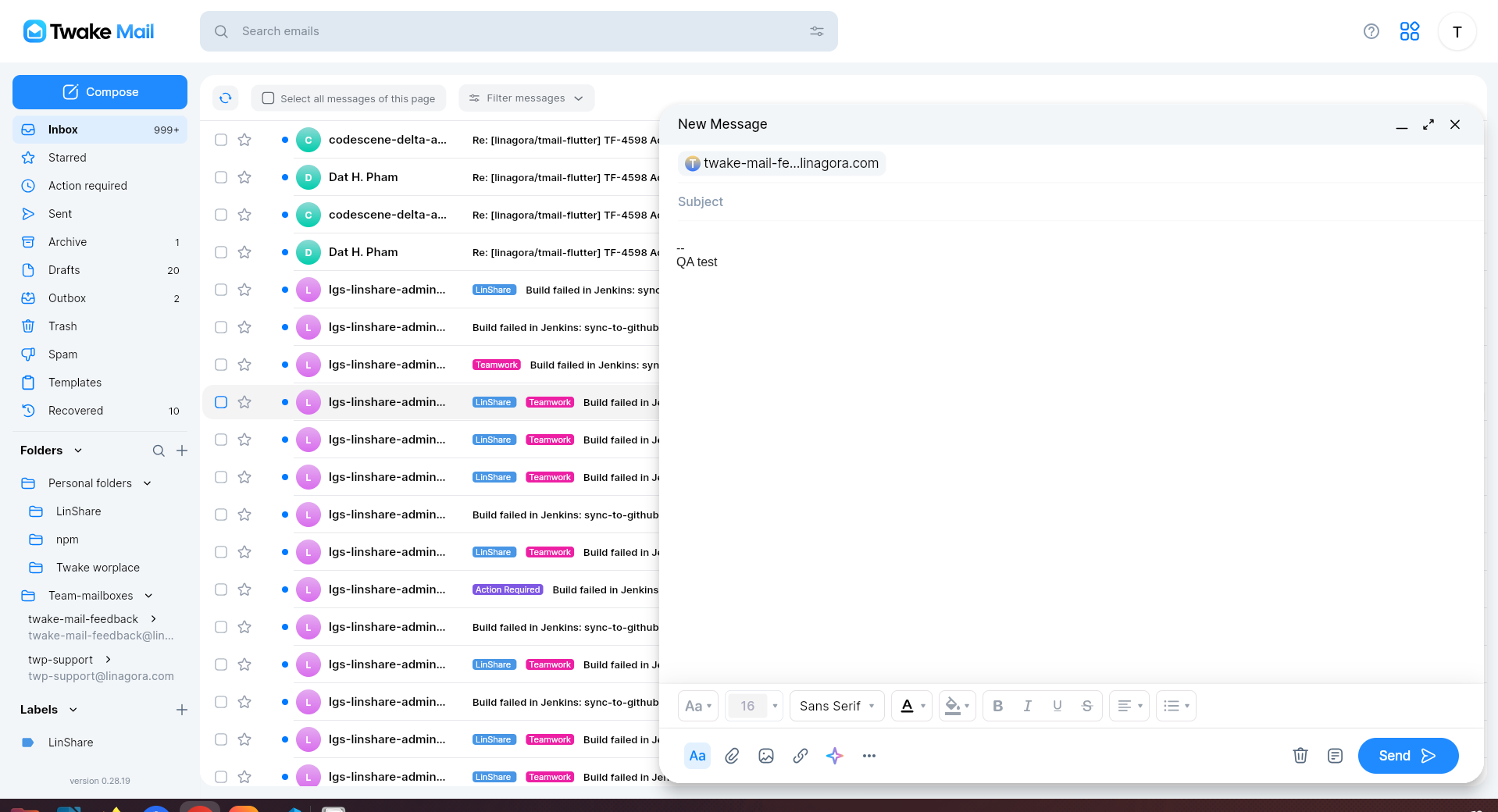
- A new email composition window opens automatically.
- Describe your issue and provide any relevant details.
- Click Send.
Your message will be sent to the support team for assistance: