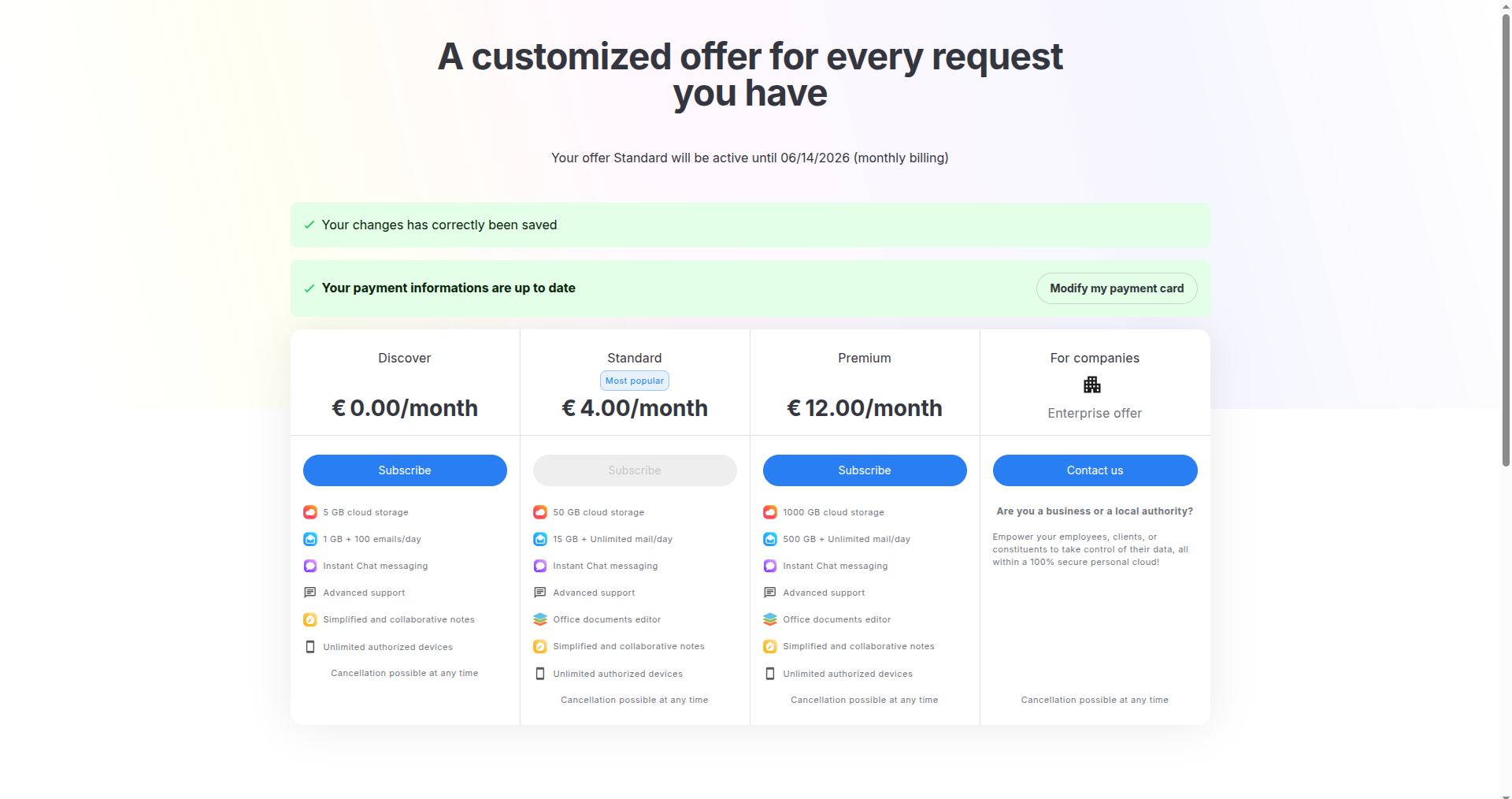
How to change your credit card
You can update your payment method at any time from the Plans and options page.
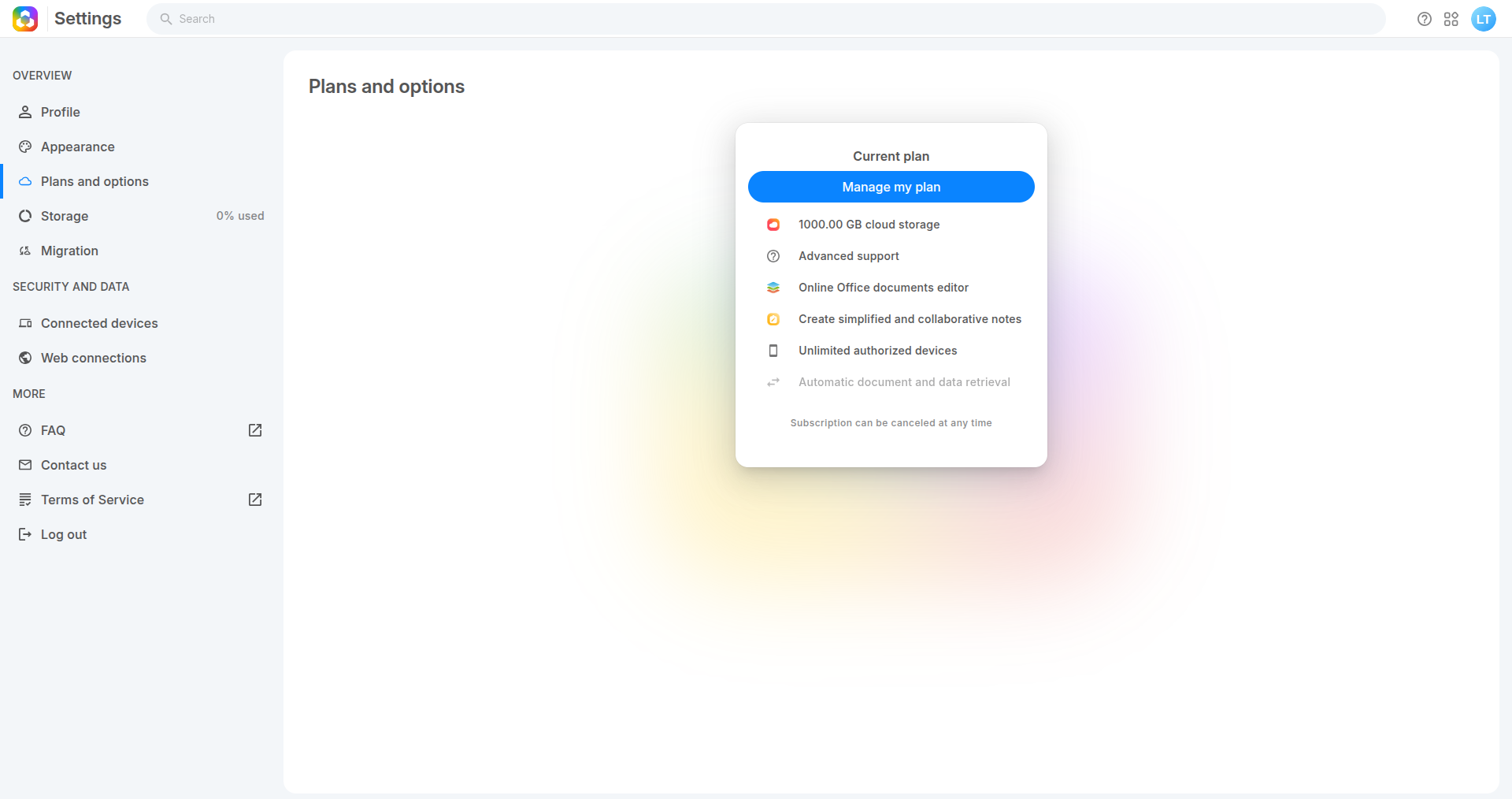
1. Open Plans and options, then click :"Manage my plan"
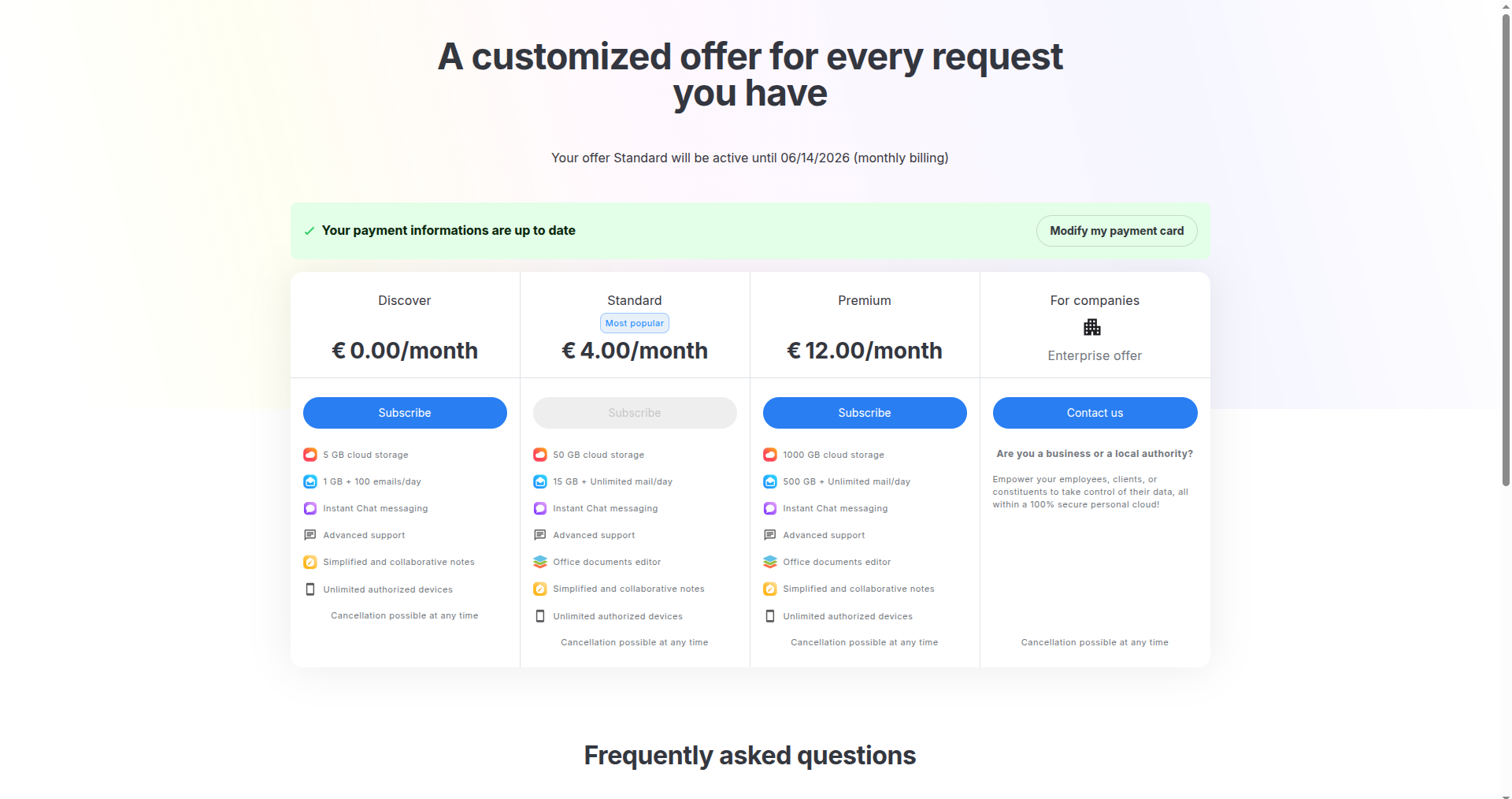
- Click “Modify my payment card”, a window will open
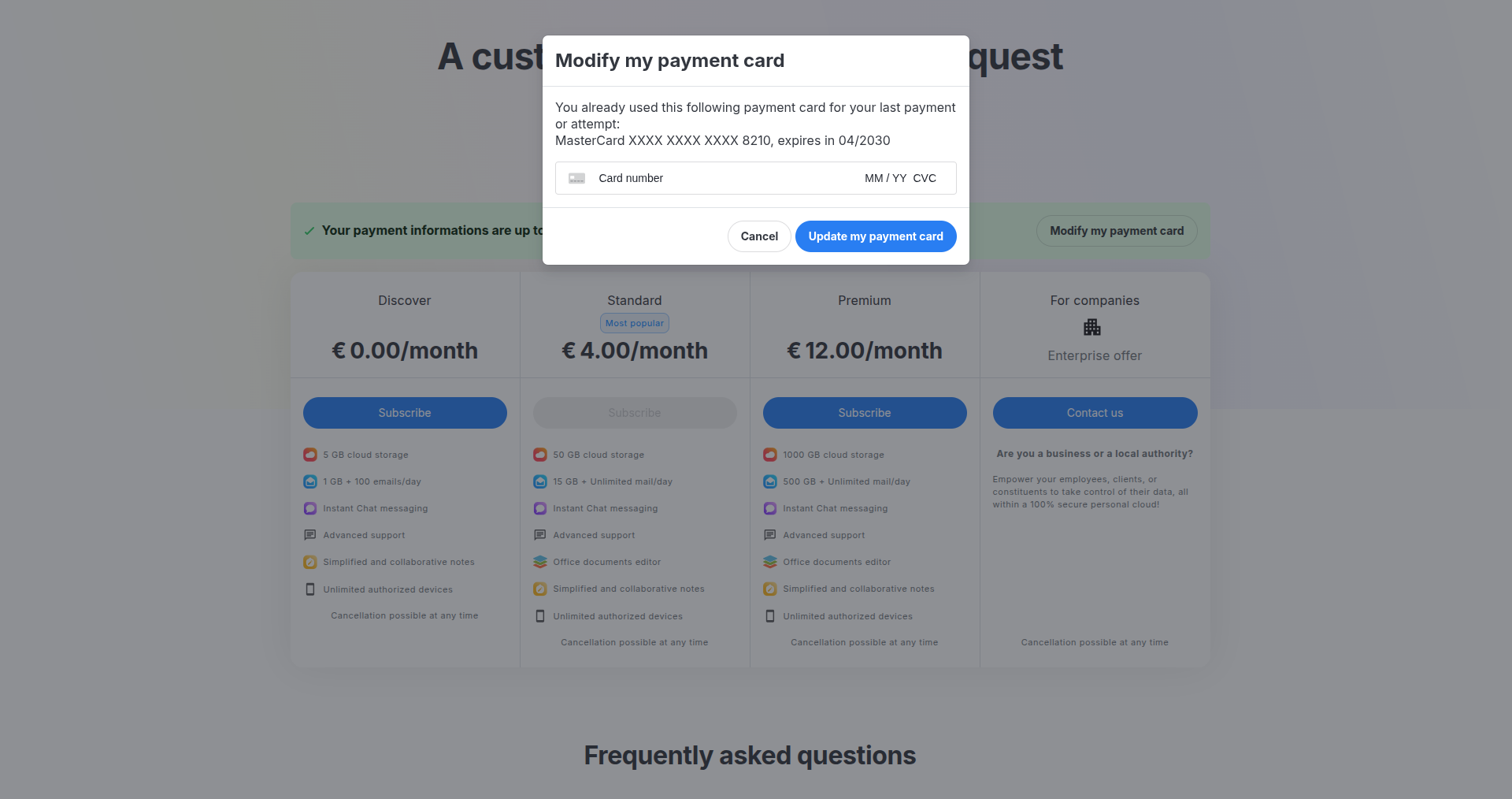
3. Enter new card details
- Card number
- Expiry date (MM/YY)
- CVC
then click button: "Update my payment card"
- A confirmation message is displayed, future payments will use the new card