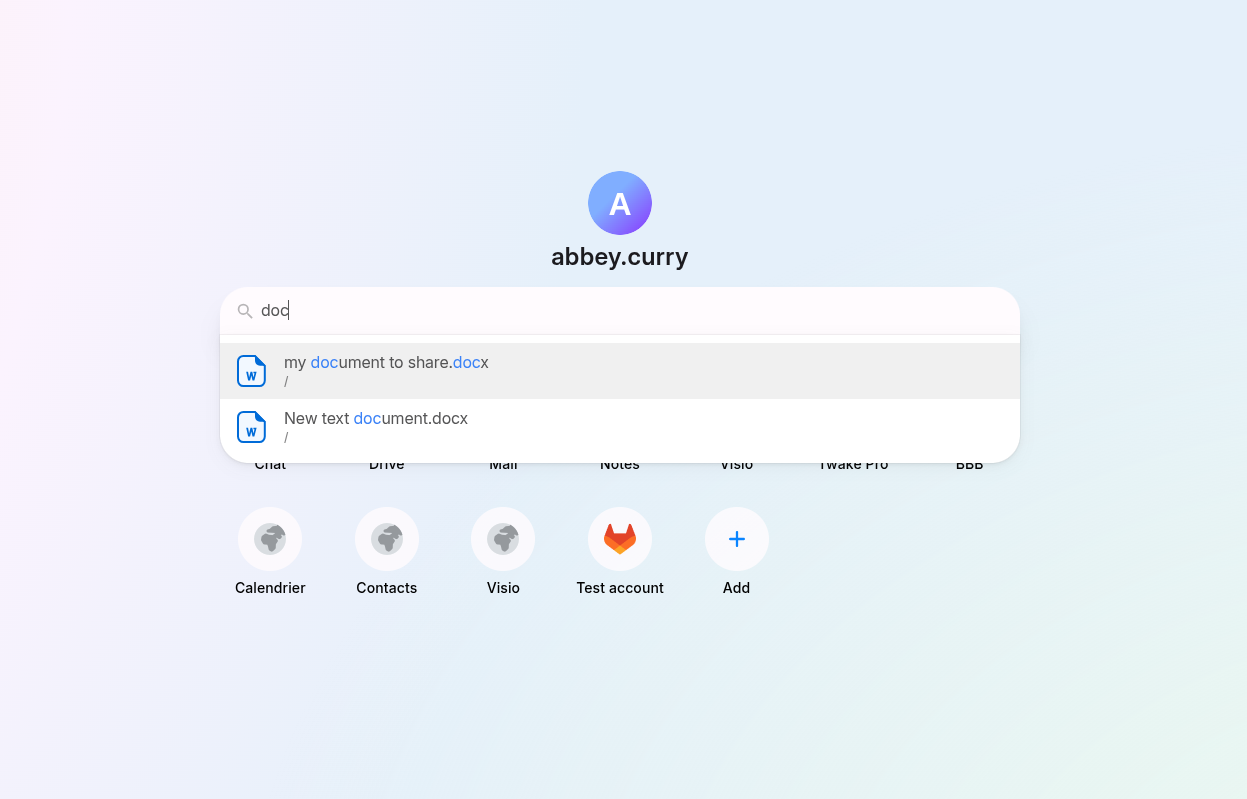
Search on the homepage
Overview
You can use the search bar on the homepage to quickly find and access your content or applications.
- The search bar is located at the center of the homepage
- Enter keywords in the search bar, it will help you find:
- 📁 Files and folders (from Twake Drive, Twake Notes)
- 🚀 Applications (Chat, Drive, Mail, Notes, etc.)
Click on a result to:
- Open a file or folder
- Launch an application