
Invite your friend to discuss
You can invite people who are not yet using Twake Chat by sharing an invitation link. Once they join Twake, you can start chatting with them.
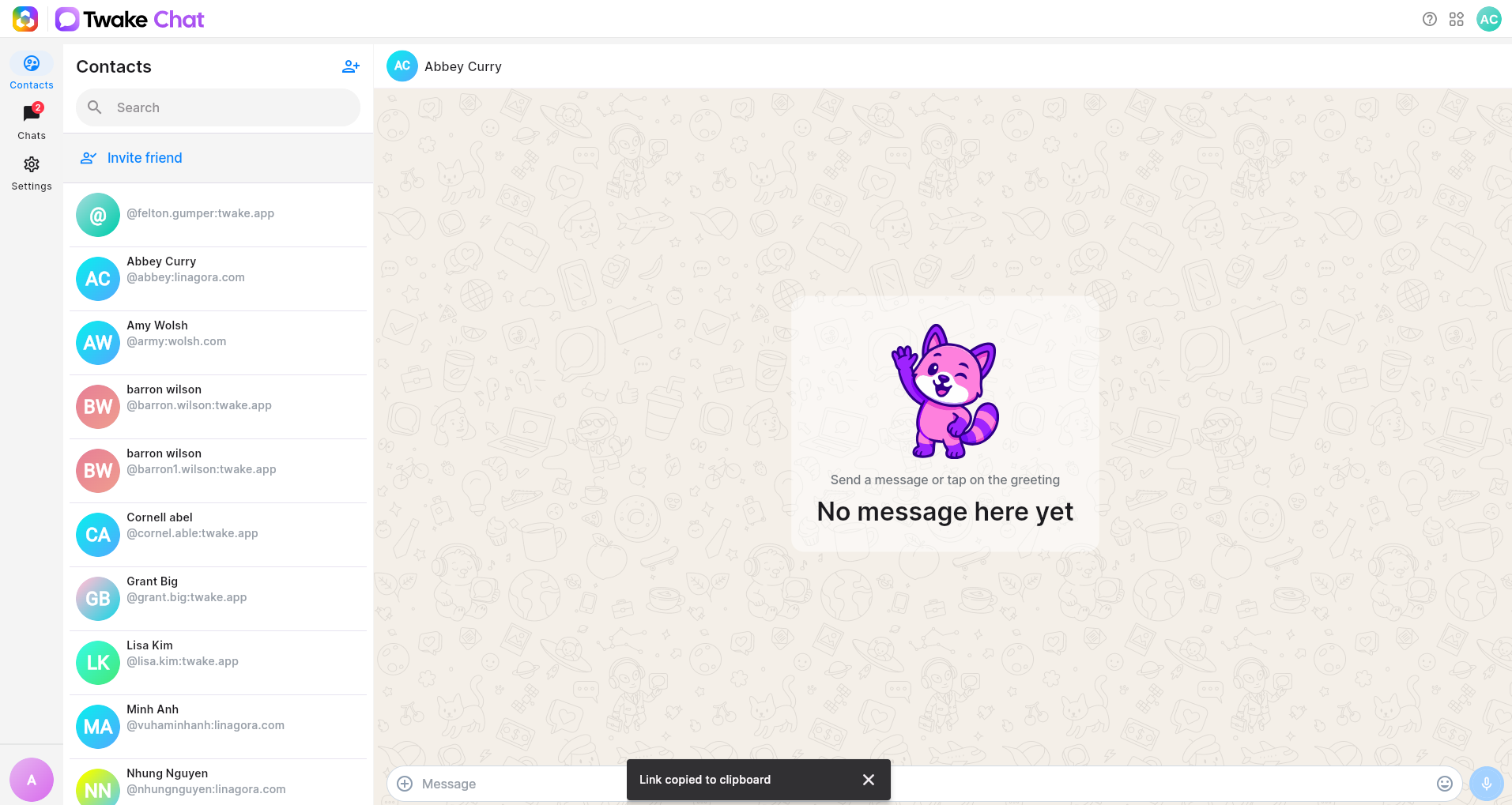
- Open Contacts.
- Click or tap Invite friend.
- Twake generates a unique invitation link and copied to your clipboard
- Share the link using your preferred app, such as Email, Messages, or another supported application.
- Your friend opens the link, creates or signs in to a Twake account, and can then start chatting with you.
On mobile
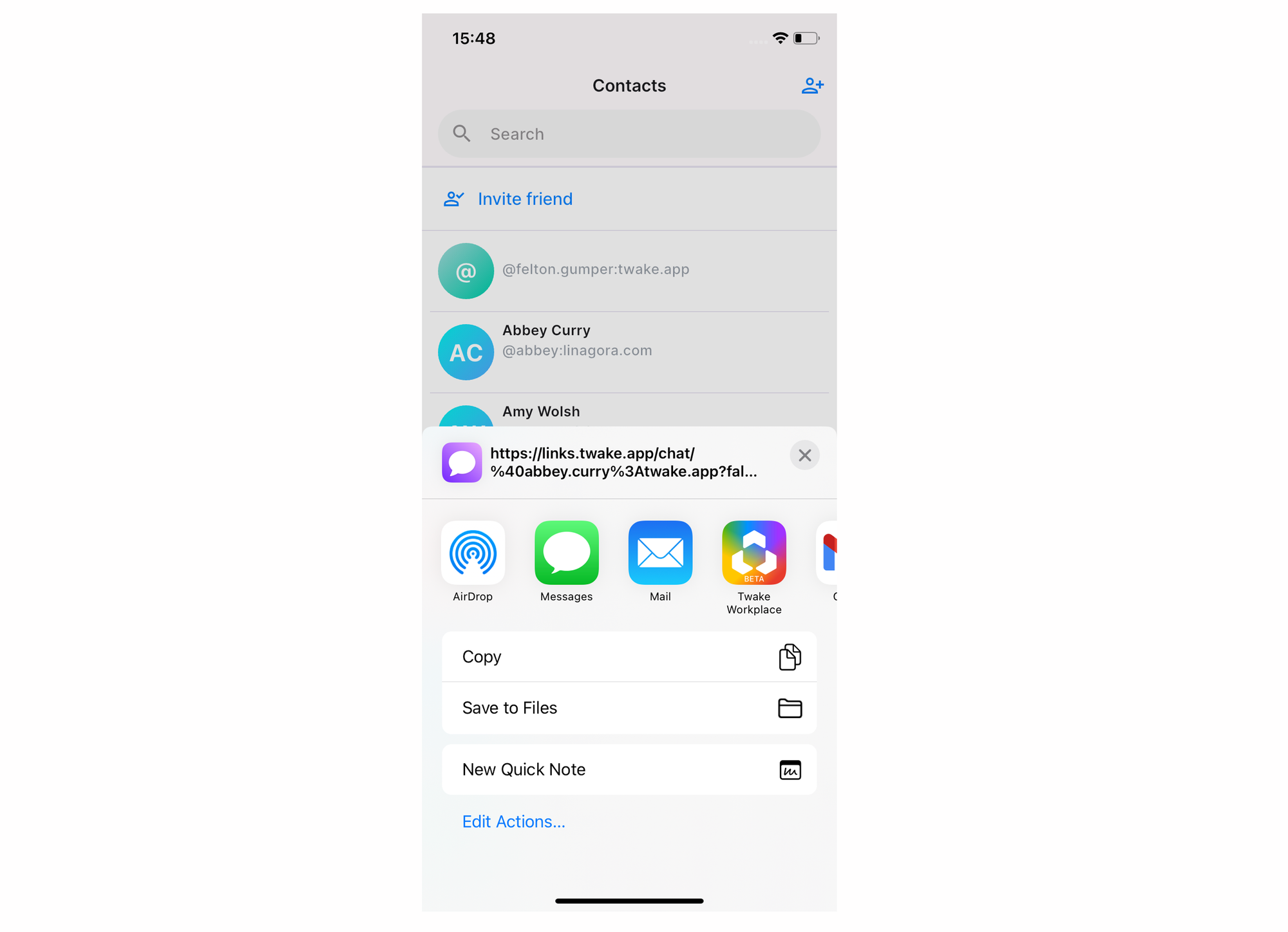
- Open Contacts.
- Tap Invite friend.
- Select an app from the device's Share menu, or copy the invitation link.
- Send the invitation to your friend.
Your friend opens the invitation link and signs in or creates a Twake account. After joining, they can start a conversation with you