Manage participants during a Twake Visio meeting
If you are the meeting administrator (host), you can view participants, mute microphones, pin a participant, or remove someone from the meeting.
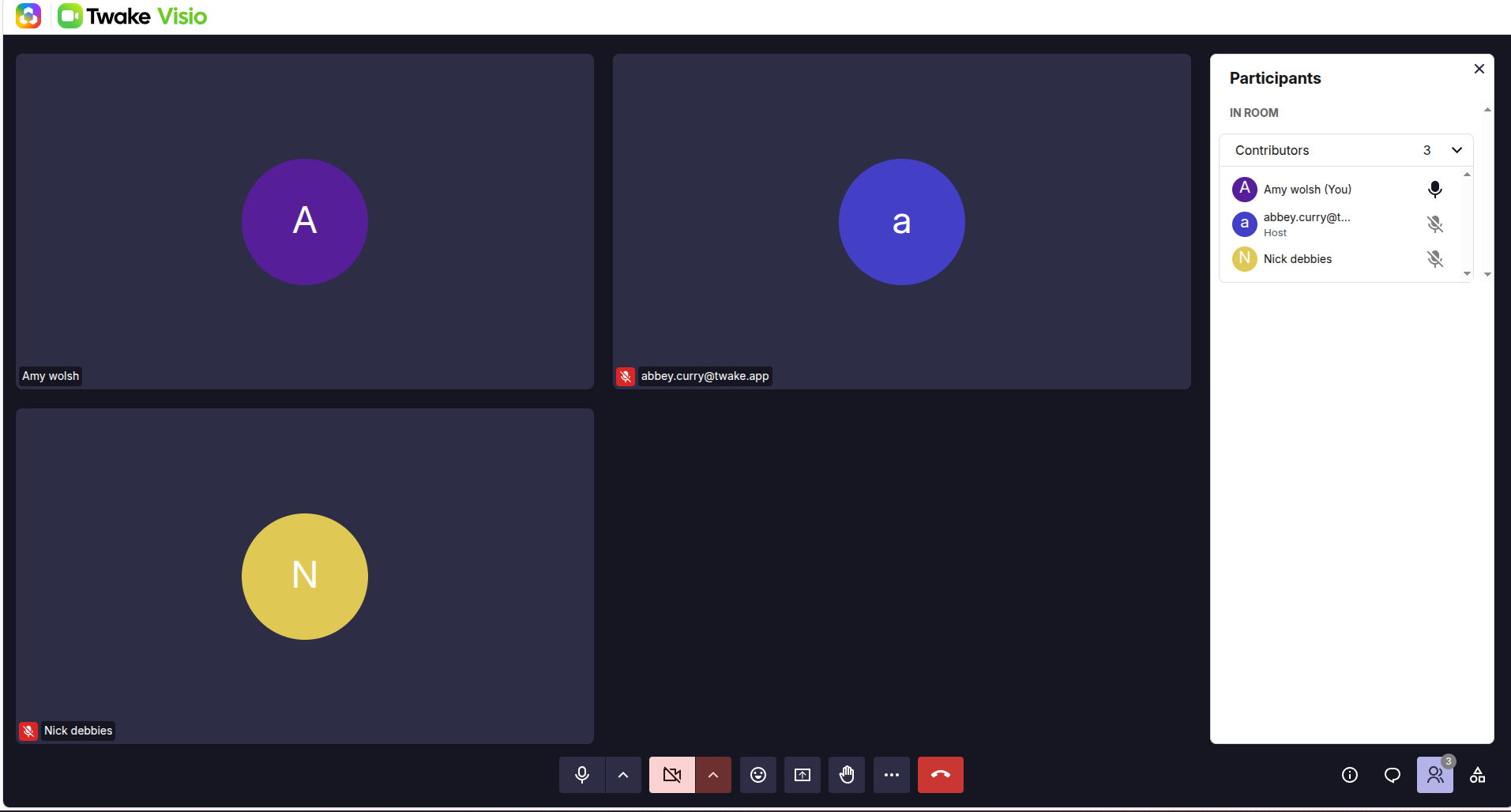
Open the participant list
- During the meeting, select the Participants icon in the lower-right corner.
- The Participants panel opens and displays everyone currently in the room.
The panel also shows the total number of participants and identifies you as the Host.
Mute participants
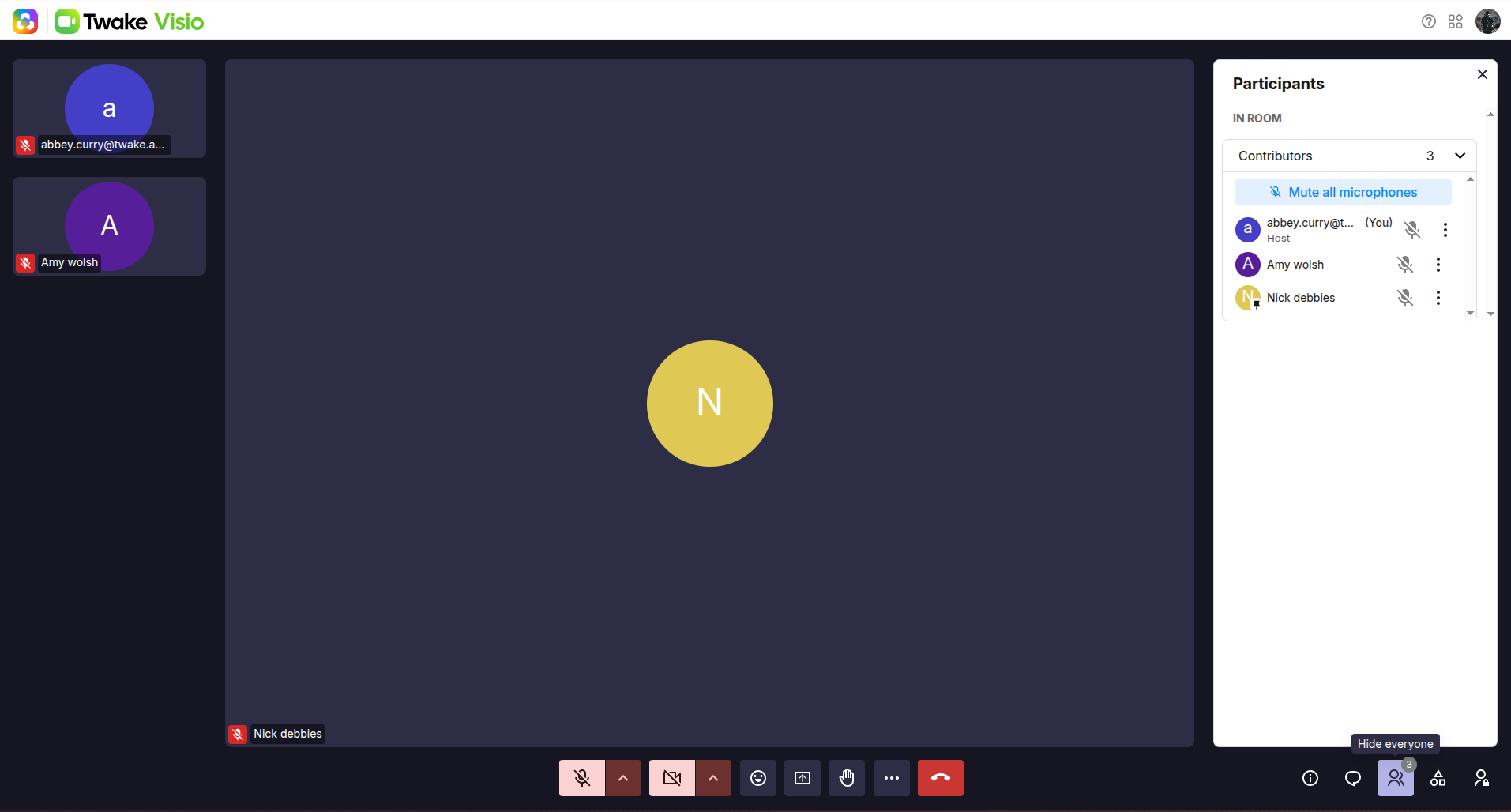
Only host can mute participants. To mute everyone in the room at once, select Mute all microphones at the top of the participant list.
This is useful when presenting or reducing background noise during a large meeting.
To mute one participant, on the participant list, he can select the microphone icon beside a participant’s name to mute that participant.
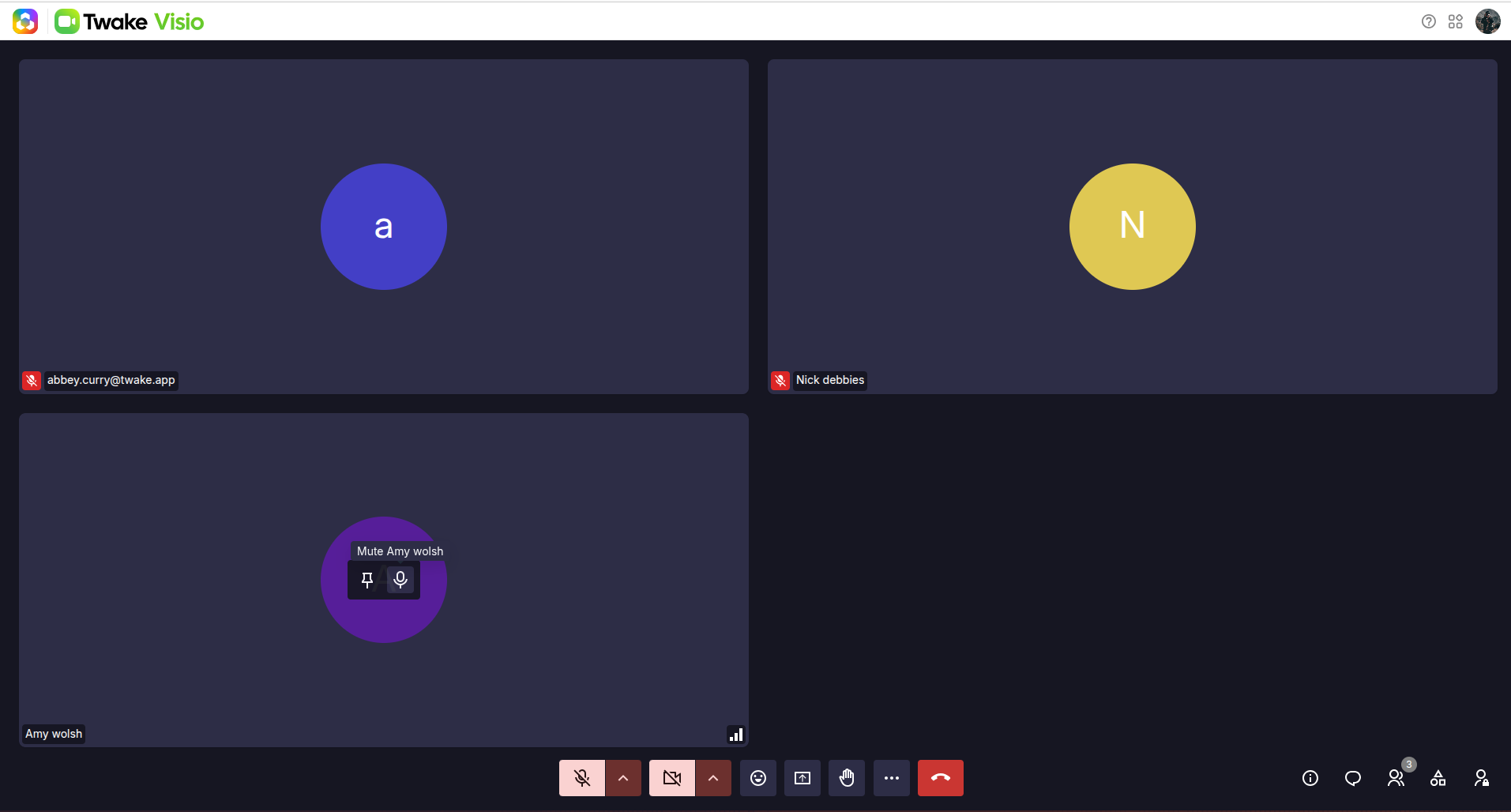
The host can also hover also hover participant's video and profile tile and selecting the Mute icon.
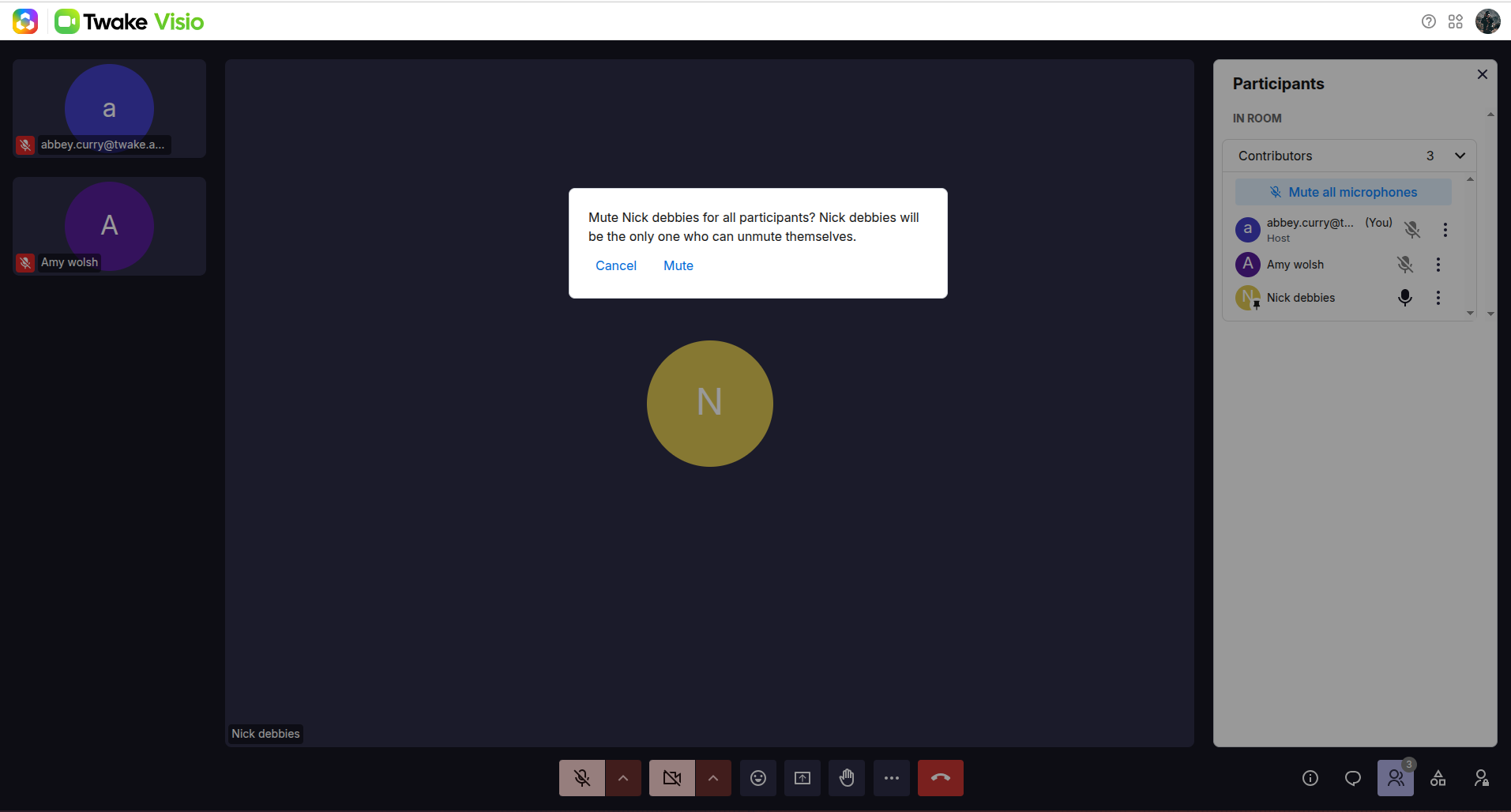
Participants can turn their microphones on again when they need to speak. For privacy reasons, the host can mute a participant, but cannot remotely turn on their microphone.
Pin/Unpin a participant
Any participant can pin someone by hovering over their video or profile tile and selecting the Pin/Unpin icon.
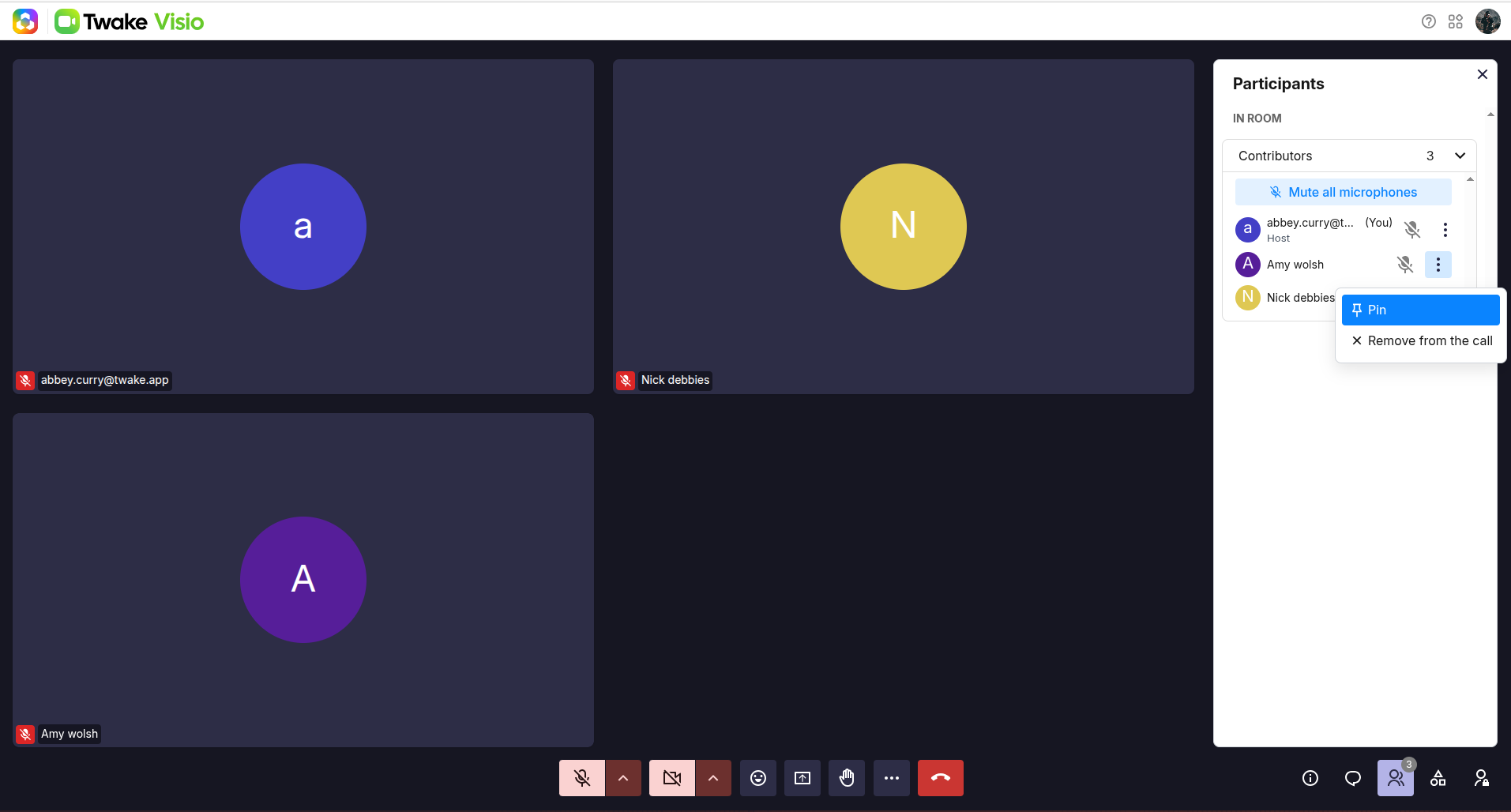
The host can also pin someone from the Participants panel:
- Open the Participants panel.
- Select More options (⋮) beside the participant’s name.
- Select Pin.
The pinned participant appears prominently in the meeting area while the other participants are displayed in smaller tiles.
Pinning changes only your personal meeting layout. It does not change what other participants see.
Remove a participant from the meeting
As an administrator, you can remove someone from the current call:
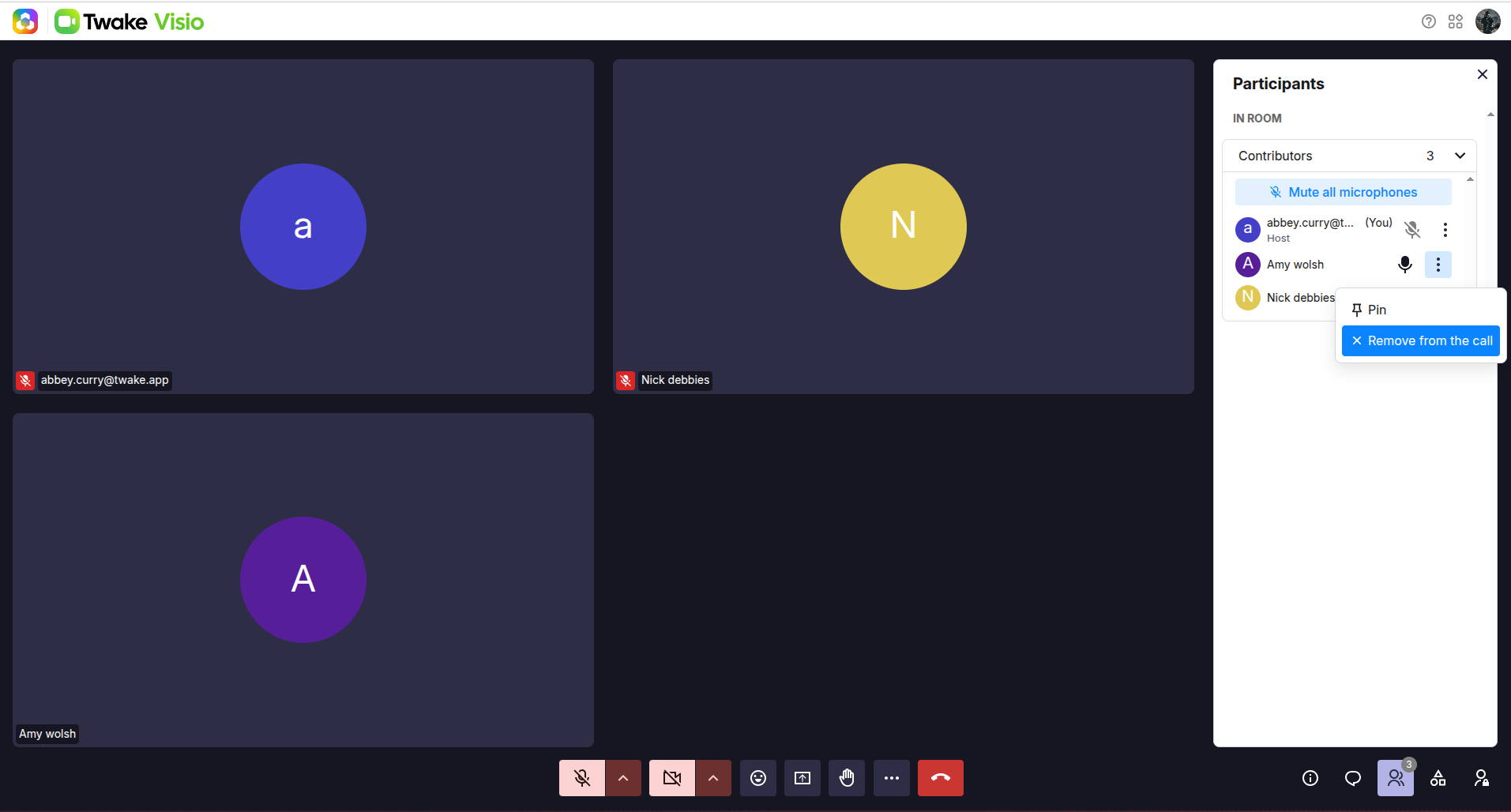
- Select the More options icon (⋮) beside the participant.
- Select Remove from the call.
The participant immediately leaves the meeting:
Actions available to regular participants
Regular participants can open the participant list and pin another participant for their own view. Administrative actions such as Mute all microphones and Remove from the call are reserved for the meeting administrator.