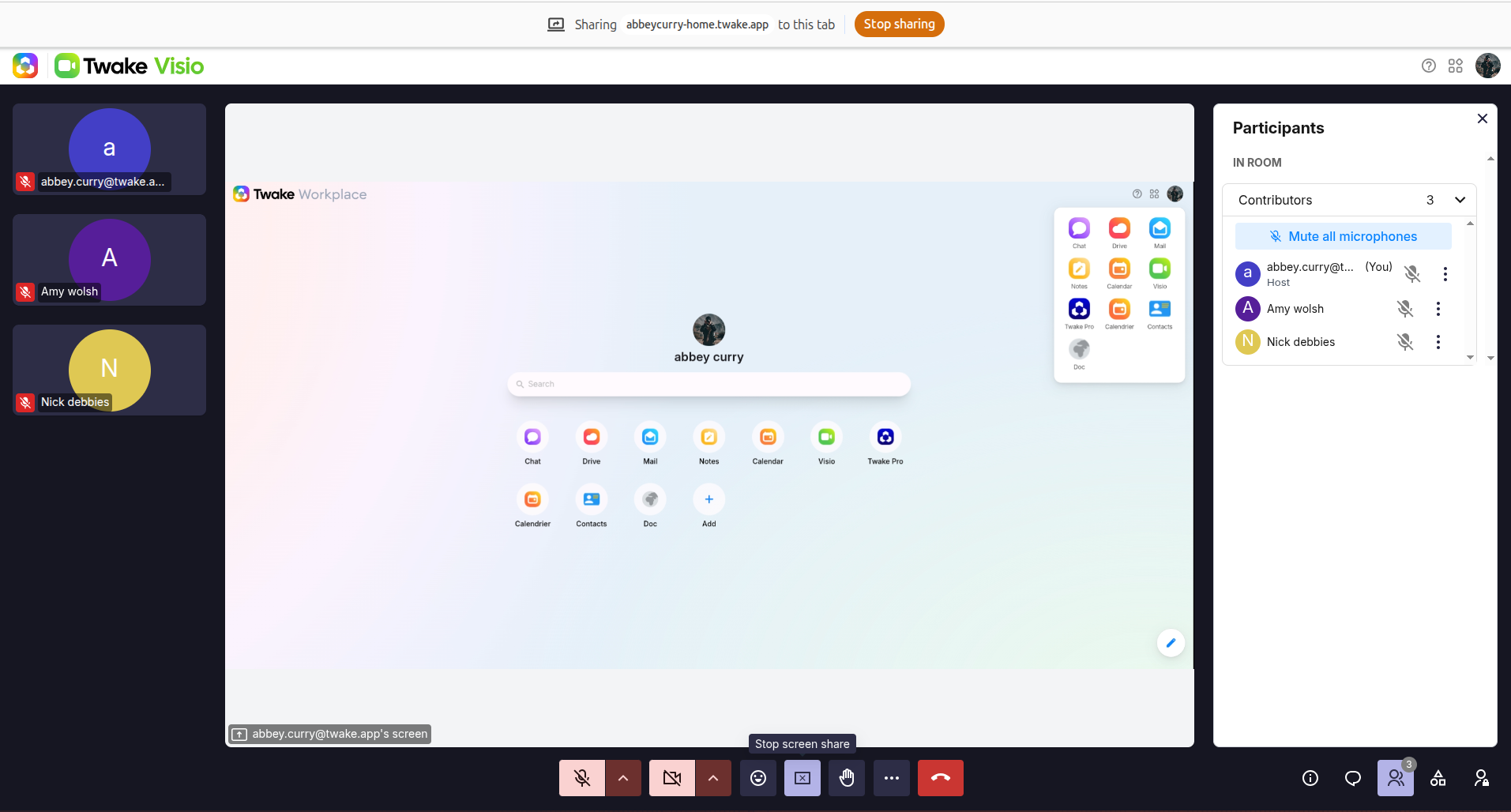
Share your screen in Twake Visio
Share your screen during a meeting to present a document, application, browser tab, or your entire desktop to other participants.
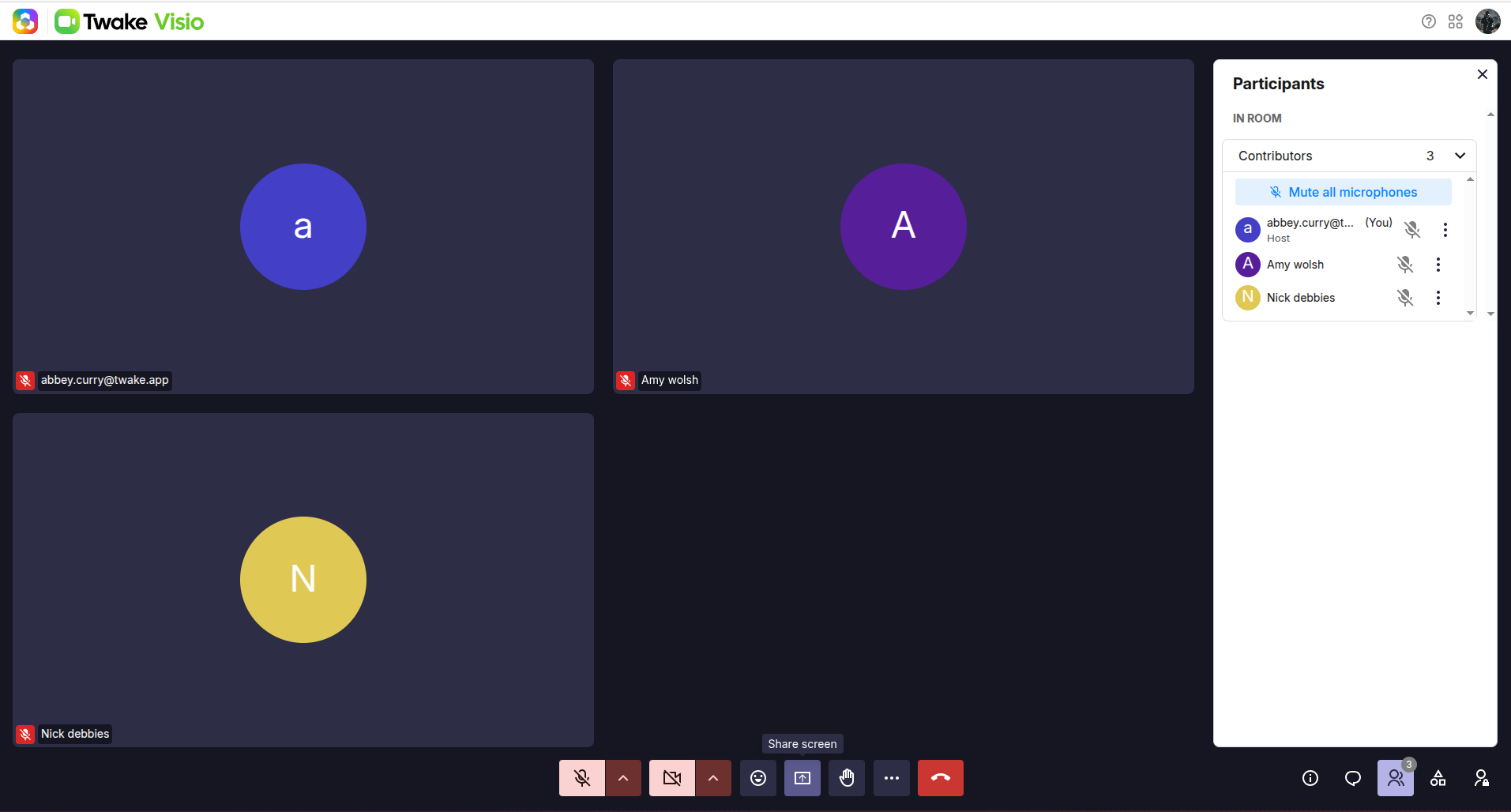
Start sharing your screen
- During the meeting, select Share screen in the meeting toolbar.
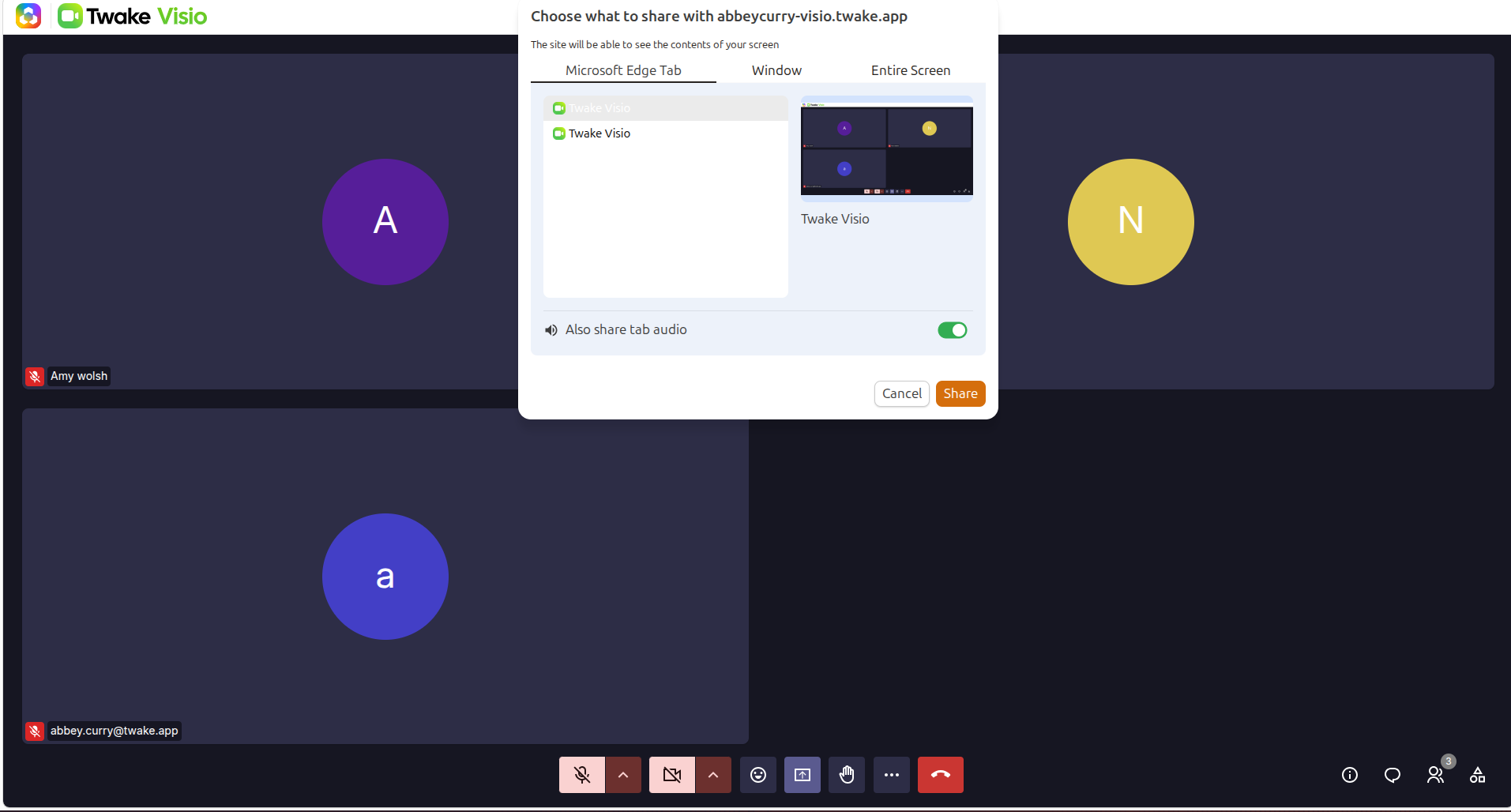
- Your browser opens a window where you can choose the content you want to share.
Depending on your browser, you can select one of the following options:
- Browser tab: Share only one tab from your current browser.
- Window: Share one application window.
- Entire screen: Share everything displayed on the selected screen.
The available options and their appearance may vary depending on your browser and operating system.
- Select the content, then select Share.
You can stop presenting in either of these ways:
- Select Stop sharing in the browser’s sharing notification; or
- Select the screen-sharing control again in the Twake Visio meeting toolbar.