Manage Your QR Code (Mobile)
Your personal QR code makes it easy for others to connect with you on Twake Chat.
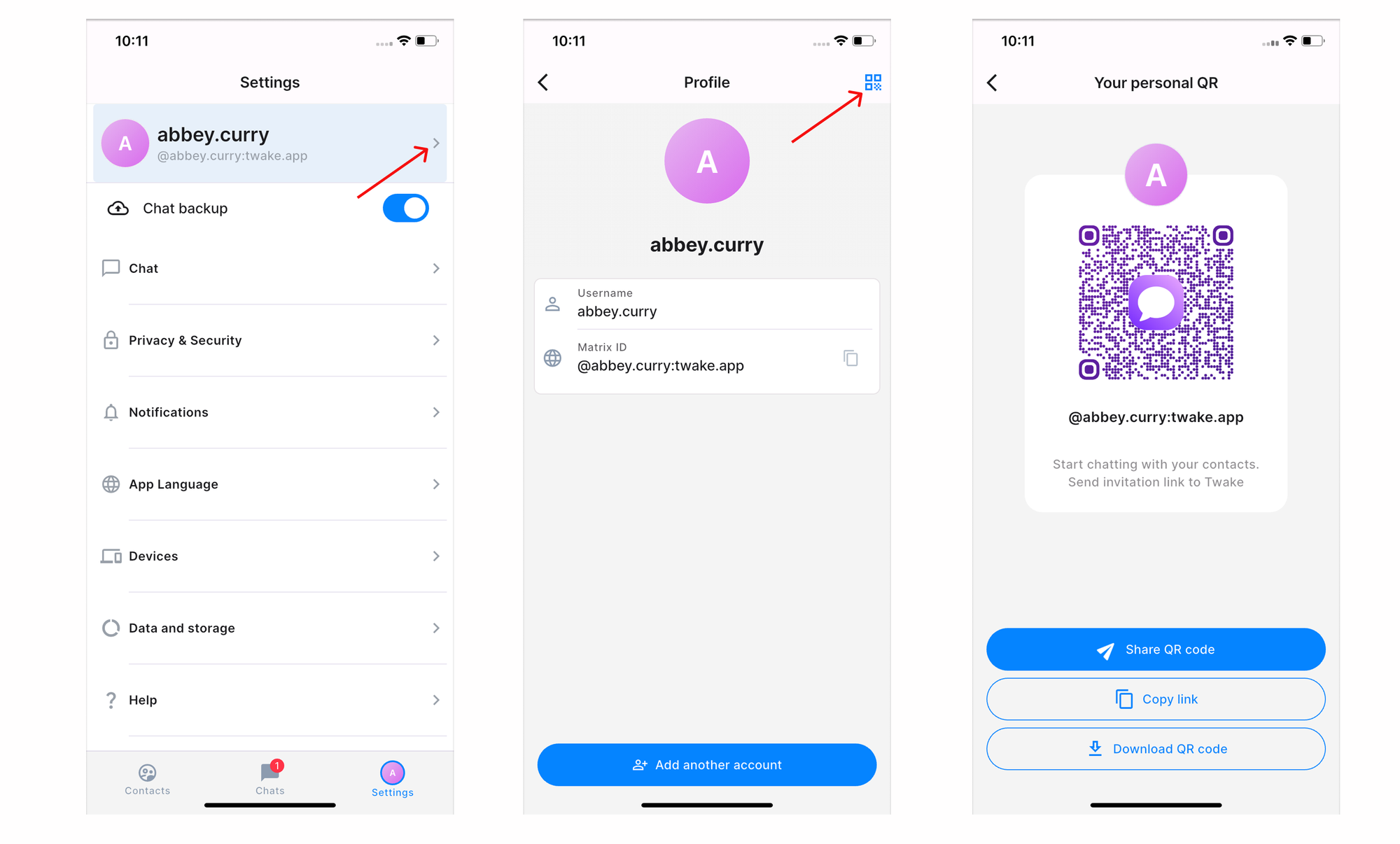
Open Your Personal QR Code
To access your QR code:
- Open Settings.
- Tap your profile at the top of the screen.
- Tap the QR Code icon in the top-right corner.
Your personal QR code is displayed along with your Matrix ID
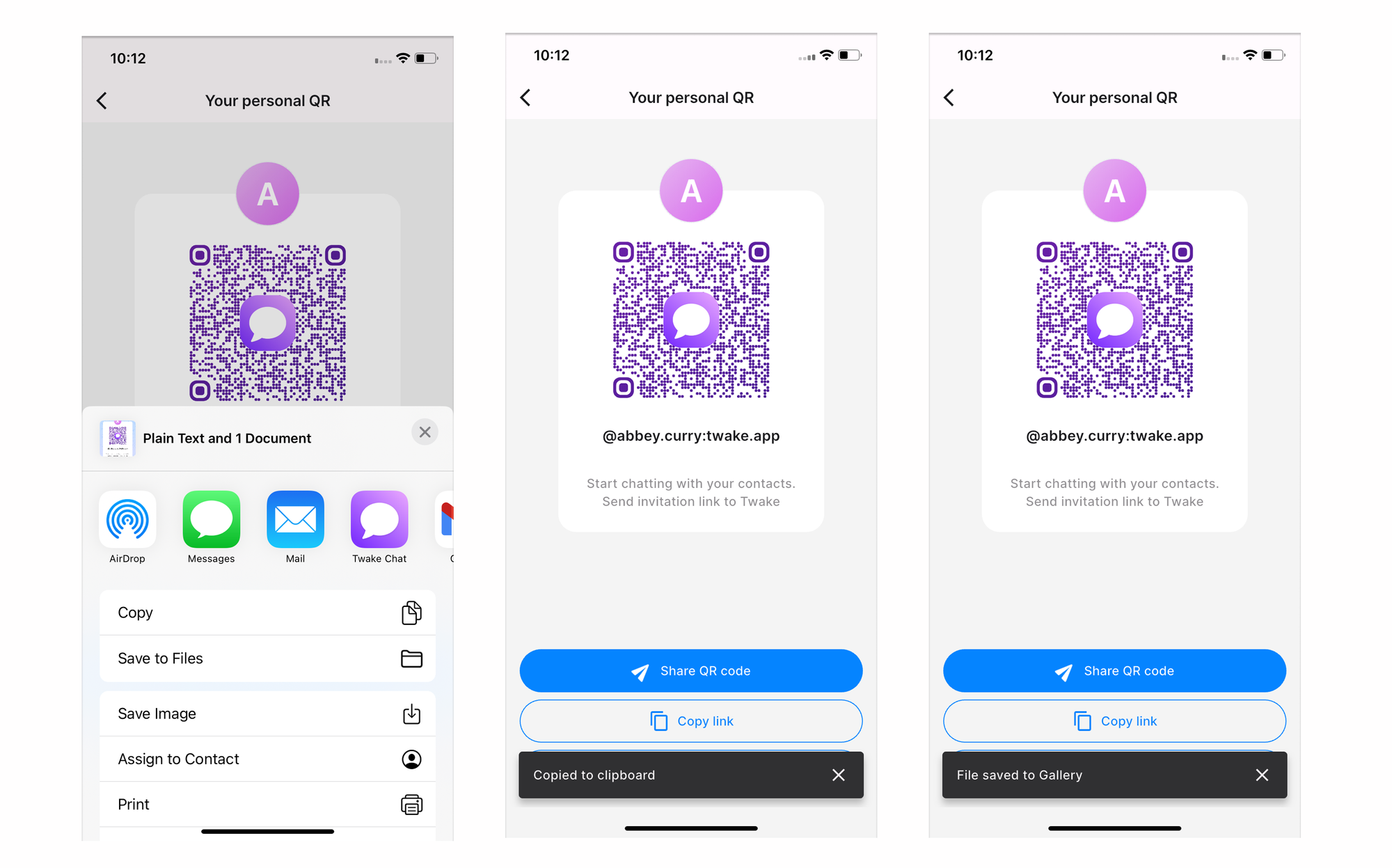
Share Your QR Code
- Tap Share QR code.
- Choose how you want to share it, such as: Twake Chat, Messages, Mail...
The recipient can scan the QR code or open the shared image to add you on Twake Chat.
You can also download the Qr code or you can copy your personal invitation link then paste the link into an email, message, or another application.