Subscribe others' public calendars
You can subscribe another user’s publicly available calendars to Twake Calendar. This allows you to view their events alongside your own calendar.
You can add only calendars that the owner has made public.
- Open Twake Calendar.
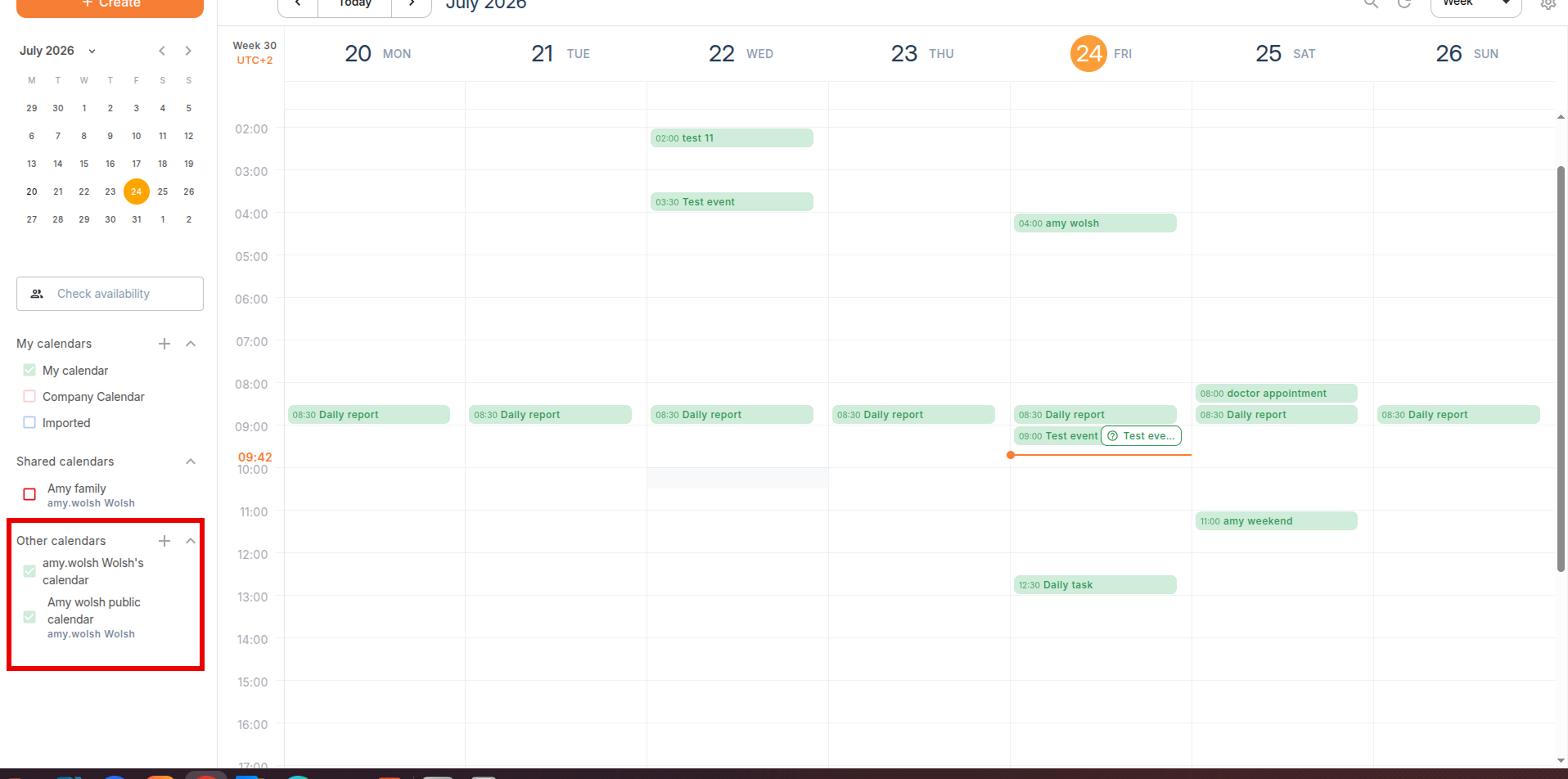
- In the left sidebar, find Other calendars, then click the + icon
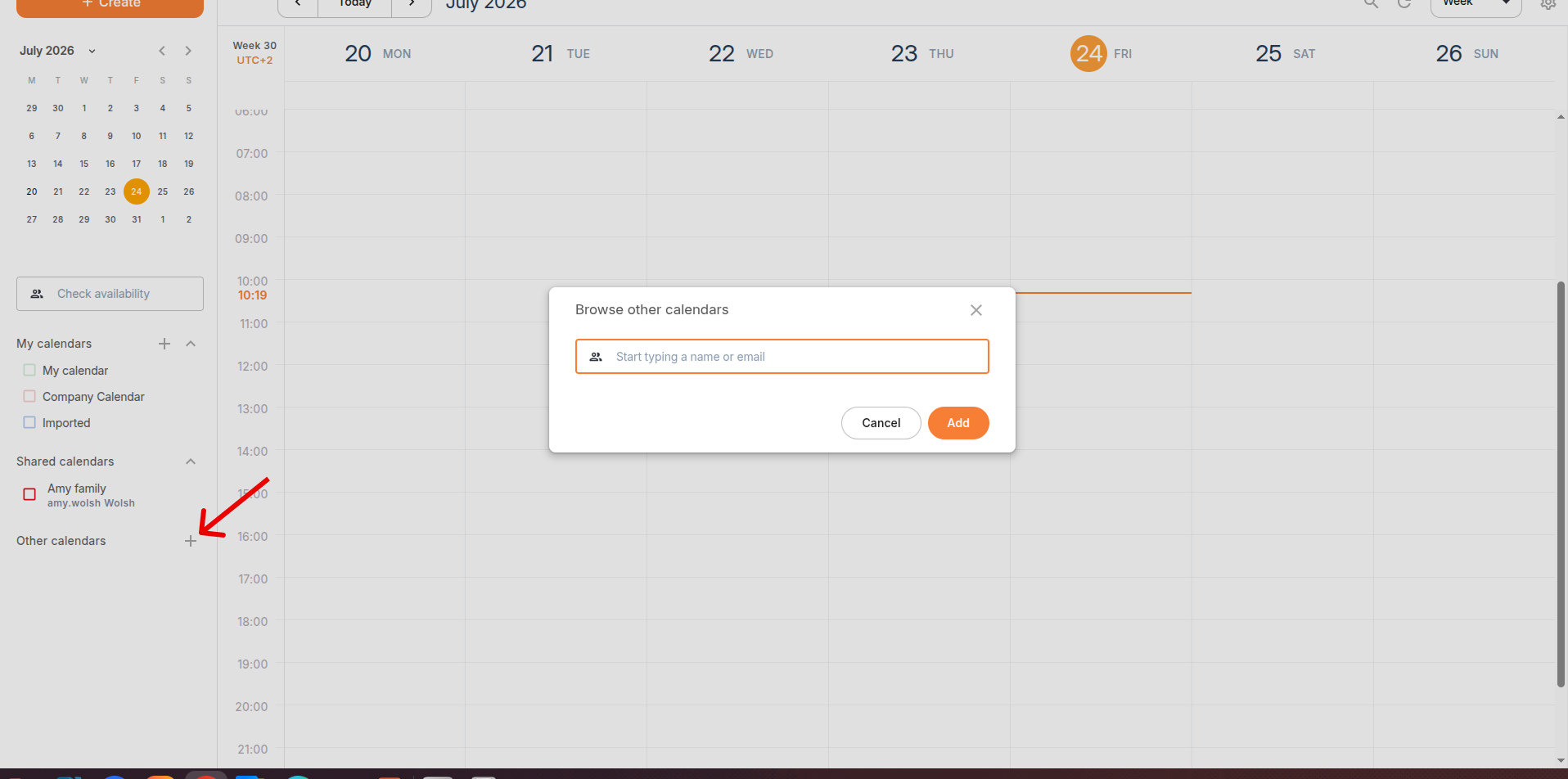
3 . In the Browse other calendars window, enter the user's email address
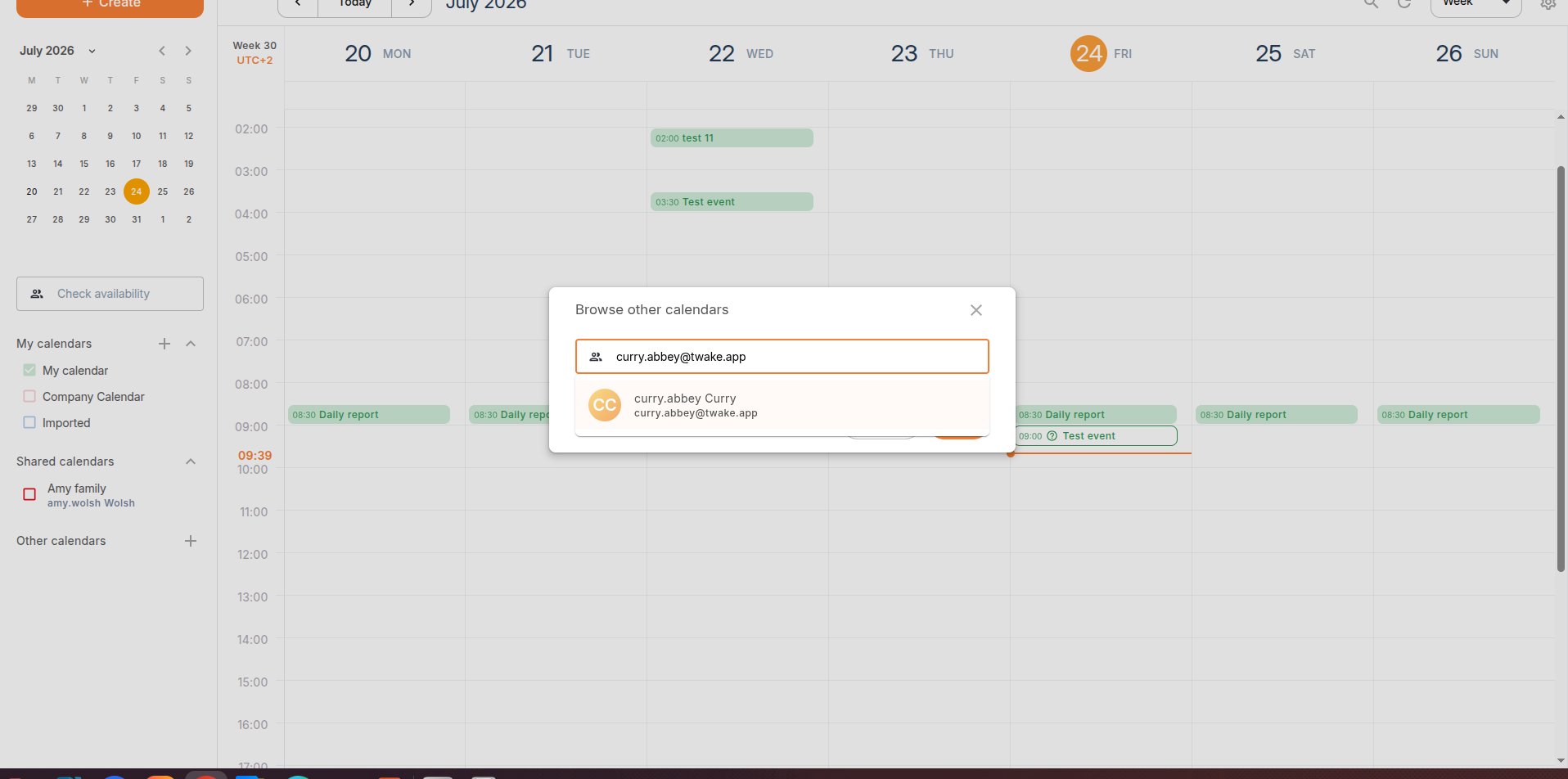
4 . Select the correct user from the search results.
5 . The user’s publicly available calendars are displayed. Select the calendar or calendars you want to add.You can also choose a display color for each calendar.
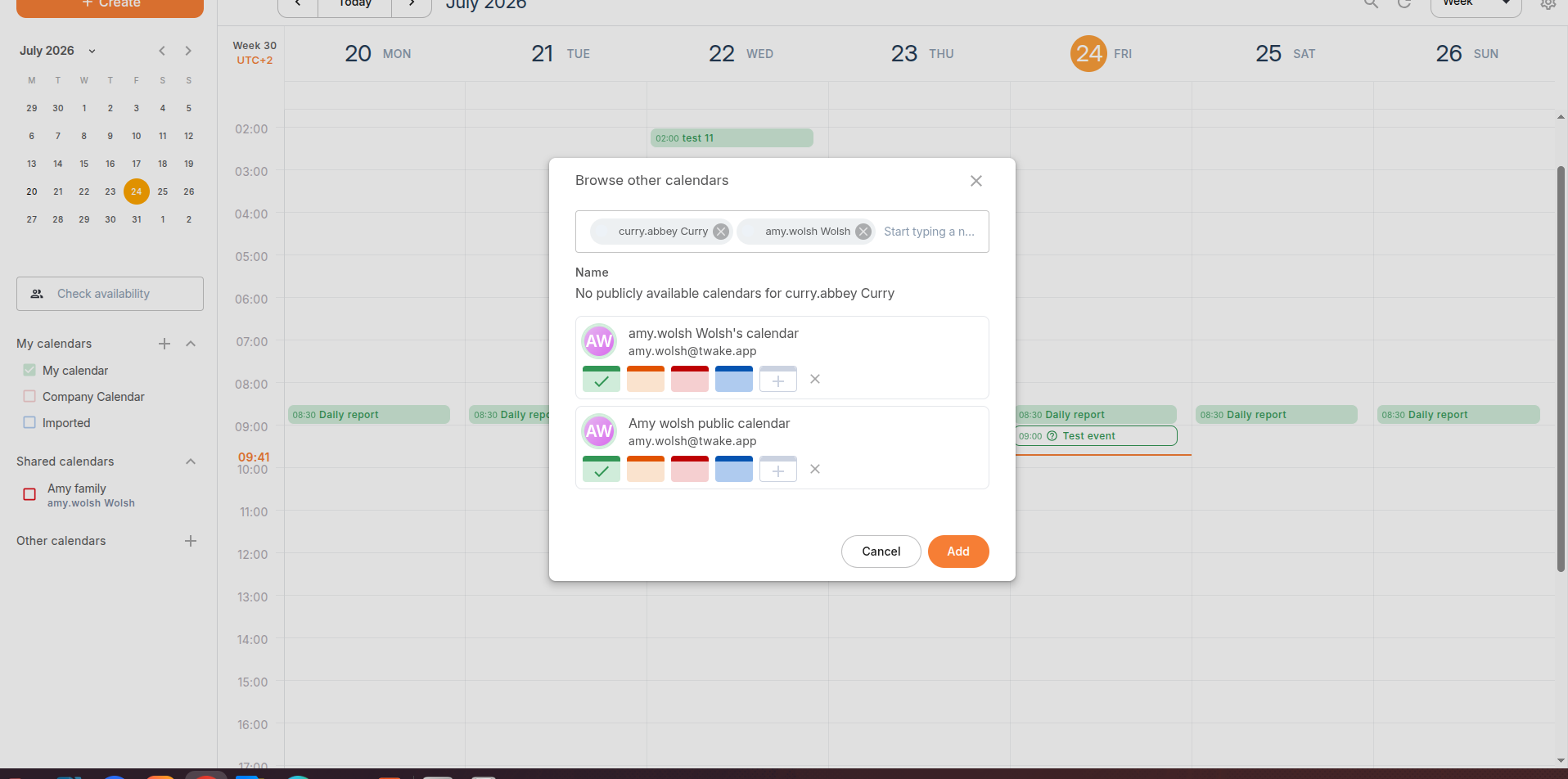
6 . Click Add.
The selected calendars appear under Other calendars, and their events are displayed in your calendar view. You can select or clear the checkbox next to a calendar to show or hide its events.
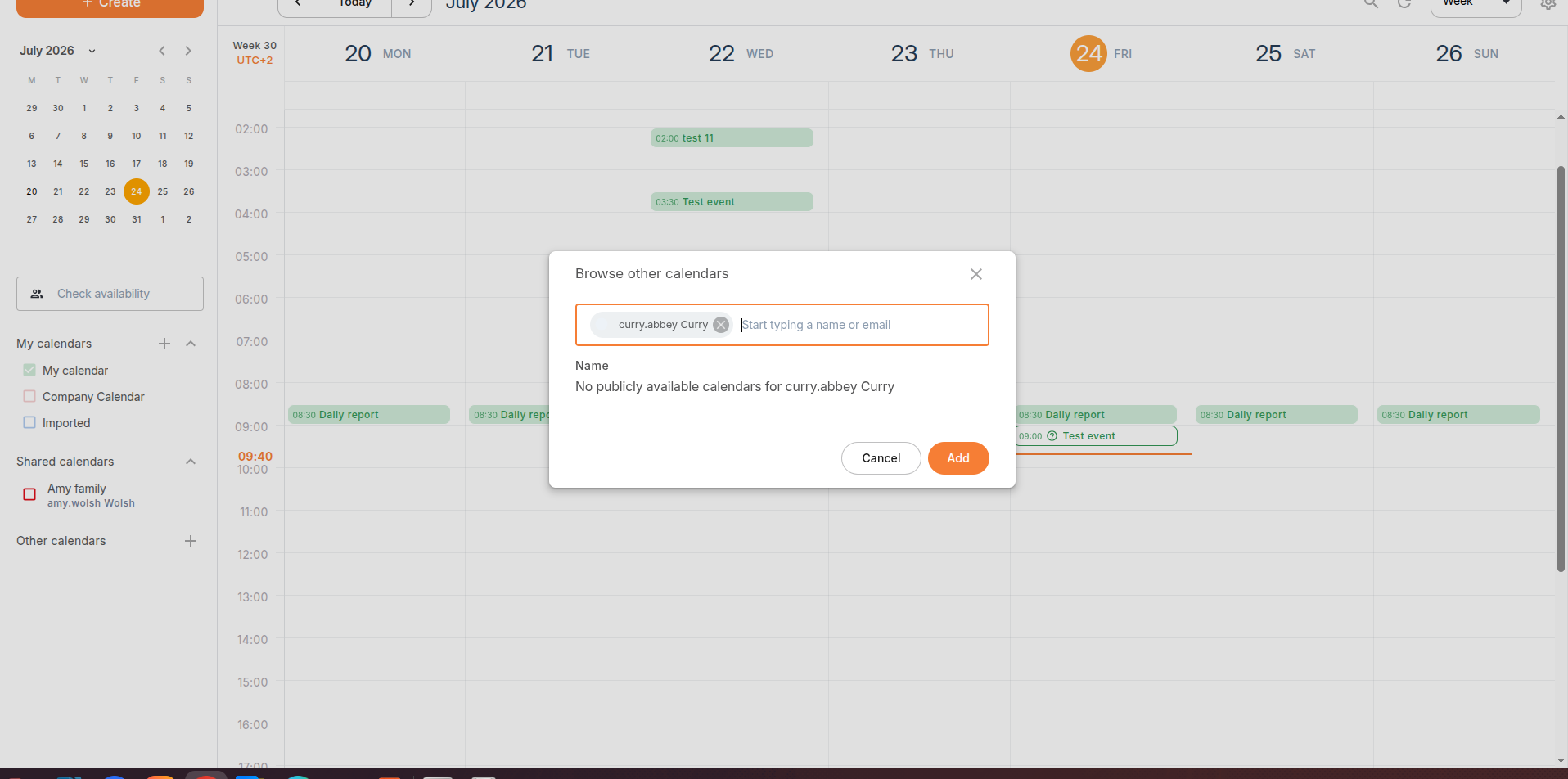
If the message No publicly available calendars for [user] appears, that user has not made any calendar public. You cannot add their private calendars: