Twake Chat - Find your conversations
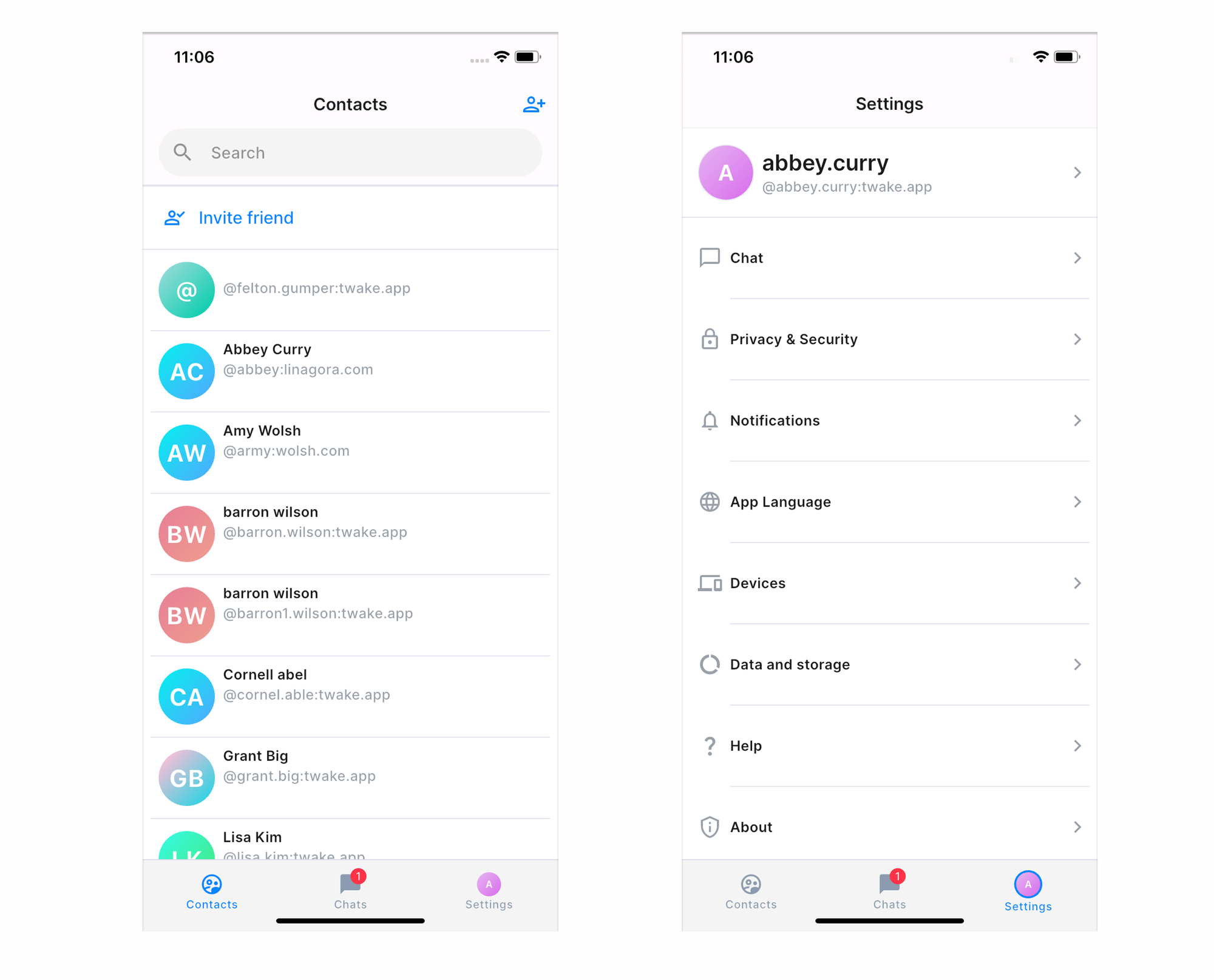
When you open Twake Chat, you'll land on the Chats section. This is where you can access all your conversations and quickly find the people and groups you interact with.
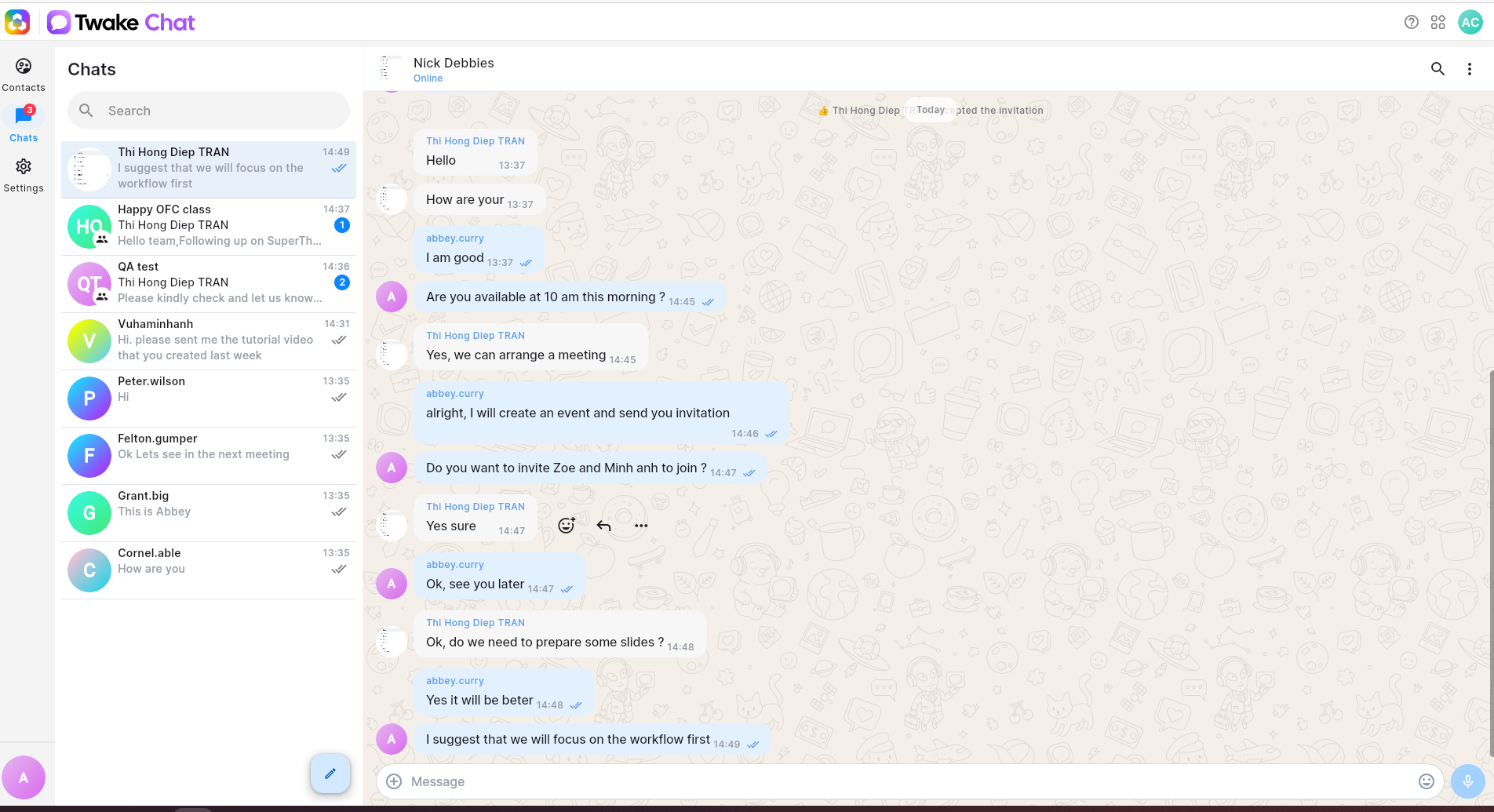
Your chat list displays your most recent conversations, making it easy to continue where you left off.
You can see:
- Direct messages with colleagues
- Group chats and team discussions
- The latest message preview
- The time of the most recent activity
Unread conversations are highlighted with number so you can quickly identify messages that need your attention.
Click any conversation in the chat list to open it in the main chat area and view the full message history.
On mobile:
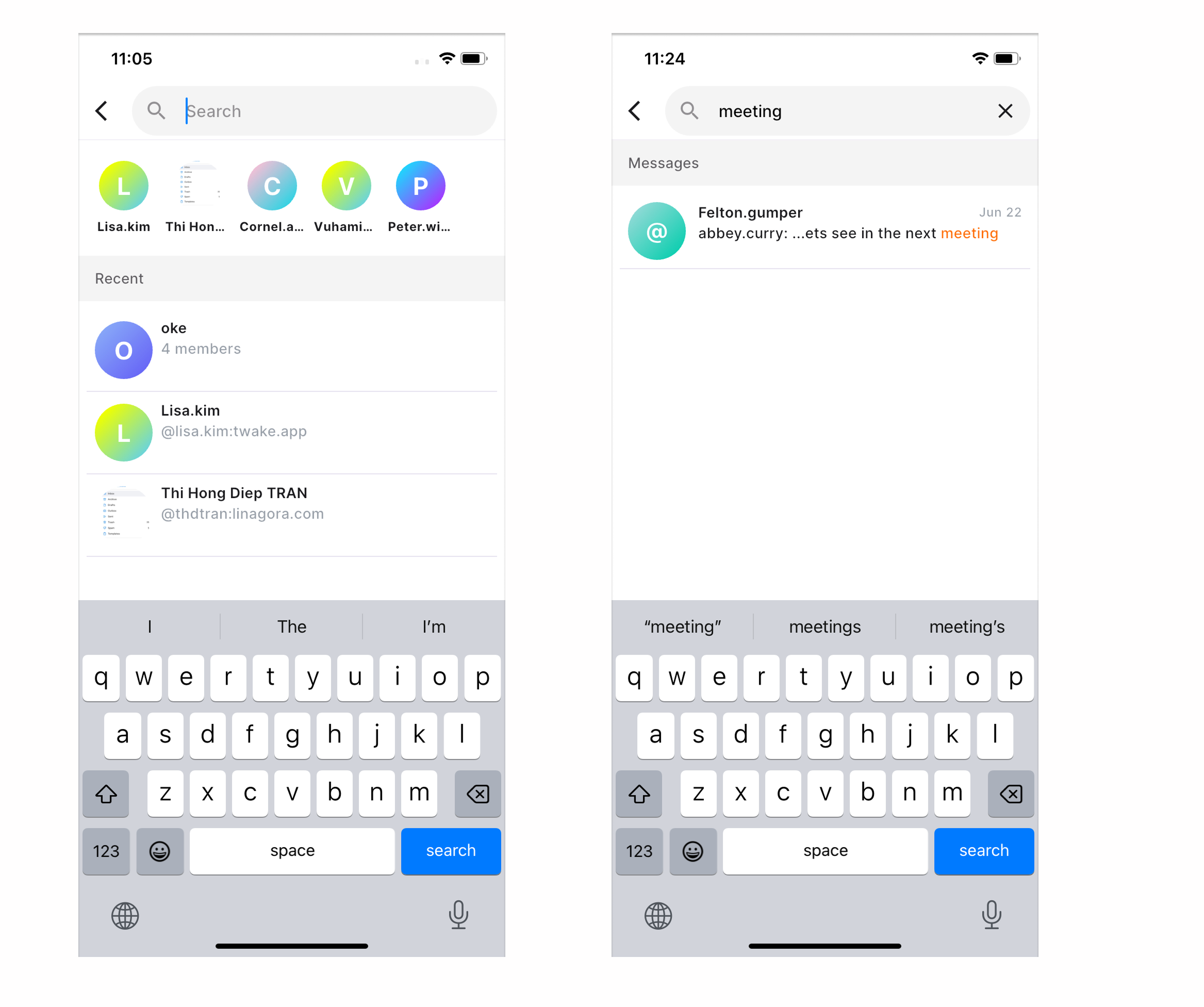
Search for a conversation
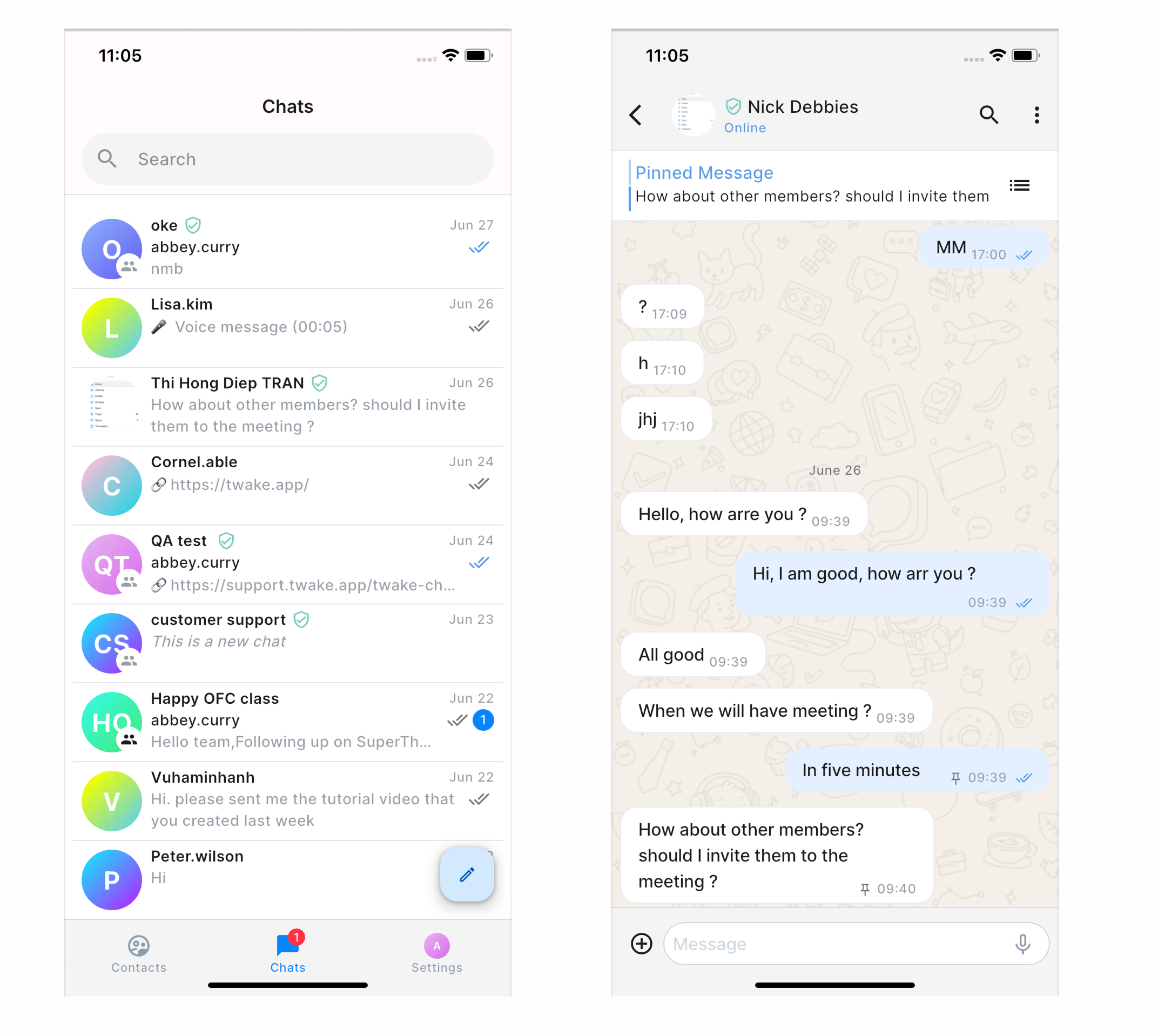
Use the search bar at the top of the chat list to find:
- People
- Group chats
- Un-encrypted messages (encrypted chats won’t be included into the results).
This is the fastest way to locate a conversation without scrolling through your chat history.
💡 Tip: Start typing a person's name or a chat title to instantly filter the conversation list
Navigate between sections
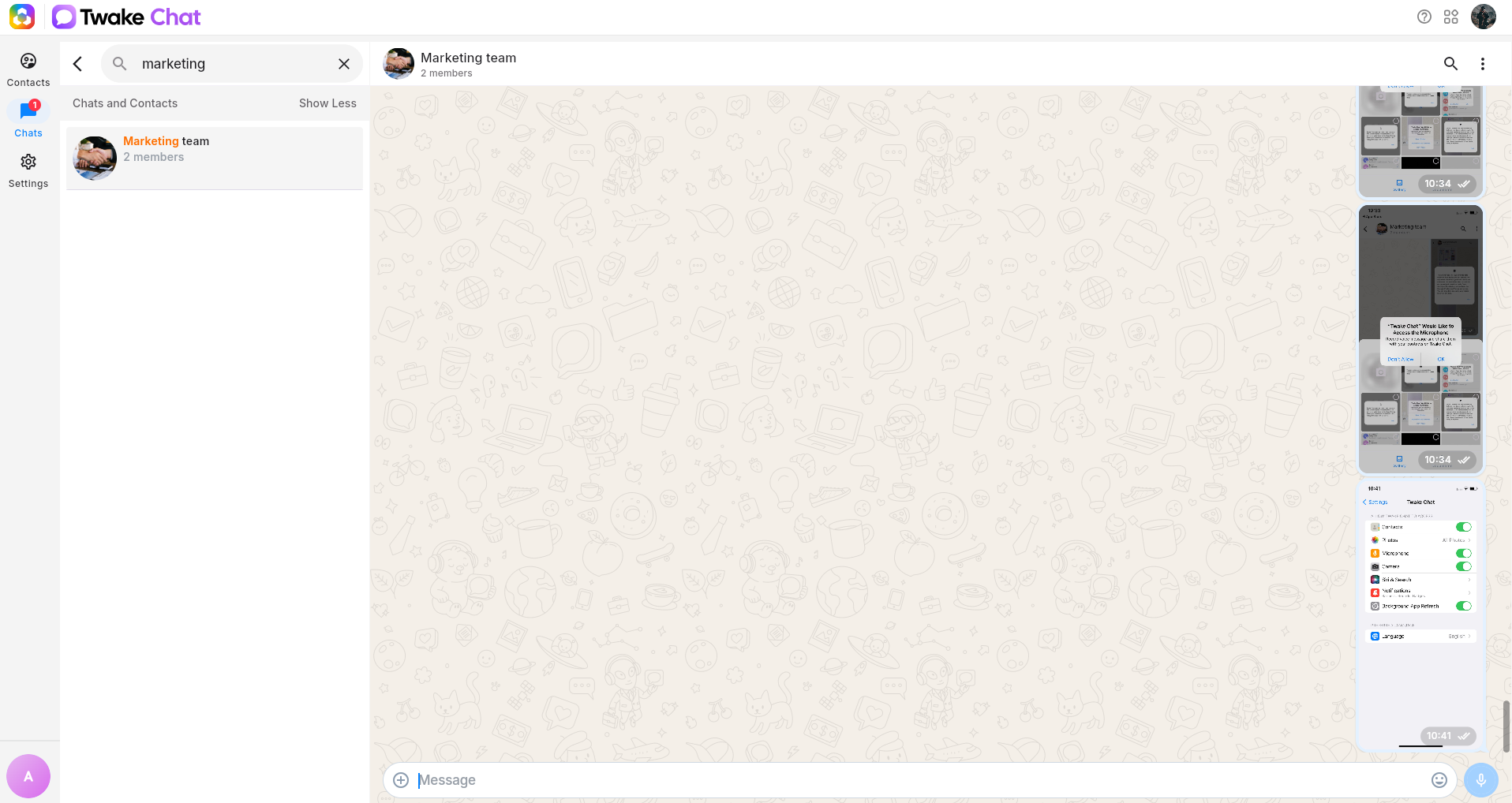
Use the left sidebar to switch between different areas of Twake Chat:
- Contacts – View and manage your contacts.
- Chats – Access your conversations and messages.
- Settings – Configure your preferences and account settings.
On mobile, click on bottom menu to switch between Chats, Contacts, Settings: