
Mail- Manage account
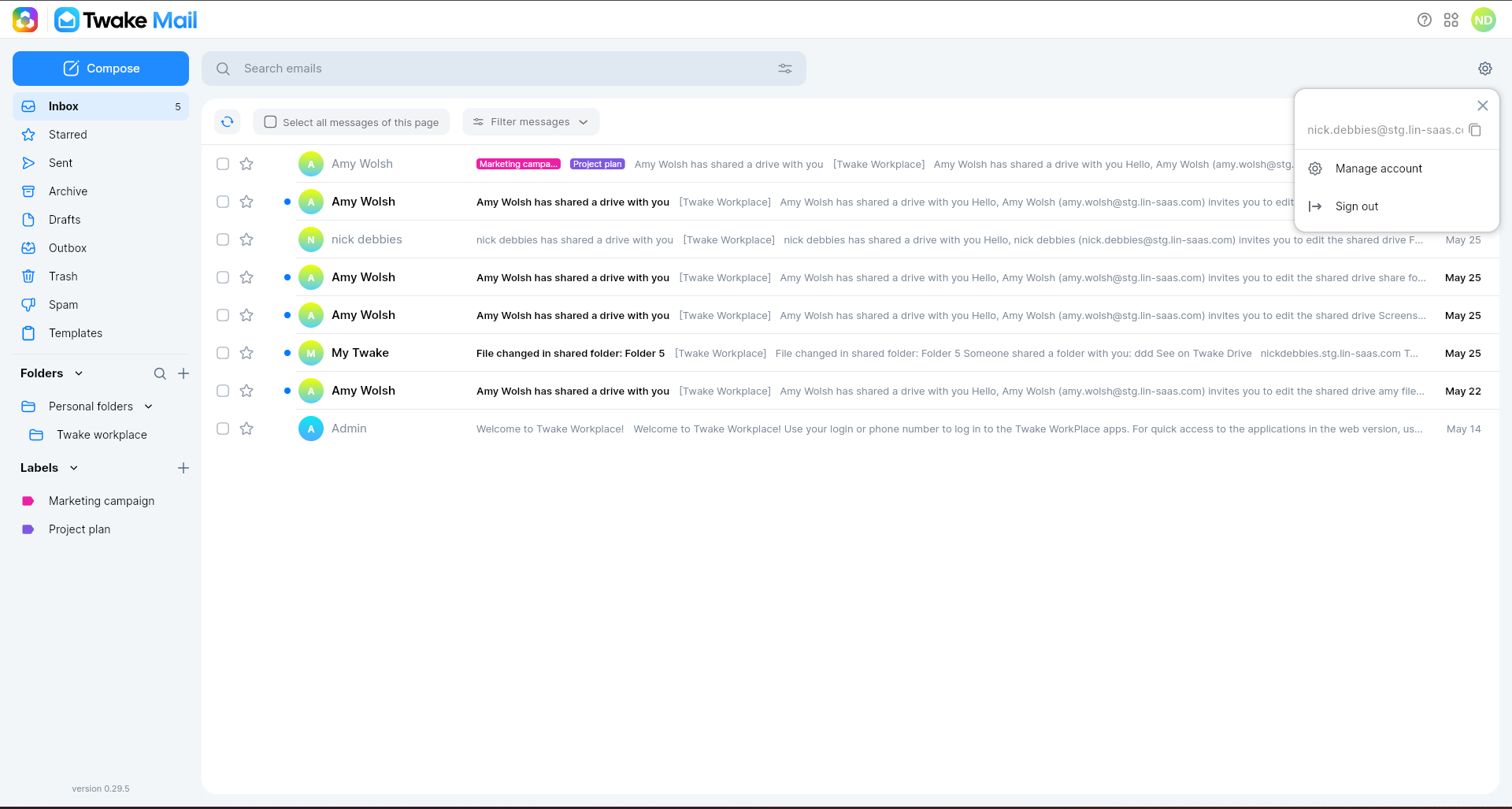
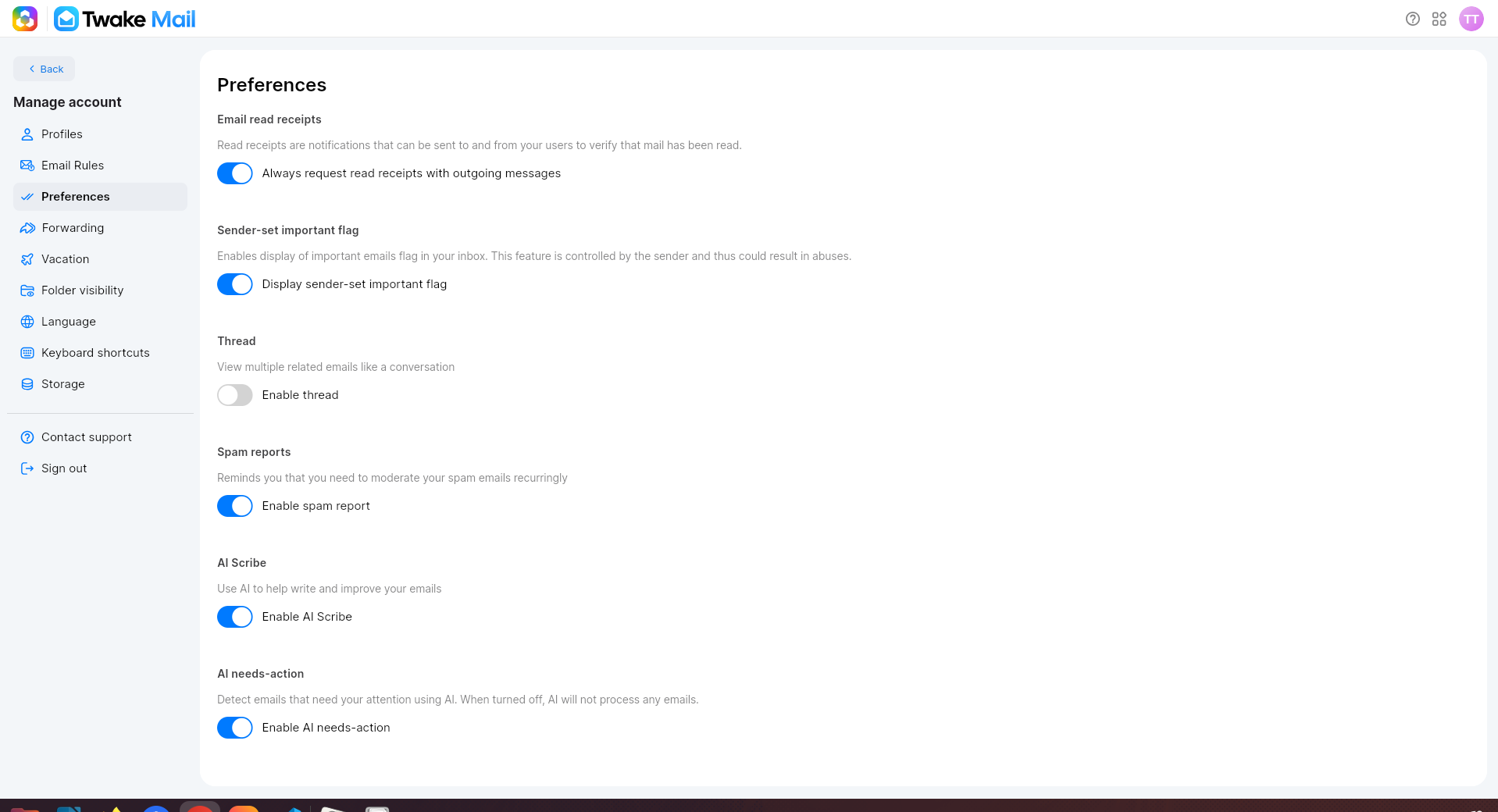
After logging in to your Twake Mail account, click on setting icon on top right then select option "Manage account"
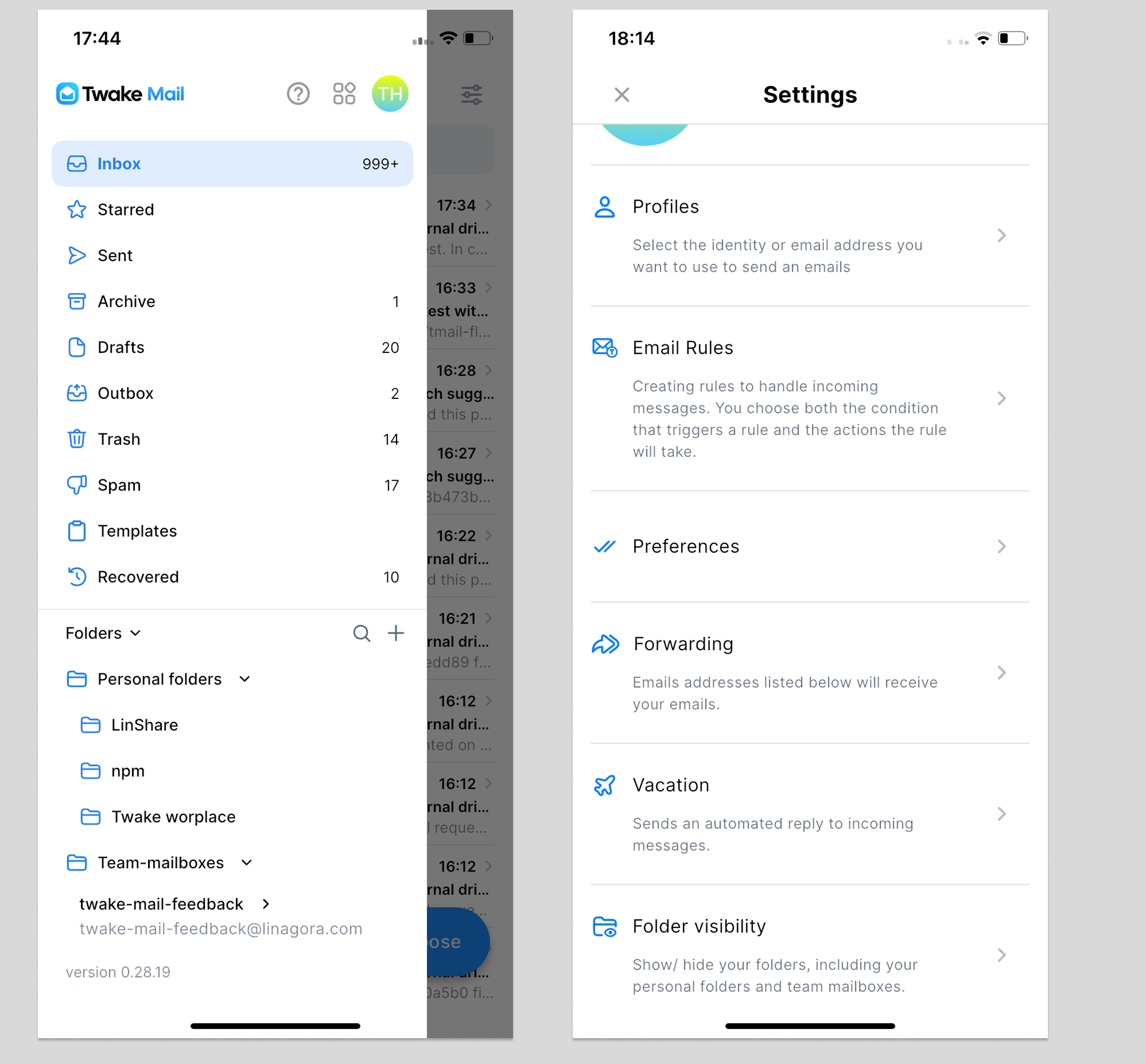
On Mobile, after you log in to the Twake Mail application, click on hamburger button => then select Manage account, the Settings screen will be displayed.
The profile page allows you to: