
Twake Drive Mobile Application
The Twake Drive mobile application allows users to access, manage, and share files directly from a mobile device.
Open Twake Drive on Mobile
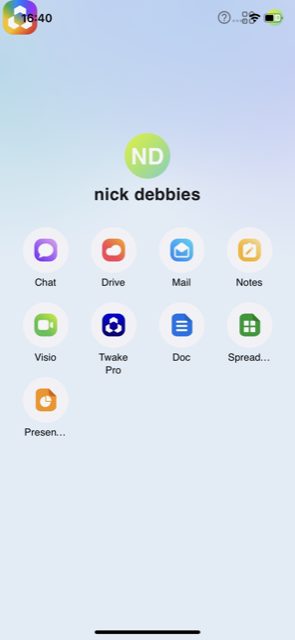
- Open the Twake Workplace mobile application.
- From the home screen, tap Drive.
- The Twake Drive application opens and displays your files and folders.
Main Features
With the Twake Drive mobile application, you can:
- Browse files and folders
- Upload files from your mobile device
- Create folders
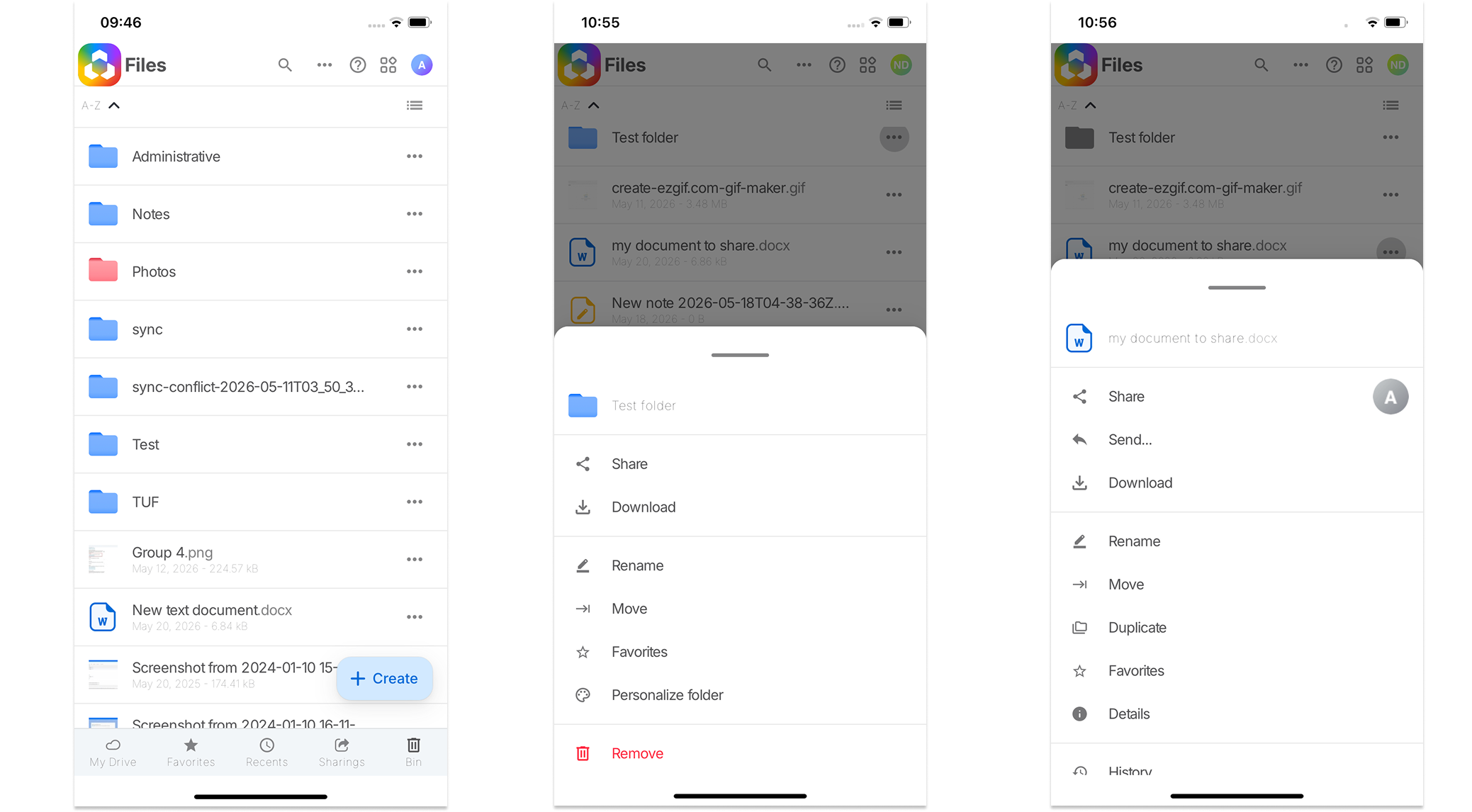
- Mange files/folders: Share, Download, Preview, Rename, Move, Duplicate, Remove...
- Access recent files
- Manage favorite files
- Access shared documents
- Switch between list and grid views
- ...
The mobile application provides simplified navigation optimized for mobile devices through the bottom navigation bar
Using the Twake Drive mobile application allows you to:
- Access files anywhere
- Quickly share documents
- Work remotely
- Synchronize files across devices
- Stay connected to your workspace on the go
Warning — The Twake Drive mobile application is currently in alpha version.
This means:
- Some features may still be incomplete
- The interface may evolve frequently
- Certain desktop functionalities may not yet be available on mobile
- Performance or synchronization issues may occur
- Bugs and visual inconsistencies may still exist
The application is continuously improving and may change between releases.