
Getting Started with Twake Workplace
Welcome to Twake Workplace — an Open Source collaborative platform designed to help teams communicate, collaborate, and manage their daily work in one place.
Twake Workplace provides integrated applications for messaging, email, file management, calendars, and teamwork, all accessible with a single account.
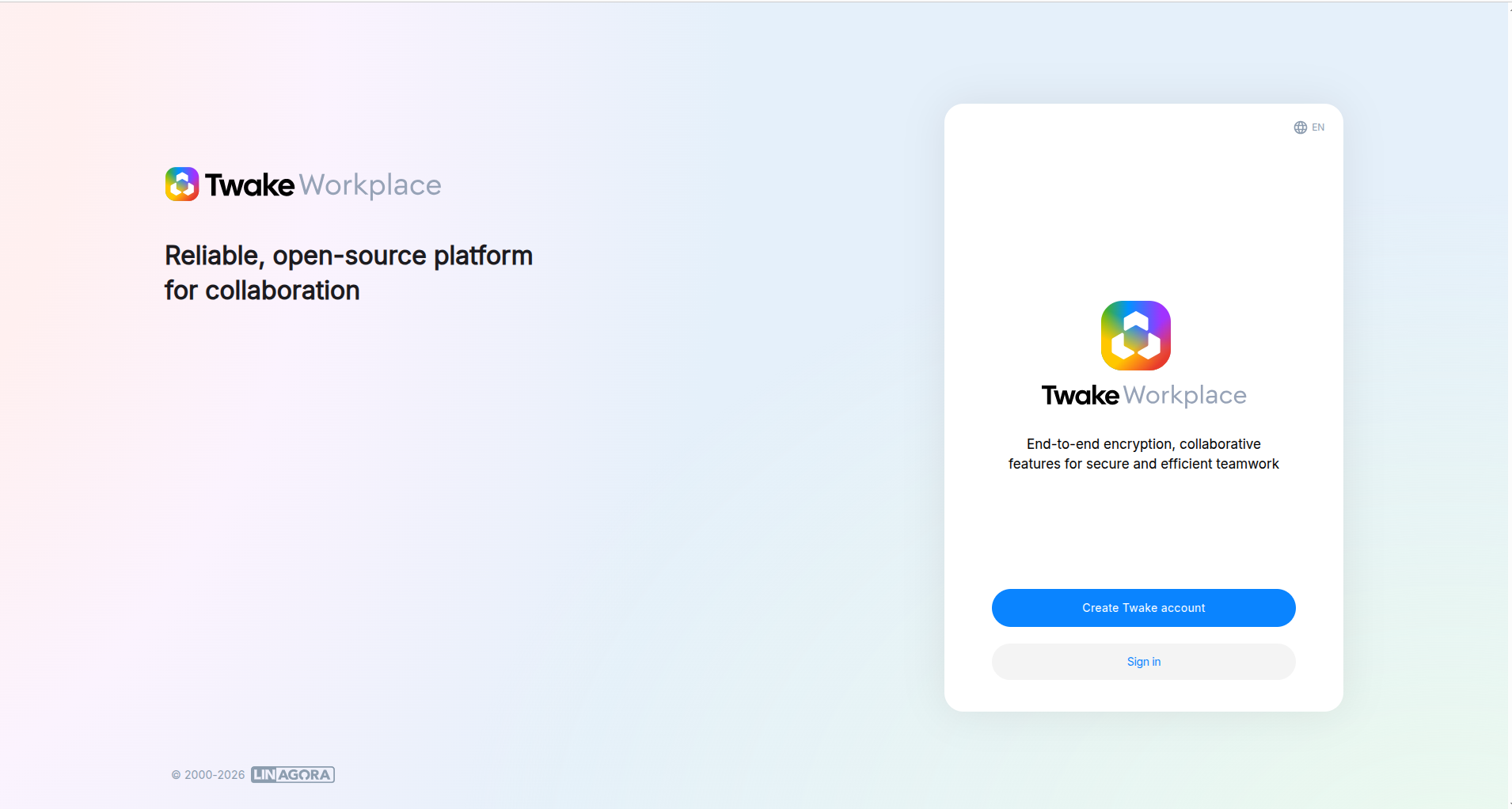
Sign in to Twake Workplace
Access your account
- Open the Twake Workplace URL https://twake.app/
- Sign in or Create Twake account if you haven't got one
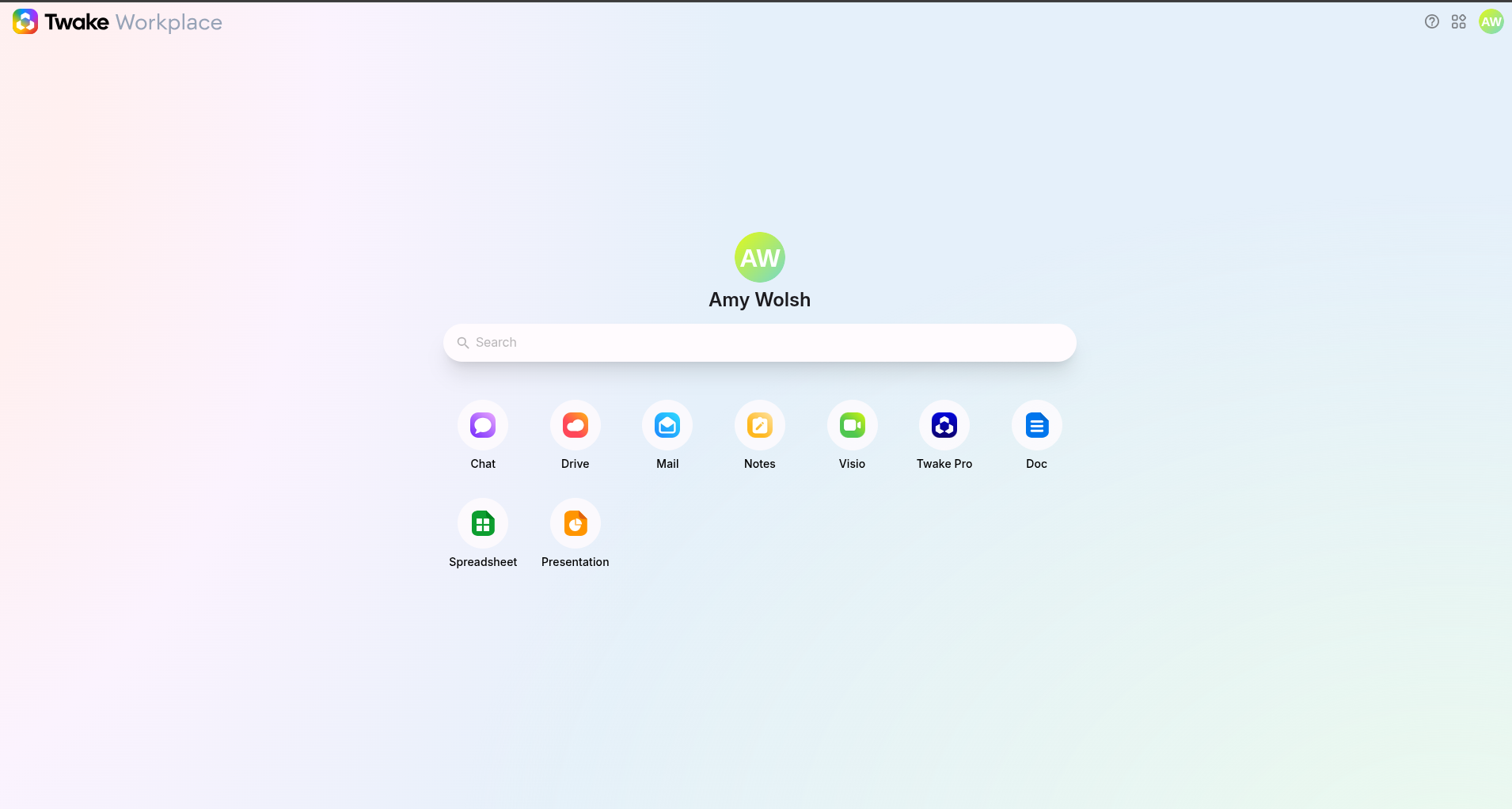
After login, you will access the Twake Workplace homepage.
Navigate Through the Platform
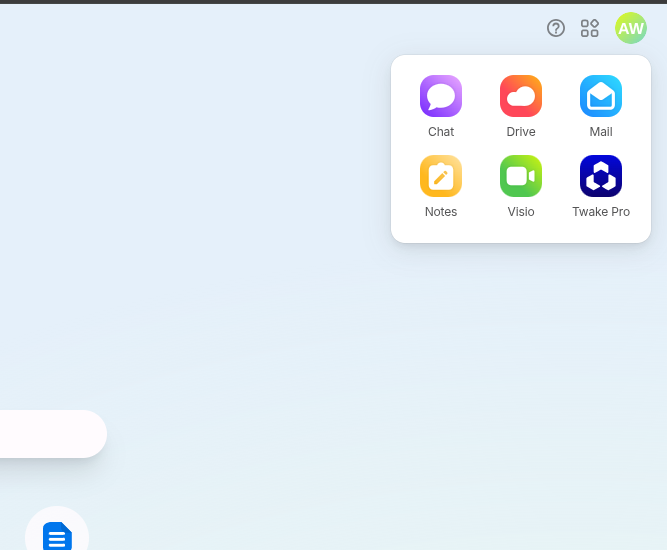
The main navigation menu allows you to access the different applications and workspace features:
- Twake Drive - Store, organize, and share files
- Twake Mail - Send and receive emails
- Twake Chat - Communicate and collaborate with teams
- Twake Calendar - Schedule meetings and manage events
- Twake Notes - Create and organize personal or collaborative notes
- Twake Visio - Organize video conferences
You can switch between applications directly from the homepage or app grid
Where to Find Help
If you need assistance:
- Open the Help Center: Twake Support Center
- Contact your organization administrator
- Reach the support team through the official website: Twake Support
Additional user guides and FAQs are available in the support center.